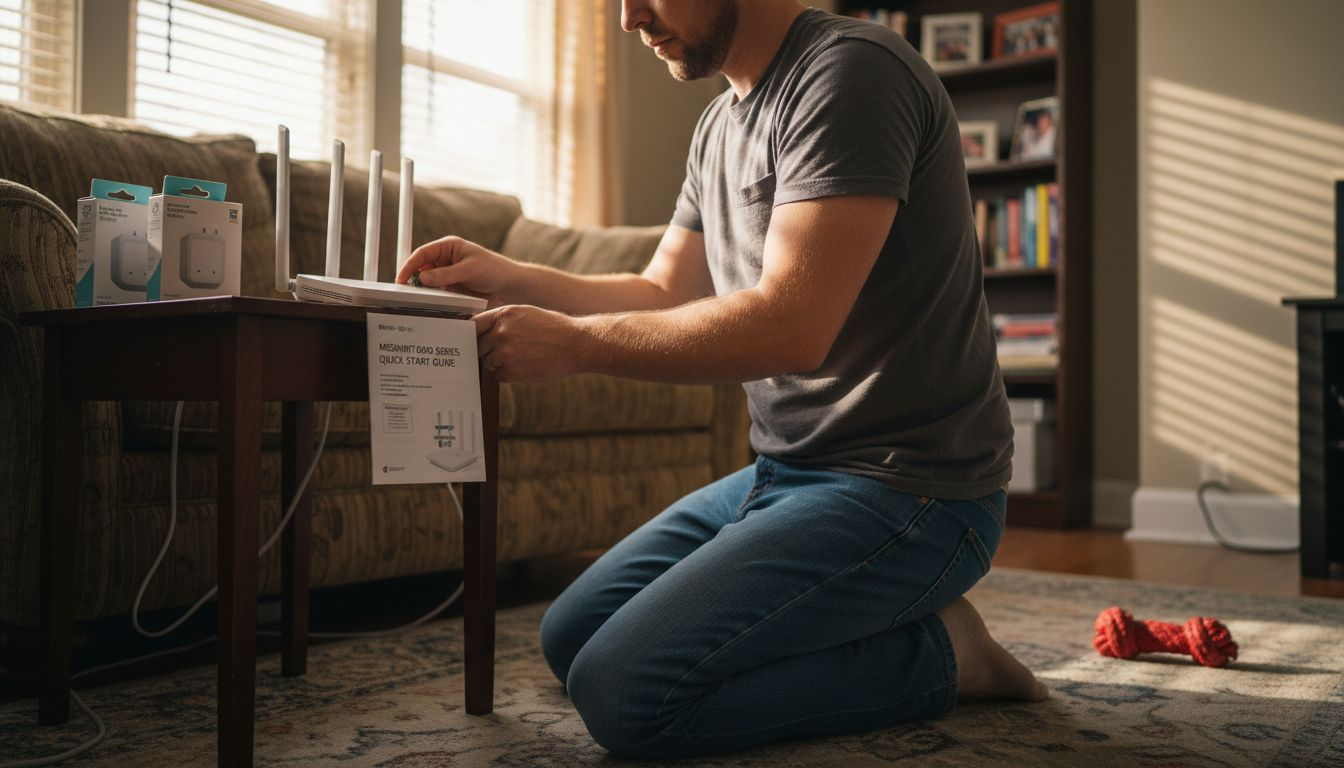
More than 50 percent of American homeowners now consider smart devices essential for daily comfort and safety. If you live in a busy city, the right technology can make your home not only more secure but also dramatically more energy efficient. In this guide, find practical steps to help you confidently set up your own smart home system, from assessing your network’s strength to connecting gadgets and optimizing every routine.
Table of Contents
- Step 1: Assess Your Home’s Network Readiness
- Step 2: Choose Compatible Smart Home Devices
- Step 3: Install And Connect Smart Gadgets
- Step 4: Configure Automation And Routines
- Step 5: Test And Optimize Your Smart System
Quick Summary
| Key Insight | Explanation |
|---|---|
| 1. Assess your home network first | Ensure your internet setup can support multiple smart devices without performance issues. Run speed tests to confirm bandwidth adequacy. |
| 2. Choose compatible devices | Select smart devices that support standard communication protocols like Zigbee or Matter for optimal integration and functionality. |
| 3. Follow installation steps | Install devices by downloading the manufacturer app, creating an account, and following pairing instructions carefully to ensure proper setup. |
| 4. Create automation routines | Use your smart home ecosystem apps to design automated routines that enhance convenience and inter-device communication. |
| 5. Regularly test and optimize | Periodically test automation and review energy analytics to detect issues, maintain performance, and improve energy efficiency in your smart home. |
Step 1: Assess your home’s network readiness
Before diving into smart home technology, understanding your home network’s capability is crucial. This step involves evaluating your internet infrastructure to ensure smooth smart device integration and optimal performance.
Start by checking your current internet setup. Most smart home devices require a stable and robust wireless network with adequate bandwidth. Network security recommendations from the NSA highlight the importance of securing routing devices and implementing strong wireless network configurations. Your goal is to confirm your home network can handle multiple connected devices without performance degradation.
To assess network readiness, run a comprehensive internet speed test using reputable online tools. Aim for minimum download speeds of 25 Mbps and upload speeds around 10 Mbps. Check your router’s age and specifications these will impact your smart home ecosystem’s performance. Older routers might struggle with multiple device connections and lack modern security features. CISA recommends continuous network monitoring and risk mitigation strategies to maintain a secure and reliable home network infrastructure.
Pro tip: Consider investing in a mesh wifi system if your current router struggles with consistent coverage across multiple rooms or levels of your home.
Step 2: Choose compatible smart home devices
Selecting the right smart home devices is a critical step in creating a seamless and efficient home automation system. Your goal is to build an interconnected ecosystem that works harmoniously without technical headaches.

Research on smart home technology adoption emphasizes the importance of device compatibility and interoperability across different manufacturers and platforms. When shopping for smart home devices, prioritize products that support standard communication protocols like Zigbee, Z Wave, or Matter. These protocols enable devices from different brands to communicate effectively, reducing potential integration challenges.
Start by identifying your primary smart home goals whether that is energy management, security, convenience, or entertainment. Focus on devices that align with major ecosystems like Amazon Alexa, Google Home, or Apple HomeKit. The Open Home Foundation recommends selecting devices that support open APIs and local control, ensuring you maintain privacy and flexibility in your smart home setup. Pay attention to each device’s compatibility list and verify that your existing or planned devices can communicate with each other before making a purchase.
Here’s a quick comparison of popular smart home communication protocols:
| Protocol | Device Compatibility | Security Features | Typical Use Cases |
|---|---|---|---|
| Zigbee | Broad, many manufacturers | Advanced encryption | Lighting, sensors, locks |
| Z-Wave | Strong, especially hubs | AES-128 security | Thermostats, alarms, lights |
| Matter | Industry-standard, growing | Built-in encryption | Multi-ecosystem devices |
| Wi-Fi | Universal, highest speed | WPA2/WPA3 supported | Cameras, speakers, plugs |
Pro tip: Check each device’s compatibility matrix and consider purchasing a universal hub that can integrate multiple communication protocols to maximize your smart home’s flexibility.
Step 3: Install and connect smart gadgets
Now that you have selected compatible devices, it is time to bring your smart home vision to life by installing and connecting your new gadgets. This step transforms your existing home infrastructure into an intelligent, responsive environment.
Smart device connection tools like the Smart Development Bridge demonstrate the importance of systematic device management during installation. Begin by gathering all your devices, their respective power adapters, and installation manuals. Most smart home gadgets follow a similar connection process that involves downloading the manufacturer specific app, creating an account, and following step by step pairing instructions.
Prepare your home network by ensuring strong wifi signal strength in the areas where you plan to install smart devices. Most smart gadgets require a 2.4 GHz wifi network, so verify your router settings if you encounter connection problems. Follow each device’s specific setup instructions carefully, typically involving powering on the device, opening its companion app, and using bluetooth or wifi to establish initial communication. For devices like smart plugs, thermostats, or security cameras, this usually means plugging in the device, waiting for indicator lights, and then following the app guided setup process.
Pro tip: Create a spreadsheet to track each device’s login credentials, wifi network information, and setup date to maintain an organized smart home ecosystem.
Step 4: Configure automation and routines
Automation transforms your smart home from a collection of individual devices into an intelligent, responsive ecosystem that anticipates and responds to your daily needs. This step is where your smart home truly comes alive, creating seamless interactions between your connected devices.

Home automation projects demonstrate how complex routines can be designed using sophisticated communication protocols that enable devices to interact intelligently. Start by exploring the automation features within your smart home ecosystem apps. Most platforms offer preset routines like morning wake up sequences or evening security checks, which you can customize to match your specific lifestyle. Consider creating routines that combine multiple device actions simultaneously for maximum efficiency.
Begin with simple automations that solve immediate household needs. For example, program your smart lights to gradually brighten in the morning, have your smart thermostat adjust temperature based on your location, or set security cameras to activate when you leave home. Pay attention to the conditional triggers available in your smart home platform some allow actions based on time, location, device status, or even weather conditions. Test each routine carefully to ensure they work smoothly and provide the convenience you desire.
Pro tip: Start with 2-3 basic automation routines and gradually expand your smart home’s capabilities as you become more comfortable with the technology.
Step 5: Test and optimize your smart system
With your smart home devices installed and configured, the final crucial phase is testing and fine tuning your system to ensure seamless performance and maximum efficiency. This step transforms your initial setup into a truly responsive and personalized smart home environment.
Energy Star recommends systematic testing and continuous optimization of smart home systems to maximize energy efficiency and functionality. Begin by methodically testing each device and automation routine under different scenarios. Verify that your smart lights turn on and off correctly, check if motion sensors trigger appropriate actions, and ensure your thermostat responds accurately to scheduled and location based changes.
Dive deeper into performance optimization by monitoring device interactions and energy consumption patterns. Most smart home platforms provide detailed analytics that reveal how your devices communicate and consume power. Look for opportunities to refine automation triggers, adjust sensitivity settings, and eliminate redundant or inefficient routines. Pay special attention to devices that seem to malfunction or consume excessive energy. Some advanced platforms allow you to create custom scripts or rules that provide more granular control over your smart home ecosystem.
Pro tip: Create a monthly review process where you assess your smart home system’s performance and make incremental improvements to maintain peak efficiency.
Below is a summary of key monthly optimization tasks for your smart home system:
| Task | Purpose | Recommended Frequency |
|---|---|---|
| Test automation routines | Identify configuration issues | Monthly |
| Review energy analytics | Detect high-usage devices | Monthly |
| Update device firmware | Enhance security and reliability | Monthly |
| Check network coverage | Ensure stable smart device links | Quarterly |
Make Your Smart Home Journey Effortless with Expert Guidance
Setting up a smart home can feel overwhelming when faced with technical terms like Zigbee, Z-Wave, or automation routines. If you want to avoid common pitfalls such as network instability or device incompatibility this article helps you understand these challenges and goals clearly. But you do not have to navigate it alone. At Smart Home HQ we provide trusted, detailed reviews and step-by-step guides that simplify selecting and installing smart home gadgets so you gain confidence throughout your setup process.

Discover tested products and tips tailored for beginners and enthusiasts alike to help you create a secure and seamless smart ecosystem. Visit Smart Home HQ to explore easy-to-follow advice, checklists, and expert insights. Take control of your connected home today by starting with our comprehensive smart home technology reviews designed to guide you every step of the way.
Frequently Asked Questions
What do I need to assess my home’s network readiness for a smart home?
To assess your home’s network readiness, check your internet setup and ensure you have stable internet speeds. Aim for at least 25 Mbps download and 10 Mbps upload speeds. Run an internet speed test and review your router’s specifications to prepare for smart devices.
How do I choose compatible smart home devices?
To choose compatible smart home devices, prioritize products that support standard communication protocols like Zigbee, Z-Wave, or Matter. Research your primary smart home goals, such as security or energy management, and select devices that work with major ecosystems like Amazon Alexa or Google Home.
What is the process to install and connect smart gadgets?
To install and connect smart gadgets, gather all devices and their manuals. Download the manufacturer’s app, create an account, and follow the specific pairing instructions for each device to get them connected to your home network.
How can I configure automation and routines in my smart home?
To configure automation and routines, explore the automation features of your smart home app. Start by creating simple routines like setting lights to brighten in the morning or adjusting the thermostat when you leave home, and gradually build more complex automations as you gain confidence.
What steps should I take to test and optimize my smart home system?
To test and optimize your smart home system, methodically check each device and routine under different conditions. Monitor device performance and energy consumption, and adjust your automation triggers for better efficiency at least once a month.
Recommended
- Smart Home Components Directory: Explore the Essentials – Smart Home HQ
- Complete Guide to Common HVAC Scams to Avoid – HVAC Service and Repair | Louisville, KY | Project Heating & Cooling