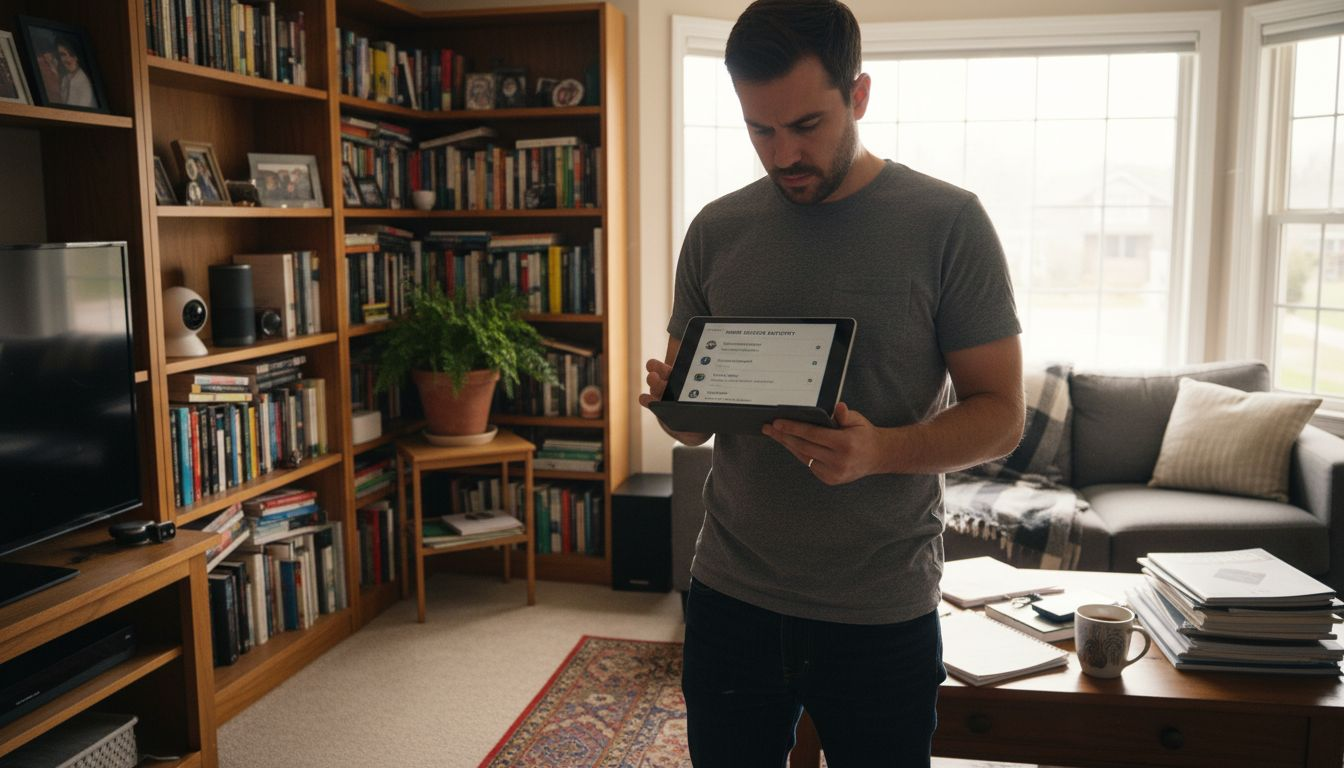
Finding weak links in your smart home can be unsettling, especially when your family’s privacy depends on effective security. Today’s connected homes span everything from door locks to thermostats, yet each device adds another entry point for cyber threats. With expert guidance and proven methods for securing smart technology, you can confidently protect your home while enjoying seamless integration and peace of mind.
Table of Contents
- Step 1: Evaluate Your Existing Smart Home Devices
- Step 2: Strengthen Your Network And Device Passwords
- Step 3: Update Device Firmware And Software Regularly
- Step 4: Enable Advanced Security Features And Settings
- Step 5: Test And Monitor Your Smart Security Setup
Quick Summary
| Key Point | Explanation |
|---|---|
| 1. Inventory Smart Devices | Create a complete list of all smart home devices to identify vulnerabilities. Regularly check their security features. |
| 2. Strengthen Passwords | Implement unique, complex passwords for each device and network. Use multifactor authentication for added security. |
| 3. Regular Firmware Updates | Systematically update device firmware to protect against security vulnerabilities and improve functionality. |
| 4. Enable Advanced Security | Activate advanced security settings like network isolation and role-based access to enhance overall security. |
| 5. Monitor and Test Security | Regularly test and monitor your security setup to ensure all protection measures are working effectively. |
How to Improve Smart Home Security Process
Step 1: Evaluate your existing smart home devices
Evaluating your current smart home devices is a crucial first step in improving your home security. This process helps identify potential vulnerabilities and ensures your connected ecosystem remains protected from potential cyber threats.
Start by creating a comprehensive inventory of all your smart home devices connected to your network. This includes smart speakers, security cameras, thermostats, door locks, and any internet enabled appliances. Understanding device vulnerabilities requires a systematic approach to checking each device’s security features. Look closely at several key aspects: firmware version, authentication mechanisms, and communication protocols.
For each device, verify the current firmware version and check if automatic updates are enabled. Manufacturers regularly release security patches that address newly discovered vulnerabilities. Pay special attention to devices from older product lines or those purchased several years ago, as they might have outdated security configurations. Devices with weak authentication methods or those not supporting multi factor authentication should be prioritized for replacement or additional security measures.
Pro tip: Create a spreadsheet tracking each smart device’s model, firmware version, and last security update to maintain a clear overview of your home network’s security status.
Here’s a summary of smart home device security features and their importance:
| Security Feature | What It Does | Business Impact |
|---|---|---|
| Automatic Firmware Updates | Installs latest security patches | Reduces cyber risk |
| Multifactor Authentication | Verifies users with extra step | Prevents unauthorized access |
| Network Isolation | Segments devices in separate zones | Limits damage of network breach |
| Role-Based Access Controls | Customizes device/user permissions | Improves access management |
| Logging and Monitoring | Tracks device activity and alerts | Enables quick threat detection |
Step 2: Strengthen your network and device passwords
Securing your smart home begins with implementing robust password strategies that protect your network and individual devices from potential cyber intrusions. This crucial step involves creating complex, unique passwords and implementing additional authentication layers to safeguard your digital ecosystem.

Start by developing strong password protocols that go beyond basic security measures. Create passwords at least 16 characters long, incorporating a mix of uppercase and lowercase letters, numbers, and special symbols. Avoid using personal information like birthdays or names that could be easily guessed. Each smart home device and network access point should have a completely unique password to prevent widespread vulnerability if one device is compromised.
Multifactor authentication provides an additional critical security layer. Most smart home devices and networks now support MFA, which requires a second form of verification beyond your password. This could involve a temporary code sent to your smartphone, a biometric scan, or a physical security key. Multifactor authentication strategies significantly reduce the risk of unauthorized access, even if someone manages to discover your password.
Pro tip: Consider using a reputable password manager to generate and securely store complex, unique passwords for all your smart home devices and network accounts.
Step 3: Update device firmware and software regularly
Keeping your smart home devices updated is a critical defense against potential security vulnerabilities and performance issues. Regular firmware and software updates patch security holes, improve device functionality, and protect your digital ecosystem from emerging cyber threats.
Proactive firmware management involves more than just clicking update. Systematically check for updates across all smart home devices including routers, security cameras, smart locks, and connected appliances. Most manufacturers release updates that address newly discovered security vulnerabilities, so enabling automatic updates where possible can significantly reduce your risk. When updates become available, carefully read the changelog to understand what improvements or security patches are being implemented.
When updating, device operating system updates should always be sourced directly from official manufacturers websites or through verified manufacturer apps. Avoid downloading updates from third party websites, which could potentially introduce malware. Schedule updates during low activity periods to minimize disruption, and always ensure your devices are plugged in and have stable internet connections during the update process. If an update seems complex, consider consulting the manufacturer’s support documentation or professional installation services.
Pro tip: Create a monthly calendar reminder to manually check for firmware updates on devices that do not support automatic updates, ensuring no critical security patches are missed.
Step 4: Enable advanced security features and settings
Taking control of your smart home security requires more than basic password protection. Advanced security features provide sophisticated layers of defense that can significantly reduce the risk of unauthorized access and protect your digital ecosystem from potential cyber threats.

Advanced security configuration involves carefully examining and activating protective settings across all your smart home devices. Start by reviewing each device’s security options including network isolation features, which prevent devices from communicating with unauthorized networks. Look for settings that allow you to create separate network segments for different device types, ensuring that a potential breach in one area does not compromise your entire home network.
Pay close attention to role-based access controls that let you create different permission levels for family members and guests. These settings can restrict access to sensitive devices or limit control based on user profiles. Configure guest networks with restricted permissions, use MAC address filtering to allow only approved devices, and enable logging features that track device access and network activities. Some smart home systems offer granular controls that let you set time based access restrictions or create geofencing rules that only allow device access when specific users are physically present in the home.
Pro tip: Conduct a quarterly security audit of your advanced settings, systematically reviewing and updating access permissions and network configurations to maintain optimal protection.
Step 5: Test and monitor your smart security setup
Ensuring the effectiveness of your smart home security requires ongoing vigilance and systematic testing. This critical step involves actively verifying that all your implemented security measures are functioning correctly and providing the protection you expect.
Smart home security workflow begins with comprehensive testing of each security component. Systematically check your security cameras by reviewing recorded footage, testing motion detection sensitivity, and verifying night vision capabilities. Validate that smart locks engage and disengage properly, and confirm that access logs accurately track entries and exits. Run periodic network penetration tests using built-in security diagnostic tools or reputable third-party scanning software to identify potential vulnerabilities.
Implement continuous monitoring through centralized security dashboards that provide real-time alerts and comprehensive system status reports. Configure notifications for suspicious activities such as unexpected device connections, unauthorized access attempts, or unusual network traffic patterns. Set up email and smartphone alerts that instantly inform you about potential security breaches. Consider using professional monitoring services that can provide additional layers of surveillance and rapid response capabilities for critical security events.
Pro tip: Schedule quarterly comprehensive security tests and maintain a detailed log of all system checks and potential anomalies to track your smart home security performance over time.
Compare the types of smart home system testing and monitoring approaches:
| Method | Process Summary | Strengths | Limitations |
|---|---|---|---|
| Manual Security Checks | User reviews each device’s status | Offers detailed insights | Requires time and effort |
| Automated Monitoring | Dashboard tracks system alerts | Real-time threat detection | Misses nuanced issues |
| Professional Auditing | Experts assess device/network setup | Finds advanced vulnerabilities | Added cost, scheduling |
How To Improve Smart Home Security
Improving your smart home security starts with understanding the unique vulnerabilities and challenges that connected devices bring. From outdated firmware to weak passwords and overlooked advanced settings, each step you take can dramatically reduce the risk of unauthorized access or cyber threats. Our detailed article covered crucial concepts like multifactor authentication, network isolation, and regular firmware updates that every homeowner should master to protect their digital ecosystem.
Smart Home Safety Archives – Smart Home HQ offers a wealth of expert advice and product reviews designed to help you strengthen your home security setup with confidence.

Don’t wait for a security breach to force you into action. Visit Smart Home HQ now to explore trusted guides and hands-on device reviews that empower you to build a safer smart home environment. Take the next step with The Complete Smart Home Automation Master Guide Archives – Smart Home HQ to unlock easy-to-follow strategies and reliable tools tailored specifically for your needs.
How To Improve Smart Home Security -Frequently Asked Questions
How can I evaluate my existing smart home devices for security vulnerabilities?
Evaluating your smart home devices involves creating an inventory of all connected devices and checking their security features. Start by verifying the firmware version and checking if automatic updates are enabled.
What steps should I take to strengthen my network and device passwords?
To strengthen passwords, create unique and complex passwords that are at least 16 characters long, using a mix of letters, numbers, and symbols. Implement multifactor authentication on all devices for an added layer of security.
How often should I update the firmware and software on my smart home devices?
You should update the firmware and software on your smart home devices regularly, ideally once a month. Set reminders to check for updates and enable automatic updates where possible to protect against vulnerabilities.
What advanced security features should I enable on my smart home devices?
Enabling advanced features like network isolation, role-based access controls, and logging capabilities significantly increases your security. Regularly review and configure these settings to prevent unauthorized access and track device activities.
How can I test and monitor my smart home security setup?
Testing your smart home security involves checking each device for proper function and reviewing security logs. Implement continuous monitoring through security dashboards and set up alerts for any suspicious activities.
How often should I conduct a security audit on my smart home setup?
You should conduct a security audit of your smart home setup at least once every three months. Regular audits help you identify vulnerabilities and ensure all security features are optimized.
Recommended
- Smart Home Security Audit 7-Step Smart Home Security Checklist
- Smart Home Security Workflow Guide
- Why Prioritize Smart Home Security Now