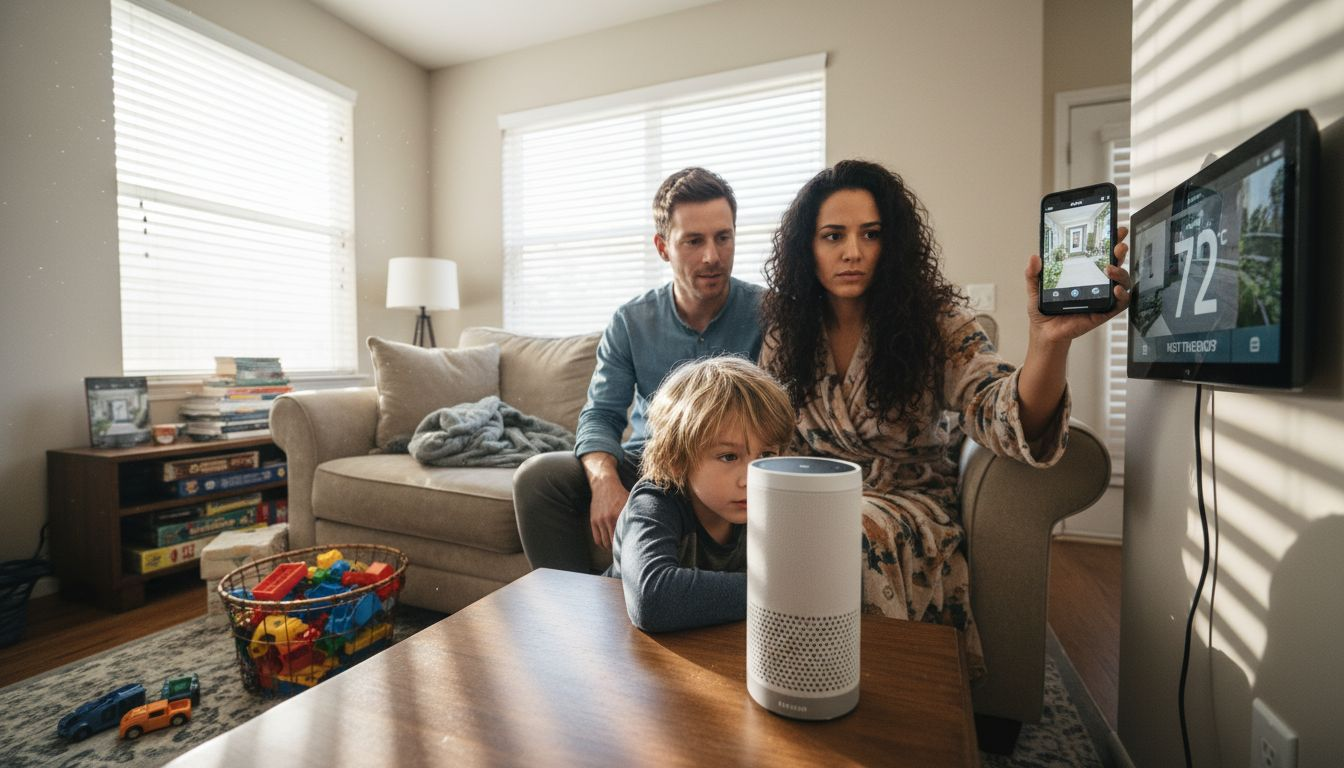
Tired of juggling a dozen apps just to switch on your lights or lock your front door? Smart home integration tips can help by turning a confusing mix of devices into a system where everything talks to each other and works reliably together.
The right setup puts you back in control, creating a smarter, simpler way to manage everything from security to daily routines. By using a central hub and picking compatible devices, you avoid headaches and maximize what your smart home can really do.
You’re about to discover easy, actionable steps that will help you build a connected home where all your technology works together seamlessly. Get ready for practical tips you can use right away to turn a maze of gadgets into one unified, responsive system.
Table of Contents
- 1. Start With a Central Smart Home Hub
- 2. Choose Compatible Devices For Seamless Control
- 3. Set Up Automated Routines For Daily Tasks
- 4. Enhance Home Security With Smart Sensors
- 5. Monitor And Reduce Energy Use With Smart Thermostats
- 6. Use Voice Assistants For Hands-Free Convenience
- 7. Keep Devices Updated For Top Performance
Quick Summary – Smart Home Integration Tips
| Takeaway | Explanation |
|---|---|
| 1. Choose a Central Smart Home Hub | A central hub simplifies device management and enhances interoperability among smart devices in your home. |
| 2. Ensure Device Compatibility | Selecting devices that work well with your hub prevents frustration and allows for seamless integration into your smart home ecosystem. |
| 3. Set Up Automated Routines | Automating daily tasks saves time and energy by allowing devices to respond intelligently to your needs with minimal effort. |
| 4. Implement Smart Security Sensors | Smart sensors offer enhanced home security by detecting intrusions and hazards, creating a more proactive security environment. |
| 5. Regularly Update Your Devices | Keeping your smart home devices updated is essential for security, performance optimization, and extending their usable lifespan. |
1. Start With a Central Smart Home Hub
Transforming your home into a smart ecosystem begins with selecting a central hub that acts as the digital brain of your connected living space. A smart home hub serves as the critical foundation that bridges various devices and communication protocols into one seamless, manageable network.
At its core, a smart home hub enables comprehensive device integration across different brands and technologies. These hubs utilize advanced communication protocols like Zigbee and Z-Wave to create a unified control system that eliminates the complexity of managing multiple standalone apps.
Key benefits of implementing a central smart home hub include:
- Simplified device management through a single interface
- Enhanced interoperability between different smart devices
- Improved home automation and efficiency
- Centralized control of security, lighting, temperature, and entertainment systems
A central hub transforms fragmented smart devices into a cohesive, intelligent home network.
When selecting a hub, prioritize compatibility with your existing devices and support for multiple communication protocols. Popular options like Google Home and Amazon Echo offer robust integration capabilities that can connect devices from various manufacturers.
Pro tip: Before purchasing a smart home hub, create an inventory of your current smart devices to ensure maximum compatibility and seamless integration.
2. Choose Compatible Devices for Seamless Control
Creating a truly integrated smart home requires more than just purchasing random smart devices. The key to a successful smart home setup lies in selecting devices that communicate seamlessly within the same ecosystem.
Most smart home technologies operate within specific platforms like smart home ecosystems that enable devices to work together efficiently. These ecosystems act as digital frameworks that allow your devices to communicate, share data, and respond to integrated commands.
Key considerations when choosing compatible devices include:
- Compatibility with your existing smart home hub
- Support for common communication protocols like Zigbee or Z-Wave
- Consistent ecosystem alignment (Amazon Alexa, Google Home, Apple HomeKit)
- Interoperability between different device manufacturers
Not all smart devices play nicely together – strategic selection is crucial for a harmonious smart home experience.
Smart device compatibility reduces technological friction and prevents the frustration of managing multiple disconnected apps. When devices share a common platform, you can create more complex and intuitive automation routines that truly enhance your home’s functionality.
Consider creating a comprehensive inventory of your current smart devices before making new purchases. This approach ensures you select additions that integrate smoothly with your existing technology infrastructure.
Pro tip: Always verify device compatibility by checking manufacturer specifications and ecosystem support before purchasing new smart home technology.
3. Set Up Automated Routines for Daily Tasks
Transforming your smart home from a collection of disconnected devices into a responsive living environment requires strategic automation of daily tasks. Automated routines can dramatically simplify your life by executing multiple actions with a single command or scheduled trigger.
Modern smart home systems enable you to create complex, interconnected automation sequences for home tasks that respond to specific conditions or times of day. These routines can manage everything from lighting and temperature to security and entertainment systems.
Potential automated routine examples include:
- Morning wake-up sequence (lights gradually brighten, coffee starts brewing)
- Evening security lockdown (doors lock, lights dim, alarm system activates)
- Energy-saving mode when leaving home (thermostats adjust, unnecessary devices power down)
- Nighttime relaxation routine (soft lighting, music playback, temperature adjustment)
Automation turns your smart home from a technology showcase into a genuinely helpful living assistant.
Smart routines save time and energy by eliminating repetitive manual tasks. By programming your devices to work together intelligently, you create a home environment that anticipates and responds to your needs without constant intervention.
Start with simple routines and gradually expand their complexity as you become more comfortable with your smart home ecosystem. Most smart home platforms offer user-friendly interfaces that make creating these automations surprisingly straightforward.
Pro tip: Test your automated routines during periods when you can monitor their performance and make adjustments to ensure they work precisely as intended.
4. Enhance Home Security With Smart Sensors
Smart home security has evolved far beyond traditional alarm systems into an intelligent network of interconnected sensors that provide comprehensive protection. Smart sensor technology transforms your home into a proactive security environment that monitors and responds to potential threats in real time.
Modern home security systems utilize IoT-enabled sensor networks that can detect intrusions, environmental hazards, and unexpected activities with remarkable precision. These advanced sensors communicate instantaneously with your smartphone and central monitoring hub.
Key smart sensor capabilities include:
- Motion detection in specific home zones
- Glass break and window tampering alerts
- Temperature and smoke monitoring
- Carbon monoxide and gas leak detection
- Unauthorized entry tracking
Your home becomes a responsive guardian that never sleeps and always stays vigilant.
Smart sensors provide layered security protection by creating multiple detection points throughout your living space. Unlike traditional systems that rely on single-point alarms, these intelligent sensors can distinguish between routine movements and potential security breaches.
Implementing a comprehensive sensor network requires strategic placement. Focus on entry points like doors and windows, high-traffic interior areas, and locations with valuable assets. Consider integrating cameras and smart locks to create a complete security ecosystem.
Pro tip: Position motion sensors at key entry points and calibrate their sensitivity to minimize false alarms while maintaining robust detection capabilities.
5. Monitor and Reduce Energy Use With Smart Thermostats
Smart thermostats represent a revolutionary approach to home climate management, transforming how homeowners control and optimize their energy consumption. Intelligent temperature control goes far beyond traditional thermostats by learning your preferences and automatically adjusting to maximize comfort and efficiency.
These advanced devices utilize smart home automation technologies that integrate multiple data points to create a responsive heating and cooling system. By combining occupancy sensors, weather data, and user behavior patterns, smart thermostats can significantly reduce energy waste.
Key benefits of smart thermostat technology include:
- Automatic temperature adjustments based on occupancy
- Remote control via smartphone apps
- Detailed energy consumption reporting
- Integration with voice control systems
- Learning algorithms that optimize temperature settings
Your home becomes an intelligent ecosystem that adapts to your lifestyle while minimizing energy expenses.
Smart thermostats deliver precision climate management by understanding your daily routines and environmental conditions. They can automatically lower temperatures when you are away and prepare your home for your return, ensuring maximum comfort with minimal energy expenditure.
Implementing a smart thermostat requires strategic placement and initial configuration. Take time to explore the device’s learning features and connect it with other smart home systems for comprehensive energy management.
Pro tip: Enable geofencing features to allow your smart thermostat to automatically adjust temperatures based on your smartphone’s location, creating seamless energy optimization.
6. Use Voice Assistants for Hands-Free Convenience
Voice assistants represent a transformative technology that turns your smart home into an intuitive, responsive environment. Hands-free digital interactions allow you to control devices, access information, and manage tasks simply by speaking.
Modern voice assistants leverage advanced natural language processing to understand complex commands and provide increasingly sophisticated responses. These intelligent systems have evolved from simple voice recognition tools to comprehensive home management platforms.
Key capabilities of voice assistants include:
- Controlling smart home devices with voice commands
- Setting timers and reminders
- Playing music and media
- Answering questions and providing real-time information
- Creating shopping lists and scheduling appointments
- Managing home security systems
Your voice becomes the ultimate remote control for your entire living space.
Smart voice technology eliminates manual interactions by allowing you to control multiple devices simultaneously without touching a single button. Whether you are cooking, carrying groceries, or relaxing on the couch, voice commands provide unprecedented convenience.
Maximize your voice assistant’s potential by spending time learning specific command structures and exploring their full range of capabilities. Many users only utilize a fraction of their assistant’s available features.
Pro tip: Create a list of specific voice commands tailored to your daily routines and practice them to improve your interaction with voice assistants.
7. Keep Devices Updated for Top Performance – Smart Home Integration Tips
Maintaining your smart home technology requires more than just purchasing the latest gadgets. Software updates are critical for ensuring your devices remain secure, efficient, and fully functional.
Regular updates address crucial aspects of smart home device maintenance including performance optimization, security patches, and feature enhancements. These updates protect your digital ecosystem from potential vulnerabilities and ensure smooth integration between devices.
Key reasons to prioritize device updates include:
- Closing security vulnerabilities
- Improving device performance
- Adding new features and compatibility
- Enhancing energy efficiency
- Extending device lifespan
Consistent updates transform your smart home from a collection of devices into an intelligent, adaptive ecosystem.
Proactive updates prevent potential system failures by addressing software weaknesses before they become significant problems. Many smart home devices can be configured to update automatically, reducing the manual effort required to maintain your technology.
Develop a systematic approach to device updates by checking manufacturer websites, enabling automatic updates when possible, and creating a schedule for reviewing device firmware. Some devices might require manual intervention to ensure proper installation.
Pro tip: Create a spreadsheet tracking your smart home devices, their current firmware versions, and update schedules to maintain a comprehensive view of your home technology ecosystem.
Below is a comprehensive table summarizing the guide on establishing a functional and integrated smart home discussed throughout the article.
– Smart Home Integration Tips
| Step | Description | Key Benefits/Considerations |
|---|---|---|
| Start With a Central Smart Home Hub | Begin by choosing a compatible hub to integrate multiple smart devices into a single system. | Simplified device management and enhanced interoperability. |
| Choose Compatible Devices | Select smart devices that effectively communicate within the same ecosystem for harmony. | Avoid technological conflicts and enhance system cohesion. |
| Set Up Automated Routines | Create task-specific automation routines for convenience and efficiency. | Time-saving and intuitive device coordination. |
| Enhance Home Security | Install smart sensors for real-time threat detection and proactive protection. | Layered security with environmental hazard monitoring. |
| Monitor Energy Use | Use smart thermostats for intelligent climate management and energy optimization. | Reduced energy waste and tailored comfort. |
| Implement Voice Assistants | Utilize voice systems for hands-free control of smart devices. | Enhanced convenience and intuitive home interactions. |
| Maintain Device Updates | Regularly update devices to preserve security and performance. | Prolonged device life and improved efficiency. |
Elevate Your Smart Home Integration With Expert Guidance – Smart Home Integration Tips
Navigating the complexities of smart home integration can feel overwhelming when facing issues like device compatibility, automation setup, and security concerns. This article highlights the importance of having a central hub, selecting compatible devices, and creating smart routines to build a seamless connected home that anticipates your needs. Achieving this harmony requires trusted advice on which products to choose and how to optimize their use without frustration.
Discover how The Complete Smart Home Automation Master Guide Archives – Smart Home HQ simplifies these challenges with detailed reviews and easy-to-follow setup guides.

Ready to stop guessing and start building a smart home that works for you? Visit Smart Home HQ now to explore tested devices and actionable tips. Empower your living space with trusted solutions that bring security, convenience, and energy savings all under one roof.
Frequently Asked Questions – Smart Home Integration Tips
How do I choose the right smart home hub?
A smart home hub should be compatible with your existing devices and support multiple communication protocols like Zigbee or Z-Wave. Start by creating an inventory of your smart devices to ensure that you select a hub that seamlessly integrates them into one control platform.
What are some essential smart devices for home automation?
Common essential smart devices include smart lights, thermostats, locks, and security cameras. Focus on choosing devices that are compatible with your smart home hub to create an integrated system that works together efficiently.
How can I set up effective automated routines in my smart home?
Begin by identifying daily tasks you want to automate, such as adjusting lights or locking doors at a certain time. Use the settings on your smart home system to create simple routines, like a morning wake-up sequence that gradually brightens lights and adjusts the thermostat, and expand on them as you become more comfortable with the technology.
What are the benefits of using smart sensors for home security?
Smart sensors provide real-time monitoring for motion detection, temperature changes, and unauthorized entry, enhancing your home security significantly. Position sensors at entry points, such as doors and windows, to create an intelligent security network that alerts you to potential threats.
How can I monitor and reduce my energy consumption with smart technology?
Implement a smart thermostat that adjusts the temperature based on your occupancy and habits. By analyzing data and making adjustments, you can reduce your energy consumption by approximately 10-15% in the first month of use.
What should I do to keep my smart devices updated?
Regularly checking and applying software updates is crucial for maintaining performance and security. Create a schedule to review your device firmware at least once a month to ensure you benefit from the latest features and security enhancements.
Recommended
- DIY Smart Home Integration Guide: Connect All Your Devices
- 7-Step Smart Home Setup Checklist for Homeowners
- Why Integrate Smart Devices: Transforming Home Life
- What is smart home technology: Transforming Everyday Living