Category: Senior Quality of Life

Senior Quality of Life

  • Smart Home Hearing Impaired

    Smart Home Hearing Impaired

    Smart Home for Hearing Impaired: Complete Integration Guide

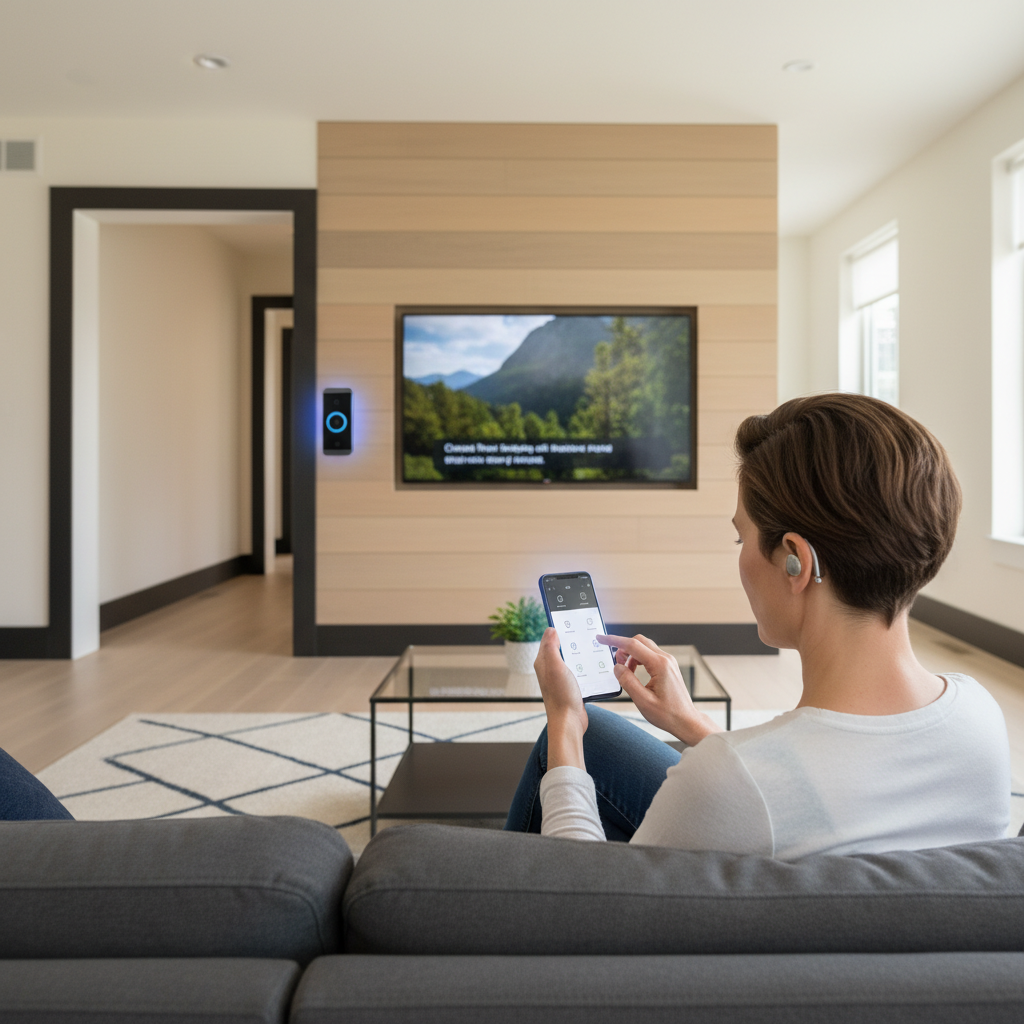
    Smart home technology for hearing impaired users combines Bluetooth hearing aids, visual alert systems, captioning, and voice-activated controls to create fully accessible living spaces. Modern hearing aids like Oticon Zeal and Audibel DNN 360 integrate seamlessly with smart home ecosystems, enabling direct audio streaming and remote adjustments.


    Affiliate Notice: If you click on a link to a product Amazon and make a purchase, I may receive a small commission at no extra cost to you.


    Smart Home Hearing Impaired

    ⚠️ MEDICAL DISCLAIMER: This guide provides general educational information only. We are not doctors and this is not medical advice, diagnosis, or treatment. Always consult your audiologist or hearing healthcare provider before purchasing hearing aids or smart home devices.


    📋 Table of Contents

    🤔 Why Smart Homes for Hearing Impaired?

    Benefits of Smart Home Integration:

    • Direct audio streaming: Hear TV, doorbell, phone calls through hearing aids
    • Visual alerts: Flashing lights for doorbell, alarms, notifications
    • Captions & transcripts: Real-time speech-to-text for conversations
    • Remote adjustments: AI-powered hearing aid tuning via smartphone
    • Hands-free control: Voice commands adapted for hearing loss

    Real-World Impact: Audibel’s DNN 360 delivers 28% better speech intelligibility in noisy environments through advanced AI sound processing

    🎧 Bluetooth Hearing Aid Technology

    Advanced AI Sound Processing

    Modern hearing aids use deep neural networks (DNN) trained on millions of sounds to prioritize speech over noise.

    TechnologyBenefitHearing Aids
    DNN 2.015% enhanced speech clarity in restaurantsOticon Intent
    DNN 36028% better speech intelligibilityAudibel AI hearing aids
    4D SensorAdapts to head movement, body position, environmentOticon Intent
    VOCCLEAR 2.030% better speech clarity, 8ms latencyELEHEAR Beyond Pro

    Bluetooth Connectivity Standards

    Auracast™ Broadcasting (Next-Generation Audio)

    • Broadcast audio directly to hearing aids in public venues
    • Works in theaters, airports, places of worship, community centers
    • All newest Audibel AI hearing aids compatible
    • Oticon Intent and Oticon Zeal support Auracast

    LE Audio & ASHA Protocol

    • Low Energy Audio for extended battery life
    • Android 11+ supports ASHA (Audio Streaming for Hearing Aids)
    • iPhone/iOS full Bluetooth streaming support

    🏠 Smart Home Hearing Impaired Integration Options

    1. Direct Audio Streaming to Hearing Aids

    TV Streaming:

    • ReSound TV-Streamer+ broadcasts audio via Auracast
    • Hear TV at your preferred volume without disturbing others
    • ReSound Remote Control 2 adjusts volume/programs

    Phone & Video Calls:

    • Hands-free calling through Bluetooth hearing aids
    • Oticon Intent, Audibel DNN 360, Jabra Enhance support
    • Captions appear on smartphone during calls

    Smart Speakers & Voice Assistants:

    2. Visual Alert Systems

    Doorbell Alerts:

    • Smart doorbell (Ring, Logitech) sends video + flashing light
    • Smartphone notification with visitor video

    Alarm & Notification Lights:

    • Philips Hue smart lights flash for alarms
    • IFTTT automation triggers lights on events

    Captions & Live Transcription:

    • Google Live Transcribe for conversations
    • Otter.ai real-time meeting captions

    3. Remote Hearing Aid Adjustments

    TeleHear AI (Audibel)

    • Describe sound issue, AI analyzes environment
    • Instant remote adjustments without office visit
    • Live video sessions with hearing specialist available

    Smartphone Apps

    • Oticon Companion app for wireless adjustments
    • Audibel app for DNN 360 customization
    • Jabra Enhance app for OTC hearing aid tuning

    🏆 Top Hearing Aid Models for Smart Homes 2026

    ModelTypeKey Smart FeaturesBest For
    Oticon ZealPremiumAuracast, AI speech prioritization, 20-hour battery, same-day fittingFull smart home integration
    Audibel DNN 360PremiumTeleHear AI remote adjustments, 28% speech clarity, Gen AI assistantRemote monitoring, tech-savvy
    Oticon IntentPremiumDNN 2.0, 4D Sensor, Auracast-ready, 15% speech enhancementDynamic environments
    Jabra Enhance (affiliate link)OTCAffordable Bluetooth, iOS/Android streaming, tinnitus reliefBudget-conscious, mild-moderate loss
    ELEHEAR Beyond Pro(affiliate link)OTCVOCCLEAR 2.0 (30% clarity), AI noise reduction, 8ms latency, $600High-quality OTC option
    PhonakPremiumBinaural VoiceStream, motion sensors, personalized noise cancellationSeamless streaming
    Starkey Livio AIPremiumFall detection (3D sensors), health tracking, BluetoothSeniors needing safety features

    💡 Accessible Smart Devices for Hearing Impaired

    Smart Home Hubs & Control

    Captioning & Transcription

    • Google Live Transcribe: Real-time speech-to-text
    • Otter.ai: Meeting/conversation captions
    • Rev: Professional transcription services

    Visual Alert Devices

    • Philips Hue Smart Lights: Customizable flashing alerts
    • IFTTT Automation: Trigger lights on doorbell/alarms
    • Bellman & Symfon: Vibrating alarm clocks

    Accessible Entertainment

    • Netflix: Built-in captions (CC/SDH)
    • YouTube: Auto-generated captions + manual uploads
    • Roku/Apple TV: Full caption support

    🚀 Smart Home Hearing Impaired – Setup & Configuration Guide

    First Step: Choose Compatible Hearing Aids 

    • Verify Bluetooth/Auracast support
    • Check iOS/Android compatibility
    • Test 30-day trial period

    Second Step: Set Up Bluetooth Connectivity 

    1. Charge hearing aids fully
    2. Enable Bluetooth on smartphone
    3. Open hearing aid app (Oticon, Audibel, Jabra)
    4. Pair hearing aids to phone
    5. Test audio streaming (music, calls)
    

    Third Step: Install Smart Home Hub

    • Choose Echo Show, Google Nest, or HomePod
    • Connect to WiFi network
    • Enable captions/transcription features

    Fourth Step: Configure Visual Alerts

    Smart doorbell → Flashing light automation
    Alarm clock → Vibrating device + light flash
    Phone notifications → Visual + haptic alerts
    

    Fifth Step: Enable Remote Adjustments 

    • Download hearing aid app
    • Authorize caregiver/audiologist access
    • Test TeleHear AI or remote tuning

    Step 6: Test All Systems 

    • Stream TV audio to hearing aids
    • Make test phone call with captions
    • Trigger doorbell alert (light + notification)
    • Verify app adjustments work

    ❓ Smart Home Hearing Impaired -Frequently Asked Questions

    Can all Bluetooth hearing aids work with smart homes?

    Most modern Bluetooth hearing aids (Oticon, Audibel, Jabra, Phonak) support streaming, but verify Auracast compatibility for public venues.

    What’s the difference between Auracast and standard Bluetooth?

    Auracast broadcasts audio to multiple hearing aids simultaneously in public spaces (theaters, airports). Standard Bluetooth connects one-to-one.

    Do I need a hearing aid specialist to set up smart home integration?

    No, most Bluetooth hearing aids pair directly with smartphones. Audiologists can optimize settings via remote apps.

    Can hearing aids stream from multiple devices simultaneously?

    Most hearing aids connect to one device at a time, but switching is instant via app.

    FAQ continued

    Are OTC hearing aids (Jabra, ELEHEAR) compatible with smart homes?

    Yes, OTC models support Bluetooth streaming and smartphone apps, though premium features may be limited.

    How do I get captions for phone calls through hearing aids?

    Use Live Transcribe (Google), Otter.ai, or hearing aid apps with built-in captioning.

    What’s the battery life for Bluetooth hearing aids?

    Rechargeable models offer 20+ hours (Oticon Zeal). Disposable batteries last 3-7 days with Bluetooth use.

    Can smart home devices detect if I’m having trouble hearing?

    Advanced hearing aids with AI (Audibel DNN 360, Oticon Intent) analyze sound environments and adjust automatically.

    🎯 Smart Home Hearing Impaired Accessibility Checklist

    •  Hearing Aids: Bluetooth-enabled, Auracast-compatible
    •  TV Streaming: ReSound TV-Streamer+ or equivalent
    •  Smart Hub: Echo Show, Google Nest, or HomePod
    •  Visual Alerts: Philips Hue lights + doorbell automation
    •  Captions: Netflix, YouTube, Google Live Transcribe enabled
    •  Remote Adjustments: Hearing aid app installed, audiologist authorized
    •  Phone Captions: Live Transcribe or Otter.ai active

    ⚠️ MEDICAL DISCLAIMER

    Educational content only – not medical advice. Consult audiologists for personalized hearing aid recommendations. Smart home devices guide accessibility but don’t replace professional hearing care. No doctor-patient relationship created.

    Sources: Audibel, Oticon, Hearing Tracker, Senior Living reviews, ELEHEAR, Hearing Life

  • How Smart Technology is Revolutionizing Senior Quality of Life

    How Smart Technology is Revolutionizing Senior Quality of Life

    Introduction: A New Era of Aging with Dignity and Independence

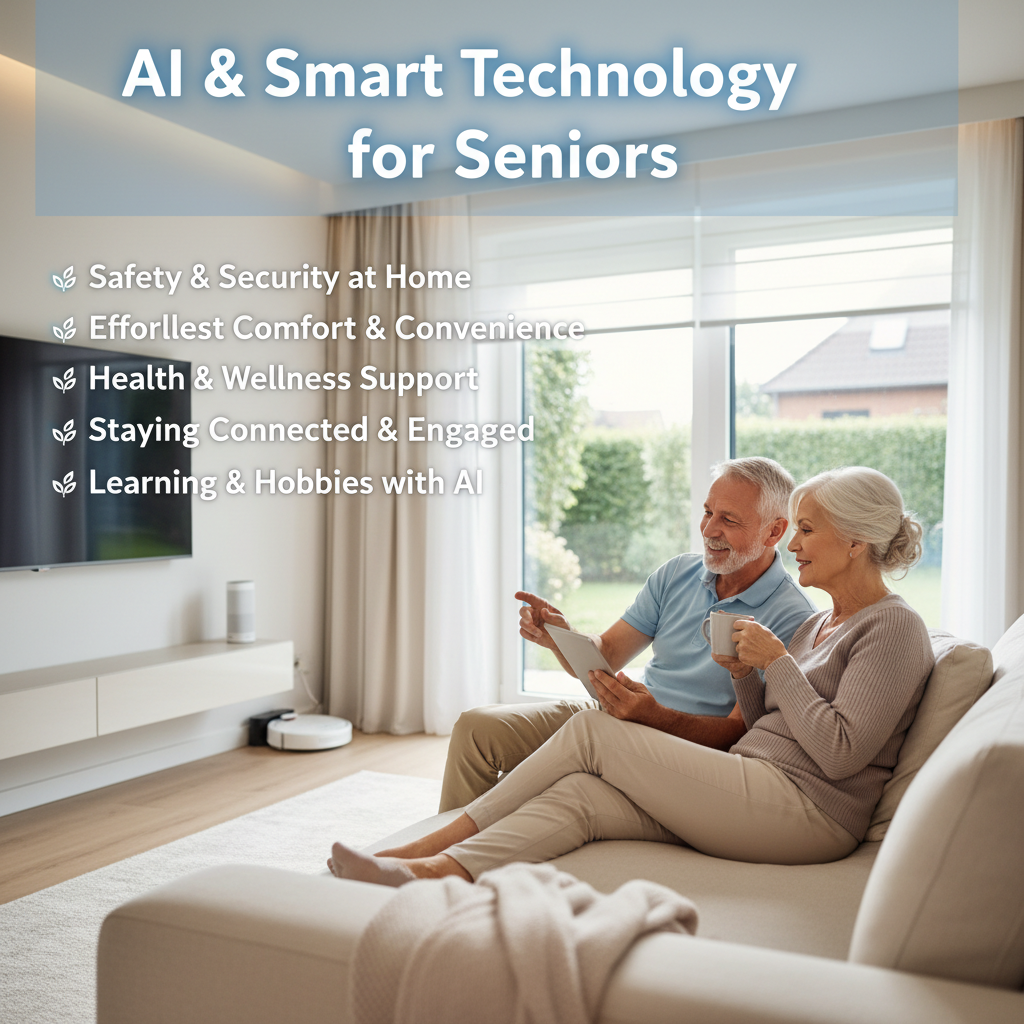
    The landscape of aging is undergoing a profound transformation, driven not by medical breakthroughs alone, but by the quiet, pervasive integration of smart technology into daily life. For today’s seniors and their caregivers, the narrative is shifting. Moving from one of managed decline to one of sustained independence, enhanced safety, and enriched social connection. Once considered the domain of the young, digital tools are now being thoughtfully adapted to address the unique needs of older adults. Often creating environments that support autonomy well into later years.

    This senior quality of life evolution represents more than just convenience. It’s a fundamental reimagining of what it means to age in place. From homes that intuitively respond to their occupants’ needs to wearable devices that offer invisible safety nets. Technology is filling critical gaps in care, communication, and health management. This blog post explores the multifaceted ways in which smart technology. Designed with empathy and user-centric principles it is actively increasing quality of life for seniors. Giving empowerment for them to live more securely, healthily, and connectedly on their own terms.


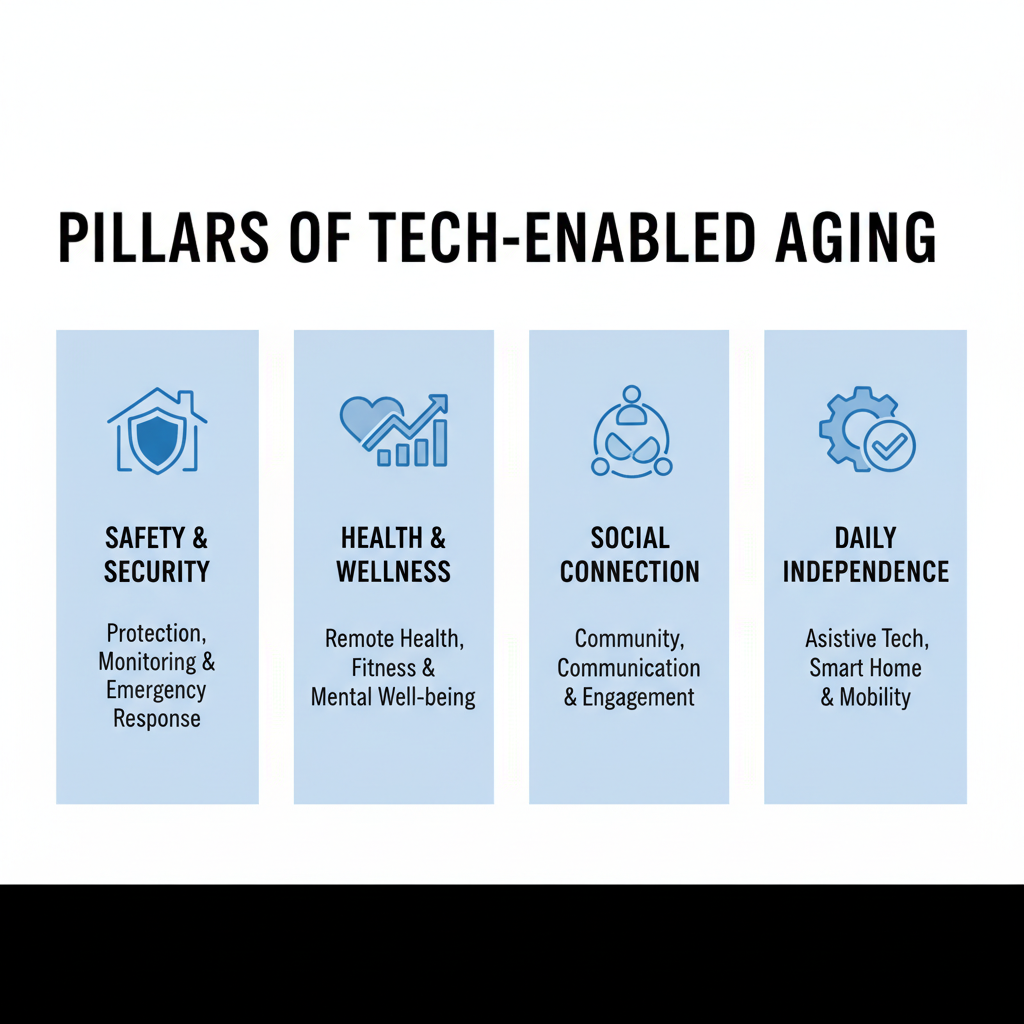
    Senior Quality of Life – The Pillars of Enhanced Living: Core Areas of Impact

    Smart technology supports senior well-being through several interconnected pillars, each addressing key challenges associated with aging.

    1. Safety and Security: Creating Invisible Safety Nets

    The fear of accidents looms large. Particularly falls, or emergencies occurring without help at hand is a significant source of anxiety for seniors living alone. Of course families also worry. Smart technology provides proactive and reactive solutions that create a secure living environment and helps protect senior quality of life.

    • Proactive Environmental Safety: Smart home sensors can detect potential hazards. Motion-activated lighting illuminates pathways to the bathroom at night, a primary intervention for fall prevention. Smart smoke and carbon monoxide detectors do more than sound an alarm. They can send immediate text or voice alerts to designated family members and emergency services. Critically, even if the occupant cannot respond.
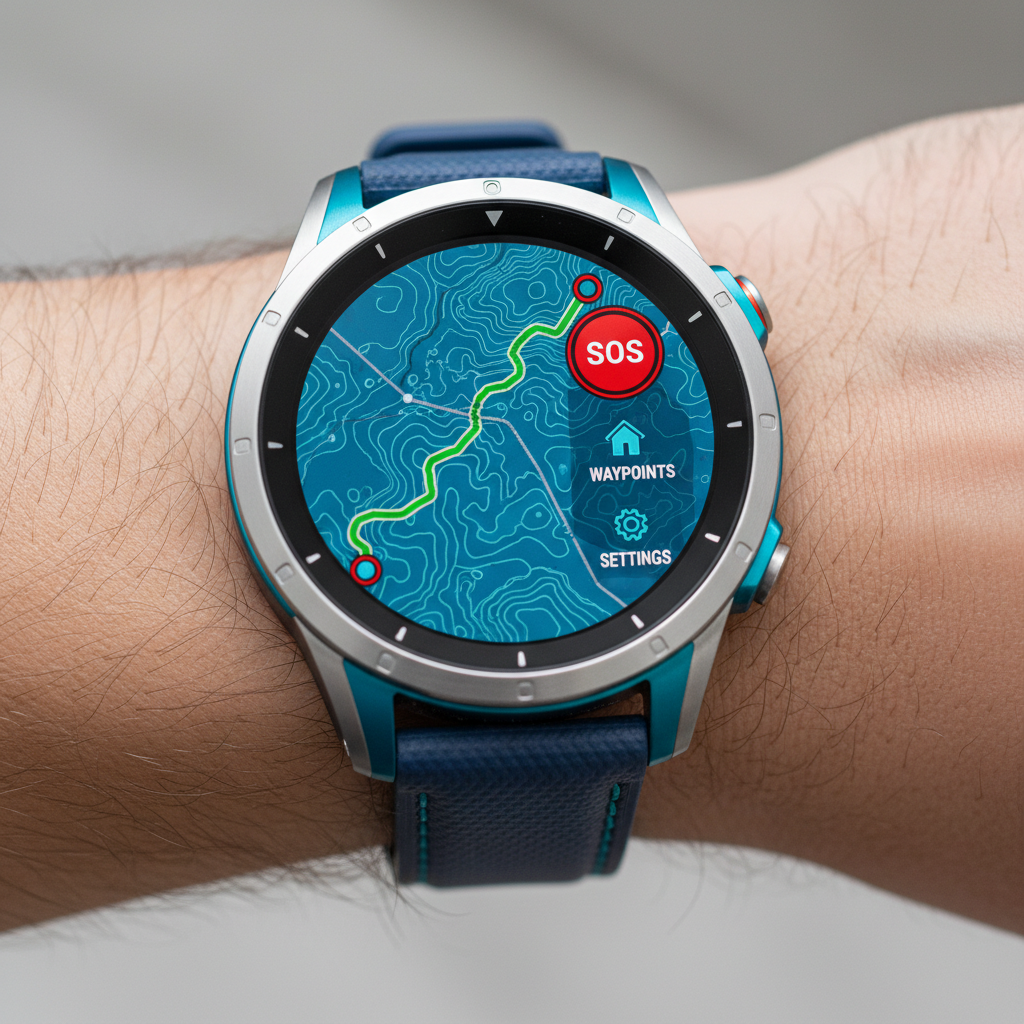
    • Reactive Emergency Response: Modern personal emergency response systems (PERS) have evolved far beyond the “I’ve fallen and I can’t get up” pendant. Today’s wearable devices include automatic fall detection using advanced accelerometers and gyroscopes. GPS location services for emergencies outside the home, and two-way communication now ensure quicker responses. Research from organizations like the National Council on Aging highlights how such technologies can reduce the “long lie” period after a fall. This is critical for managing outcomes.
    • Home Security and Awareness: Smart doorbells with video cameras allow seniors to see and speak with visitors without opening the door. This reduces fraud and intrusion risks. Coupled with smart locks that can be operated via keypad, voice, or remotely by a trusted family member, they enhance both security and convenience, eliminating the worry of lost keys.
    Senior person checking blood pressure with a digital monitor at home, demonstrating easy health tracking with smart technology.

    2. Health and Wellness Management: From Reactive to Proactive Care

    Managing chronic conditions and maintaining wellness is a daily focus for many seniors. Smart devices enable a more consistent, data-informed, and less burdensome approach to health.

    • Remote Patient Monitoring (RPM): This is one of the most significant advances. Devices like wireless blood pressure cuffs, glucometers, and pulse oximeters can automatically sync readings to secure cloud platforms. This data can be shared with healthcare providers for remote monitoring, allowing for timely interventions without requiring a clinic visit, improving senior quality of life. The U.S. Food and Drug Administration (FDA) provides guidance on the regulation of such digital health technologies, underscoring their growing role in care.
    • Medication Adherence: Forgetfulness or confusion with complex medication schedules is a major issue. Smart automated pill dispensers lock medication and dispense the correct dose at a programmed time with audible and visual alerts. Some models can send missed-dose notifications to a caregiver’s smartphone, ensuring oversight and preventing dangerous errors.
    • Promoting Healthy Activity: Simplified fitness trackers and smart scales encourage movement and wellness. Devices designed for seniors often focus on clear metrics like daily step counts, heart rate trends, and sleep quality, providing gentle reminders to stay active—a key component of healthy aging as noted by resources from the National Institute on Aging.

    3. Social Connection and Cognitive Engagement: Combating Isolation

    Social isolation and loneliness are serious health risks for seniors, linked to depression and cognitive decline. Technology is breaking down geographical barriers and providing new forms of engagement.

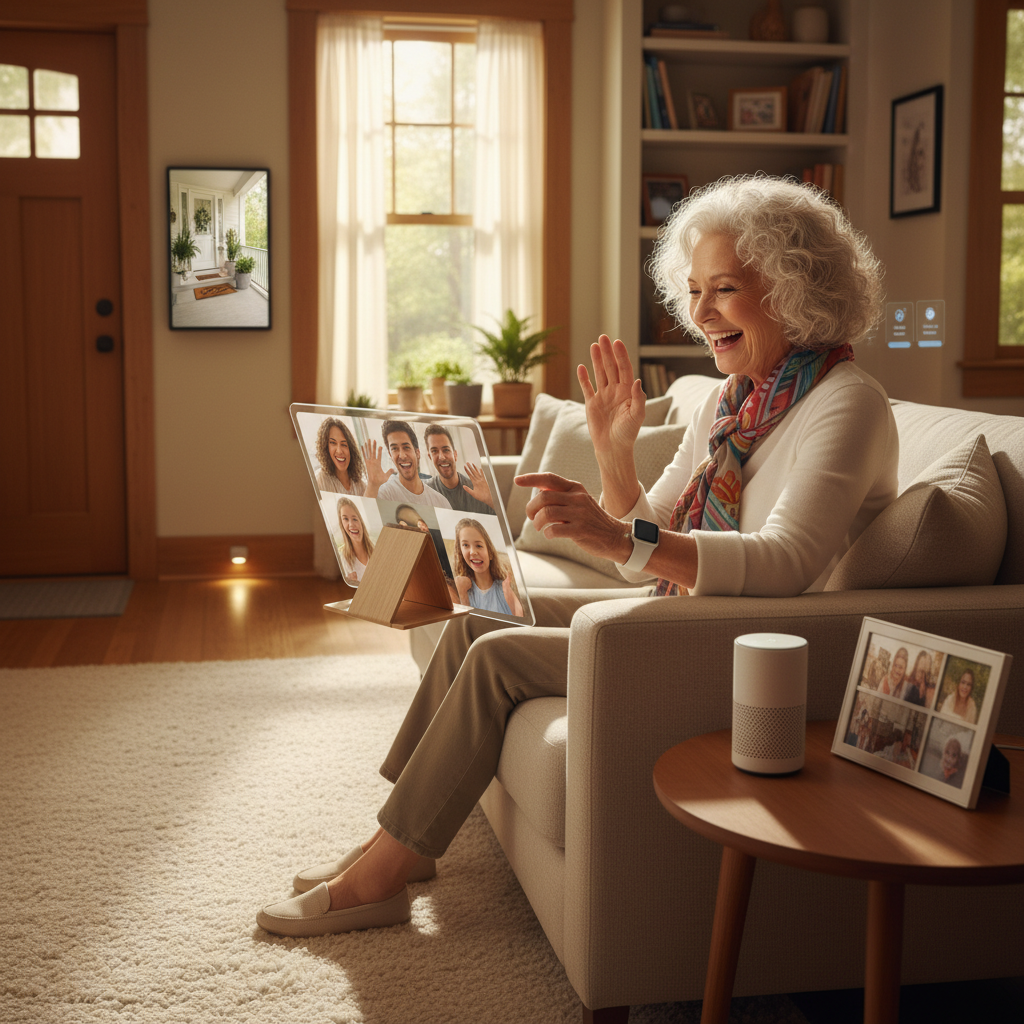
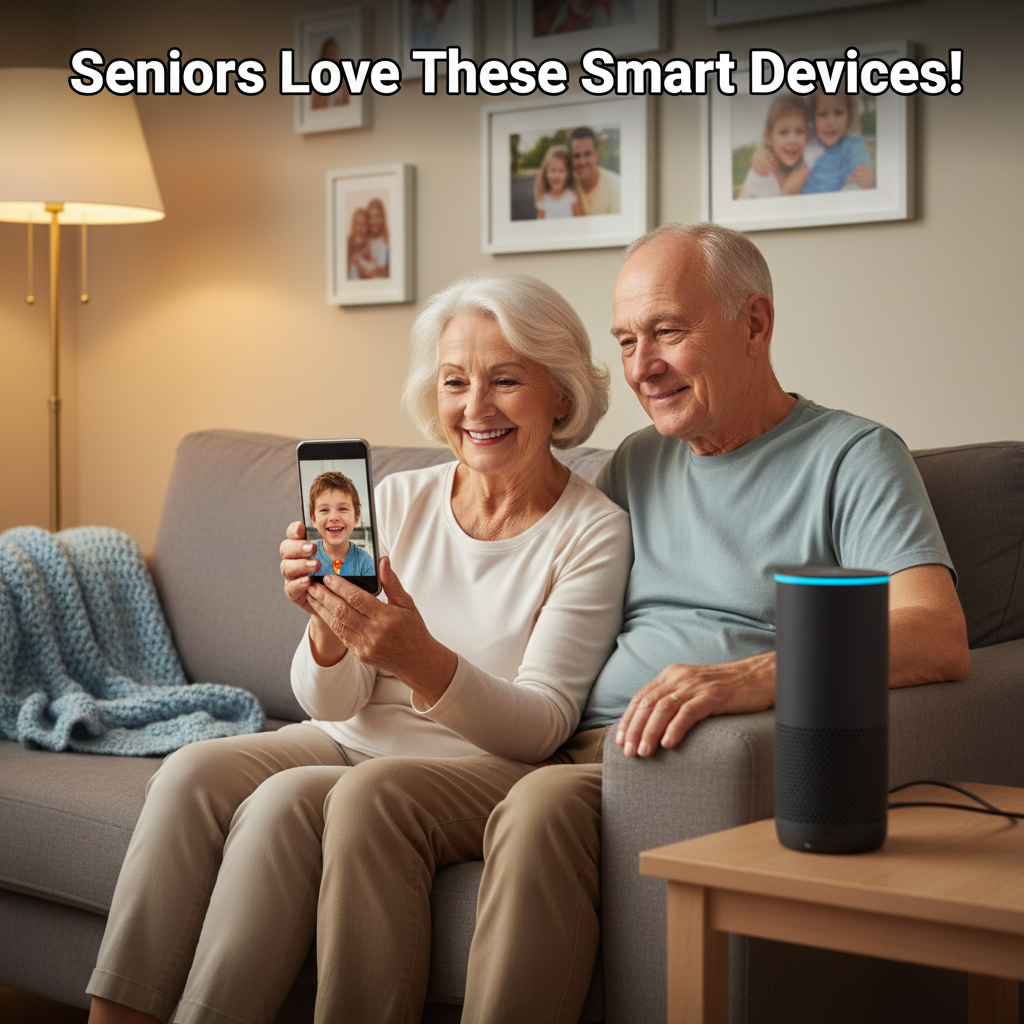
    • Lowering the Barrier to Communication: User-friendly tablets and smart displays with simplified interfaces are gateways to connection. With large icons for video calls, photo sharing, and email, they enable seamless communication with family and friends. Voice-activated assistants make it easy to initiate a call, listen to an audiobook from a grandchild, or hear the latest family news without navigating complex menus, enhancing senior quality of life.
    • Cognitive Stimulation and Leisure: Technology offers vast resources for mental engagement. Digital games designed to support memory, problem-solving, and processing speed can be both fun and therapeutic. Access to streaming services, digital libraries, and online courses (like those from community colleges or platforms like Khan Academy) allows for lifelong learning and entertainment tailored to personal interests.
    • Maintaining Social Routines: During times when in-person visits are limited, technology helps maintain routines. Virtual family dinners, online religious services, and telehealth appointments with doctors help preserve a sense of normalcy and continuity.
    Senior using voice commands to a smart speaker while cooking, demonstrating hands-free smart home assistance for independent living.

    4. Independence and Daily Living: The Smart Home Assistant

    The goal of most seniors is to remain in their own homes for as long as possible. Smart home automation empowers this choice by simplifying daily tasks.

    • Voice-Controlled Environments: Voice assistants act as a central hub for controlling the environment. A simple voice command can adjust the thermostat, turn on lights, play music, set reminders for appointments, or add items to a shopping list. This hands-free control is particularly valuable for those with mobility or dexterity challenges, improving senior quality of life.
    • Automation of Routine Tasks: Smart plugs can transform ordinary lamps or appliances into automated devices. A coffee maker can be scheduled to turn on at 7 AM, or a living room lamp can be set to turn on at dusk, ensuring a well-lit environment without needing to fiddle with switches.
    • Memory and Routine Support: Smart devices serve as external cognitive aids. Shared digital calendars and reminder systems allow family members to add appointments or tasks that then appear on a smart display in the senior’s home. Smart clocks can clearly display the day, date, and weather, reducing disorientation.

    Senior Quality of Life – Overcoming the Digital Divide: Design Principles for Adoption

    For technology to be effective, it must be adopted and used consistently. This requires intentional design that addresses common barriers seniors face.

    • Prioritizing Intuitive Design: Successful senior-tech employs simple, clean interfaces with high-contrast visuals, large text, and clear, tactile buttons. It minimizes complexity and avoids menus within menus.
    • Ensuring Accessibility: Features like amplified sound, compatibility with hearing aids (hearing aid compatibility, or HAC), voice control, and screen reader compatibility are not add-ons but essentials.
    • Providing Robust Support: Onboarding is critical. The best products come with clear, physical instruction guides and access to patient, human-based customer support. Involvement from a family member or caregiver during setup greatly increases long-term adoption.
    • Addressing Privacy and Security Concerns: Seniors are often targets for scams. Transparent data policies, strong encryption, and clear education about device permissions are necessary to build trust. Reputable manufacturers will clearly outline their data practices, aligning with frameworks discussed by consumer protection bodies like the Federal Trade Commission (FTC).

    Senior Quality of Life – The Future Horizon: Integrating Technologies for Holistic Care

    The future points toward even more integrated and predictive systems. We are moving towards environments where data from wearables, in-home sensors, and health monitors are synthesized to create a holistic picture of well-being.

    • Predictive Analytics: Algorithms may analyze patterns in movement, sleep, and vital signs to flag potential health issues before they become acute, enabling preventative care.
    • Interoperability: The true power will be unlocked when devices and platforms can securely communicate with each other and, with user consent, integrate with electronic health records, providing a seamless flow of information to care teams.
    • Social Robotics and AI Companions: While in early stages, socially assistive robots and advanced AI could provide conversation, reminders, and even monitor for signs of emotional distress, offering another layer of companionship and support.

    As noted in reports by AARP’s Technology Research, the focus is shifting toward creating cohesive ecosystems rather than standalone gadgets, all aimed at supporting the multifaceted goal of aging with dignity.


    Senior Quality of Life – Conclusion: Technology as an Enabler, Not a Replacement

    The integration of smart technology into the lives of seniors is not about replacing human care, connection, or touch. Rather, it is about augmenting human effort and filling the gaps that can make independent living challenging. It provides tools that enhance safety nets, streamline health management, bridge distances between loved ones, and simplify the physical environment.

    For caregivers, these technologies offer invaluable peace of mind and a reduction in the constant worry that often accompanies supporting an aging relative from afar. For seniors, they represent empowerment—the tools to maintain control over their daily lives, their health, and their connections to the world.

    The ultimate measure of success for any technology in this space is how well it fades into the background. It should be working silently and reliably to support a life focused not on managing limitations, but on pursuing interests, nurturing relationships, and enjoying the comforts of independent living. In this mission, smart technology is proving to be one of the most powerful allies for promoting a higher quality of life throughout the senior years.