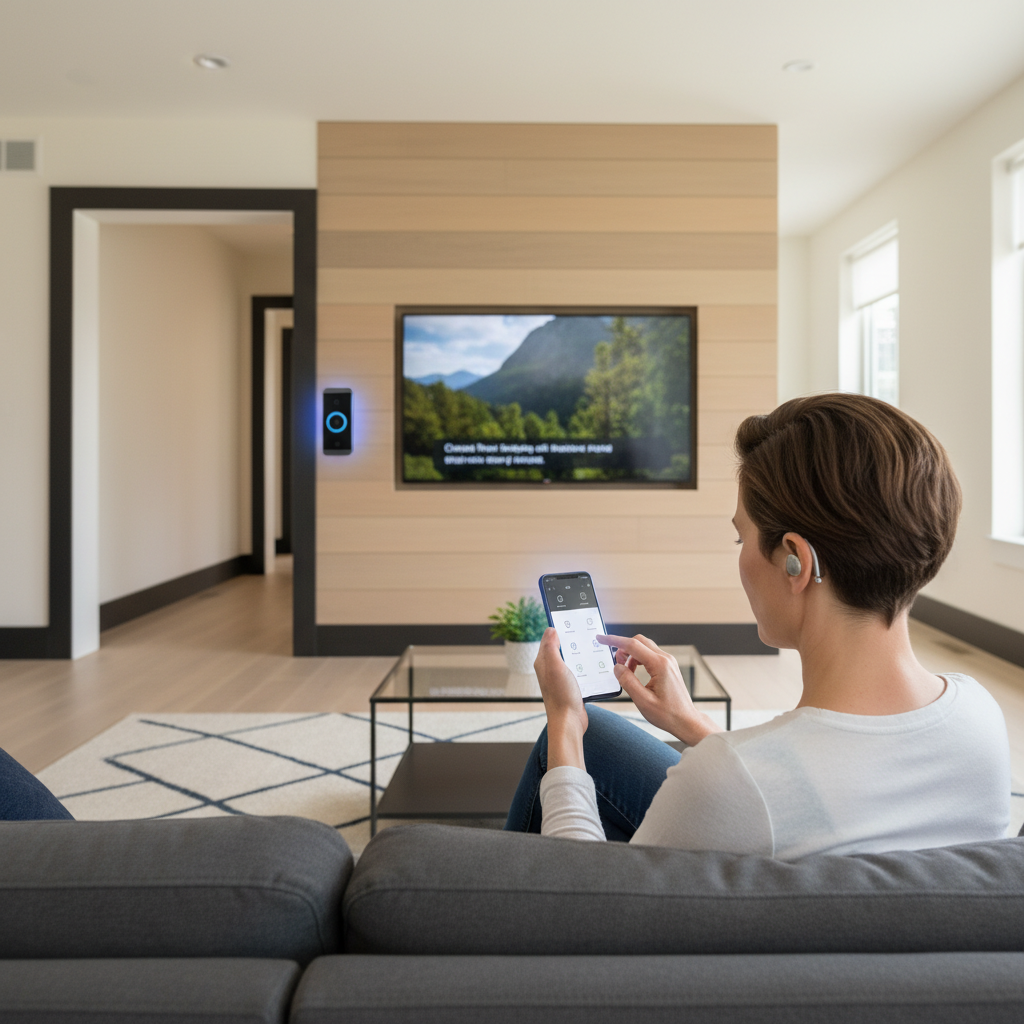
Smart Home for Hearing Impaired: Complete Integration Guide
Smart home technology for hearing impaired users combines Bluetooth hearing aids, visual alert systems, captioning, and voice-activated controls to create fully accessible living spaces. Modern hearing aids like Oticon Zeal and Audibel DNN 360 integrate seamlessly with smart home ecosystems, enabling direct audio streaming and remote adjustments.
Affiliate Notice: If you click on a link to a product Amazon and make a purchase, I may receive a small commission at no extra cost to you.

⚠️ MEDICAL DISCLAIMER: This guide provides general educational information only. We are not doctors and this is not medical advice, diagnosis, or treatment. Always consult your audiologist or hearing healthcare provider before purchasing hearing aids or smart home devices.
📋 Table of Contents
- Why Smart Homes for Hearing Impaired?
- Bluetooth Hearing Aid Technology
- Smart Home Integration Options
- Top Hearing Aid Models for Smart Homes
- Accessible Smart Devices
- Setup & Configuration Guide
- Frequently Asked Questions
🤔 Why Smart Homes for Hearing Impaired?
Benefits of Smart Home Integration:
- Direct audio streaming: Hear TV, doorbell, phone calls through hearing aids
- Visual alerts: Flashing lights for doorbell, alarms, notifications
- Captions & transcripts: Real-time speech-to-text for conversations
- Remote adjustments: AI-powered hearing aid tuning via smartphone
- Hands-free control: Voice commands adapted for hearing loss
Real-World Impact: Audibel’s DNN 360 delivers 28% better speech intelligibility in noisy environments through advanced AI sound processing
🎧 Bluetooth Hearing Aid Technology
Advanced AI Sound Processing
Modern hearing aids use deep neural networks (DNN) trained on millions of sounds to prioritize speech over noise.
| Technology | Benefit | Hearing Aids |
|---|---|---|
| DNN 2.0 | 15% enhanced speech clarity in restaurants | Oticon Intent |
| DNN 360 | 28% better speech intelligibility | Audibel AI hearing aids |
| 4D Sensor | Adapts to head movement, body position, environment | Oticon Intent |
| VOCCLEAR 2.0 | 30% better speech clarity, 8ms latency | ELEHEAR Beyond Pro |
Bluetooth Connectivity Standards
Auracast™ Broadcasting (Next-Generation Audio)
- Broadcast audio directly to hearing aids in public venues
- Works in theaters, airports, places of worship, community centers
- All newest Audibel AI hearing aids compatible
- Oticon Intent and Oticon Zeal support Auracast
LE Audio & ASHA Protocol
- Low Energy Audio for extended battery life
- Android 11+ supports ASHA (Audio Streaming for Hearing Aids)
- iPhone/iOS full Bluetooth streaming support
🏠 Smart Home Hearing Impaired Integration Options
1. Direct Audio Streaming to Hearing Aids
TV Streaming:
- ReSound TV-Streamer+ broadcasts audio via Auracast
- Hear TV at your preferred volume without disturbing others
- ReSound Remote Control 2 adjusts volume/programs
Phone & Video Calls:
- Hands-free calling through Bluetooth hearing aids
- Oticon Intent, Audibel DNN 360, Jabra Enhance support
- Captions appear on smartphone during calls
Smart Speakers & Voice Assistants:
- Amazon Alexa, Google Home compatible
- Voice commands adapted for hearing loss
- Transcripts displayed on screen
2. Visual Alert Systems
Doorbell Alerts:
- Smart doorbell (Ring, Logitech) sends video + flashing light
- Smartphone notification with visitor video
Alarm & Notification Lights:
- Philips Hue smart lights flash for alarms
- IFTTT automation triggers lights on events
Captions & Live Transcription:
- Google Live Transcribe for conversations
- Otter.ai real-time meeting captions
3. Remote Hearing Aid Adjustments
TeleHear AI (Audibel)
- Describe sound issue, AI analyzes environment
- Instant remote adjustments without office visit
- Live video sessions with hearing specialist available
Smartphone Apps
- Oticon Companion app for wireless adjustments
- Audibel app for DNN 360 customization
- Jabra Enhance app for OTC hearing aid tuning
🏆 Top Hearing Aid Models for Smart Homes 2026
| Model | Type | Key Smart Features | Best For |
|---|---|---|---|
| Oticon Zeal | Premium | Auracast, AI speech prioritization, 20-hour battery, same-day fitting | Full smart home integration |
| Audibel DNN 360 | Premium | TeleHear AI remote adjustments, 28% speech clarity, Gen AI assistant | Remote monitoring, tech-savvy |
| Oticon Intent | Premium | DNN 2.0, 4D Sensor, Auracast-ready, 15% speech enhancement | Dynamic environments |
| Jabra Enhance (affiliate link) | OTC | Affordable Bluetooth, iOS/Android streaming, tinnitus relief | Budget-conscious, mild-moderate loss |
| ELEHEAR Beyond Pro(affiliate link) | OTC | VOCCLEAR 2.0 (30% clarity), AI noise reduction, 8ms latency, $600 | High-quality OTC option |
| Phonak | Premium | Binaural VoiceStream, motion sensors, personalized noise cancellation | Seamless streaming |
| Starkey Livio AI | Premium | Fall detection (3D sensors), health tracking, Bluetooth | Seniors needing safety features |
💡 Accessible Smart Devices for Hearing Impaired
Smart Home Hubs & Control
- Amazon Echo Show 15(affiliate link): Large display for captions, visual alerts
- Google Nest Hub Max(affiliate link): Video calling with captions
- Apple HomePod mini (affiliate link): Siri voice control with transcripts
Captioning & Transcription
- Google Live Transcribe: Real-time speech-to-text
- Otter.ai: Meeting/conversation captions
- Rev: Professional transcription services
Visual Alert Devices
- Philips Hue Smart Lights: Customizable flashing alerts
- IFTTT Automation: Trigger lights on doorbell/alarms
- Bellman & Symfon: Vibrating alarm clocks
Accessible Entertainment
- Netflix: Built-in captions (CC/SDH)
- YouTube: Auto-generated captions + manual uploads
- Roku/Apple TV: Full caption support
🚀 Smart Home Hearing Impaired – Setup & Configuration Guide
First Step: Choose Compatible Hearing Aids
- Verify Bluetooth/Auracast support
- Check iOS/Android compatibility
- Test 30-day trial period
Second Step: Set Up Bluetooth Connectivity
1. Charge hearing aids fully
2. Enable Bluetooth on smartphone
3. Open hearing aid app (Oticon, Audibel, Jabra)
4. Pair hearing aids to phone
5. Test audio streaming (music, calls)
Third Step: Install Smart Home Hub
- Choose Echo Show, Google Nest, or HomePod
- Connect to WiFi network
- Enable captions/transcription features
Fourth Step: Configure Visual Alerts
Smart doorbell → Flashing light automation
Alarm clock → Vibrating device + light flash
Phone notifications → Visual + haptic alerts
Fifth Step: Enable Remote Adjustments
- Download hearing aid app
- Authorize caregiver/audiologist access
- Test TeleHear AI or remote tuning
Step 6: Test All Systems
- Stream TV audio to hearing aids
- Make test phone call with captions
- Trigger doorbell alert (light + notification)
- Verify app adjustments work
❓ Smart Home Hearing Impaired -Frequently Asked Questions
Most modern Bluetooth hearing aids (Oticon, Audibel, Jabra, Phonak) support streaming, but verify Auracast compatibility for public venues.
Auracast broadcasts audio to multiple hearing aids simultaneously in public spaces (theaters, airports). Standard Bluetooth connects one-to-one.
No, most Bluetooth hearing aids pair directly with smartphones. Audiologists can optimize settings via remote apps.
Most hearing aids connect to one device at a time, but switching is instant via app.
FAQ continued
Yes, OTC models support Bluetooth streaming and smartphone apps, though premium features may be limited.
Use Live Transcribe (Google), Otter.ai, or hearing aid apps with built-in captioning.
Rechargeable models offer 20+ hours (Oticon Zeal). Disposable batteries last 3-7 days with Bluetooth use.
Advanced hearing aids with AI (Audibel DNN 360, Oticon Intent) analyze sound environments and adjust automatically.
🎯 Smart Home Hearing Impaired Accessibility Checklist
- Hearing Aids: Bluetooth-enabled, Auracast-compatible
- TV Streaming: ReSound TV-Streamer+ or equivalent
- Smart Hub: Echo Show, Google Nest, or HomePod
- Visual Alerts: Philips Hue lights + doorbell automation
- Captions: Netflix, YouTube, Google Live Transcribe enabled
- Remote Adjustments: Hearing aid app installed, audiologist authorized
- Phone Captions: Live Transcribe or Otter.ai active
⚠️ MEDICAL DISCLAIMER
Educational content only – not medical advice. Consult audiologists for personalized hearing aid recommendations. Smart home devices guide accessibility but don’t replace professional hearing care. No doctor-patient relationship created.
Sources: Audibel, Oticon, Hearing Tracker, Senior Living reviews, ELEHEAR, Hearing Life