📡 Introduction: When the Connected World Disconnects
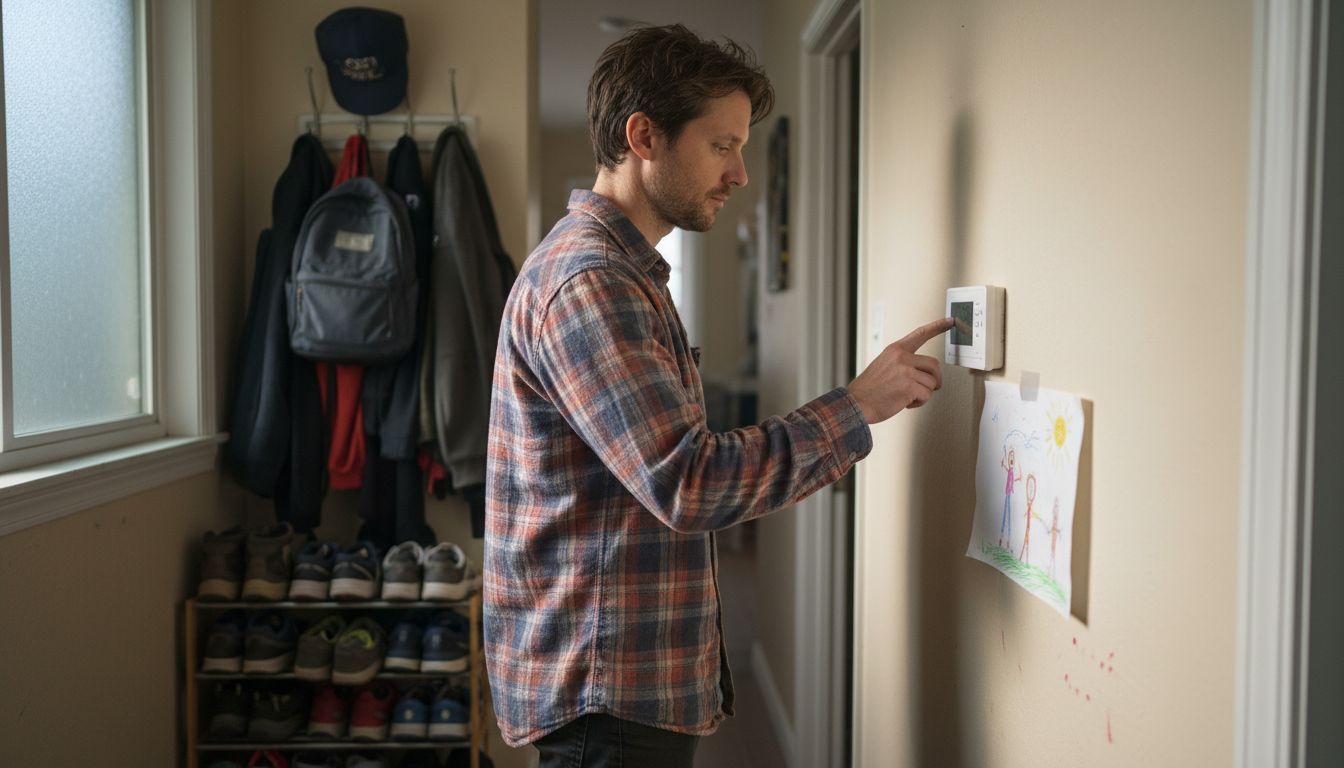
Picture this: you walk into your home after a long day, ready to ask your voice assistant to play some music and turn on the lights. Instead, you’re met with silence and darkness. Your internet is down, and suddenly you discover a smart home internet outage. Your smart home feels… well, not so smart.
Internet outages happen to everyone—whether from a service provider issue, a local outage, or even severe weather. While frustrating, they don’t have to leave you completely in the dark (literally!). At Smart Home HQ, we believe in building resilient smart homes that work for you, not against you. This guide will walk you through exactly what to do when your smart home internet goes out, recommend the best offline-capable devices, and share best practices to keep your home running smoothly, even when the Wi-Fi isn’t.
As an Amazon Associate, I earn from qualifying purchases. This means that if you click on a link to a product on Amazon and make a purchase, I may receive a small commission at no extra cost to you.
🚨 Immediate Steps: Diagnosing and Reacting to a Smart Home Internet Outage
Don’t panic. Follow this systematic approach to understand the problem and restore basic functionality.
1. Confirm the Internet Outage
First, verify that the problem is indeed your internet and not a single device.
- Check your router/modem: Are the lights blinking abnormally or showing an error?
- Test another device: Try loading a website on your phone using cellular data turned off to confirm the Wi-Fi is down.
- Contact your ISP: Use your phone to check your provider’s service status page or outage map.
2. Identify What Still Works
Not all smart home functions require a constant internet connection. Take stock:
- Locally-controlled devices: Smart lights with physical switches? Smart locks with keypads?
- Battery backups: Do critical devices like security sensors have battery power?
- Hub status: Is your smart home hub (like a Samsung SmartThings or Hubitat(affiliate link)) still powered and showing a local network connection?
3. Access Your Router and Network
If you have a secondary, wired network or a mesh system with a dedicated backhaul, you might still have a local area network (LAN) even without internet. This is crucial for local control.
🛡️ Building an Offline-Resilient Smart Home: Core Principles
The key to weathering a smart home internet outage is planning. Implement these principles when designing or upgrading your setup.
1. Prioritize Local Processing and Control
- What it means: Devices and automations that are processed within your home network, not in the cloud.
- Why it matters: Cloud-dependent devices become “dumb” when the internet drops. Locally processed commands (via a hub) will continue to work.
- How to implement: Choose a smart home hub that emphasizes local control, like Hubitat Elevation or Home Assistant.
2. Implement a Robust Network Foundation
Your smart home is only as strong as its network.
- Use a UPS (Uninterruptible Power Supply): Plug your router, modem, and primary hub into a UPS. This keeps your network alive during short power blips, which often accompany outages.
- Consider a Cellular Backup: Some advanced routers (like certain Netgear Nighthawks or Peplink devices) offer 4G/5G failover. When the primary internet fails, it automatically switches to a cellular data SIM card.
3. Choose Devices with Physical Fallbacks
Always have a non-digital way to operate critical systems.
- Smart Locks: Must have a physical key or keypad.
- Smart Thermostats: Should be operable manually on the device itself.
- Smart Lights: Ensure they’re connected to a physical light switch that cuts power (allowing you to turn them on/off the old-fashioned way).
📱 Top Offline-Capable Device Recommendations
When selecting devices, look for those that function without constant cloud dependency. Here are our top picks, tested by the Smart Home HQ team.
🏠 Smart Home Hubs with Strong Local Control
| Device | Key Feature for Outages | Our Take |
|---|---|---|
| Hubitat Elevation | Nearly 100% local execution of rules and automations. | Our top pick for reliability. It keeps your scenes and routines running seamlessly during an outage. |
| Home Assistant (Yellow or Blue) | Open-source, completely local-first philosophy. | For the tech-savvy user who wants ultimate control and privacy. |
| Samsung SmartThings (v3 Hub) | Select automations can run locally if built with compatible devices. | More user-friendly but requires careful device pairing to ensure local fallback. Check our SmartThings Hub review for compatible devices. |
💡 Lighting: Zigbee & Z-Wave are Your Friends
Wi-Fi bulbs are often cloud-dependent. For offline resilience, use bulbs that connect via a local hub.
- Philips Hue: While the Hue Bridge requires internet for setup and app updates, basic on/off and scene control via its switches continues to work locally during an outage.
- Inovelli or Zooz Switches: These Z-Wave or Zigbee smart switches replace your wall plate. They work directly with your local hub and provide physical control.
💡 Pro Tip: In our smart home glossary, we detail how Zigbee and Z-Wave create self-contained mesh networks that operate independently of your Wi-Fi.
🌡️ Climate Control: Smart Thermostats
A good smart thermostat should never compromise your home’s comfort during an outage.
- Ecobee Smart Thermostat Premium: Continues to follow its pre-programmed schedule without an internet connection. Manual control on the device is always available.
- Google Nest Learning Thermostat: Will hold its last setting and can be controlled manually. (Note: Early models required a “C-wire” for power during an outage; newer models handle this better).
Compare resilience features in our detailed smart thermostat comparison guide.
🔐 Security & Access During a Smart Home Internet Outage
Security shouldn’t fail when the internet does.
- Schlage Encode Plus Smart WiFi Deadbolt: Features Apple Home Key and a physical keypad that work without Wi-Fi. Bluetooth access via phone also remains active.
- UniFi Protect System: A locally hosted video security system (using a UniFi Dream Machine or Cloud Key). It records to a local hard drive and can be accessed on your local network without internet.
🔋 Essential Backup Power
- APC or CyberPower UPS: A small, affordable UPS for your networking gear can provide hours of power, maintaining your local network during an outage.
🔧 Best Practices for Smart Home Internet Outage Preparation
1. Document Your System
Keep a simple list or diagram:
- Device names and locations.
- Physical fallback methods (e.g., “Hallway Light – use switch by door”).
- Critical automation triggers (e.g., “Away Mode arms security at 8 AM”).
2. Create “Internet-Down” Scenes and Routines
Program a special scene into your hub that activates when it loses connection to the cloud.
- Example “Safe Mode” Routine: Turns on essential hall and bathroom lights at sunset, ensures the thermostat holds at a safe temperature, and sends a notification to your phone when the internet returns.
3. Test Your Offline Functionality Regularly
Once a quarter, simulate an outage.
- Unplug your router’s WAN (internet) cable.
- Walk through your home. Can you still turn on lights via switches or hub? Does the thermostat respond?
- Time how long your UPS keeps the network alive.
4. Secure Your Network Gateways
Ensure your primary hub and router have strong, unique passwords. An outage can sometimes expose networks to opportunistic attacks if they’re poorly secured.
🚑 Troubleshooting During an Extended Outage
If the internet is down for more than a few hours, escalate your response.
- Conserve Hub and Network Power: If on UPS, turn off non-essential network switches or access points to extend battery life for the core router and hub.
- Switch to Battery-Powered Control: Use your hub’s companion app (if it works over the local Wi-Fi) or physical controllers like Hue Dimmers.
- Manage Expectations with Cloud Devices: Understand that devices like cloud cameras, some video doorbells, and voice assistants (Alexa, Google Assistant) will have limited to no functionality.
🔮 The Future: Matter, Thread, and Enhanced Reliability
The new Matter standard, built on Thread, promises a more resilient smart home future. Matter is designed to work locally by default. A Matter controller (like an Apple TV or Google Nest Hub) should maintain control of Matter devices on your local network without needing the cloud.
Our recommendation: As you expand your system, prioritize buying Matter-over-Thread devices. This invests in an architecture designed for reliability and local control from the ground up.
✅ Conclusion: Empowerment Through Preparation
An internet outage is an inconvenience, but it doesn’t have to be a catastrophe. By choosing the right offline-capable devices, implementing a locally processed hub, and following simple best practices, you can build a smart home that provides convenience when you have internet and essential reliability when you don’t.
At Smart Home HQ, our mission is to provide impartial evaluation and practical, do-it-yourself enablement. We test for real-world scenarios—including outages—so you can build a system that truly works for your life.
Take action this week: Review one critical system in your home (like lighting or locks). Does it have a physical or local-control fallback? If not, use our device recommendation guides to plan an upgrade. A resilient smart home is a peaceful smart home.
Related Links
Has your smart home handled an internet outage well—or poorly? Share your stories and tips in the comments below! For more hands-on guides and resilience testing, subscribe to the Smart Home HQ newsletter.