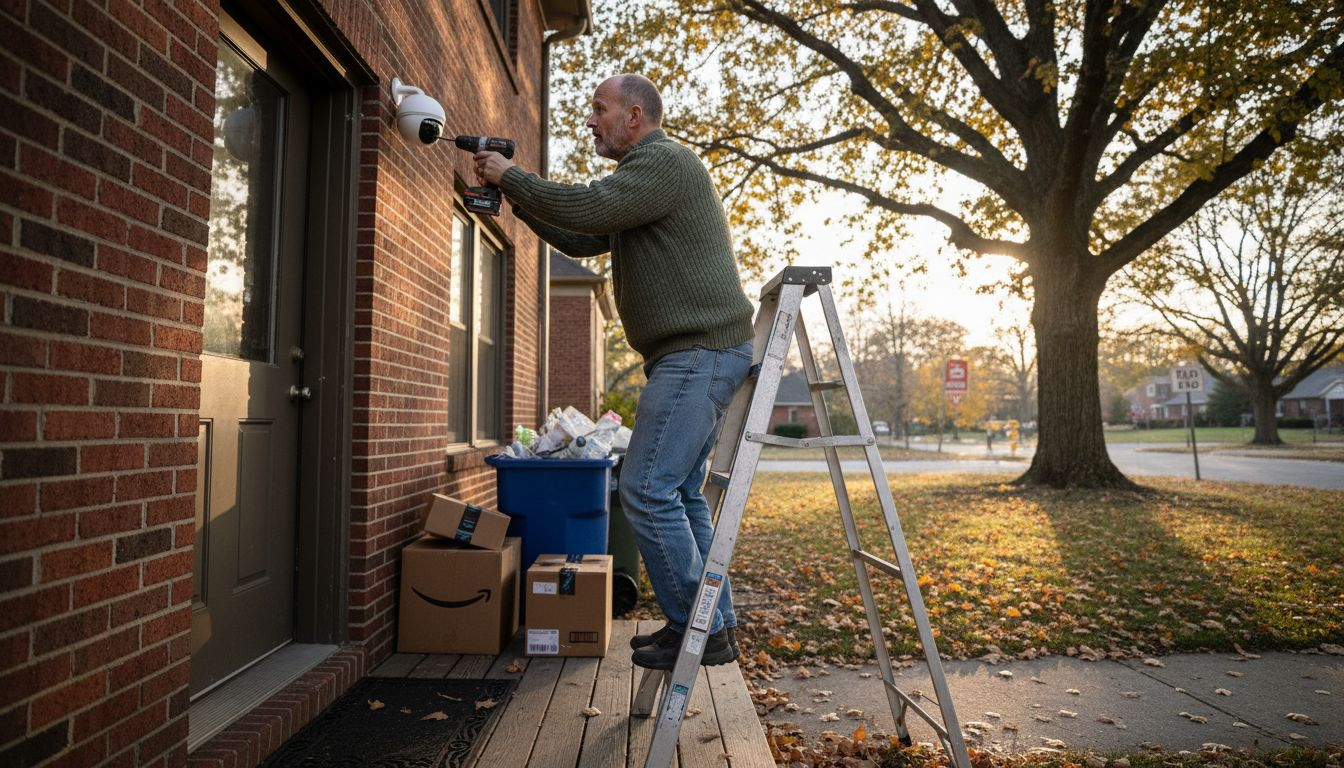
Smart surveillance has rapidly evolved from a nice-to-have gadget into a practical necessity for modern homeowners, raising an important question: why invest in smart surveillance right now? By combining AI-powered cameras, intelligent motion detection, and real-time alerts, these systems help stop suspicious activity before it becomes a break-in, protect packages and vehicles, and provide clear video evidence when something does go wrong.
Smart surveillance systems can reduce burglary attempts by up to 60%, making them one of the most effective home security investments available today. Homeowners across the U.S. are discovering that AI-powered cameras and sensors do more than just record. They actively prevent crime while seamlessly integrating with existing smart home platforms. This guide explores how smart surveillance works, why it matters, and how you can implement it to protect your property effectively.
Table of Contents
- Introduction To Smart Surveillance For Homeowners
- How Smart Surveillance Enhances Home Security
- The Role Of Ai And Machine Learning In Smart Surveillance
- Integration With Existing Smart Home Ecosystems
- Cost-Benefit Analysis And Common Misconceptions
- Case Studies Illustrating Impact Of Smart Surveillance
- Practical Tips For Choosing And Implementing Smart Surveillance
- Summary And Next Steps For Homeowners
- Enhance Your Home Security With Smart Home HQ
- Frequently Asked Questions
Key Takeaways
Why Invest in Smart Surveillance
| Point | Details |
|---|---|
| AI Detection Reduces Risk | Smart systems use AI to identify suspicious behavior, cutting burglary attempts dramatically. |
| Seamless Smart Home Integration | Works with Alexa, Google Home, and HomeKit for unified control and instant alerts. |
| Affordable Entry Points | Quality AI-enabled systems start under $200, making protection accessible. |
| Privacy You Control | Customizable zones and encryption keep your data secure and private. |
| Proven Real-World Results | 2025 case studies show immediate police response prevented actual burglaries. |
Introduction to Smart Surveillance for Homeowners
Smart surveillance represents a fundamental shift from traditional security cameras. Instead of passively recording everything, these systems use AI-enabled cameras, motion sensors, and cloud connectivity to actively monitor your property. They analyze what they see, alert you to genuine threats, and ignore routine activity like pets or passing cars.
The core components include high-definition cameras with night vision, motion and sound sensors, AI analytics software, and integration hubs that connect to your smart home ecosystem. Unlike old CCTV systems that require constant monitoring and storage of endless footage, modern smart surveillance only records when something important happens. You get remote access through smartphone apps, real-time notifications, and the ability to prioritize smart home security alongside other connected devices.
Key differences from traditional CCTV include:
- Event-triggered recording saves storage space and makes review manageable
- AI-powered alerts distinguish between actual threats and false alarms
- Remote access lets you check your home from anywhere
- Two-way audio enables direct communication with visitors or intruders
- Cloud backup ensures footage survives even if hardware is damaged
Technology trends in 2026 show increased AI capabilities at lower price points, better integration across platforms, and improved energy efficiency. For homeowners wanting effective security that doesn’t require constant attention, smart surveillance delivers exactly that combination of protection and convenience.

Why Invest in Smart Surveillance
How Smart Surveillance Enhances Home Security
Smart surveillance doesn’t just record crimes after they happen. It actively prevents them. AI-powered systems recognize suspicious behavior patterns like someone lingering near entry points or attempting to disable cameras. This early detection triggers immediate alerts, giving you time to respond before a break-in occurs.

Real-time notifications make the critical difference. When your system detects unusual activity, you receive instant smartphone alerts with video clips. You can assess the situation immediately and contact authorities if needed. Studies show that homes with visible smart cameras experience 45% faster emergency response times because homeowners can provide real-time information to dispatchers.
Here’s how these features combine for maximum protection:
- AI detection identifies potential threats based on behavior, not just motion
- Instant alerts reach your phone within seconds of detection
- Live video feed lets you verify the threat immediately
- Two-way audio allows you to warn off intruders or speak with delivery personnel
- Automatic recording captures evidence for insurance claims or police reports
Event-triggered recording revolutionizes home security management. Instead of sorting through hours of footage showing nothing, your system only saves clips when something actually happens. This approach reduces storage costs, makes review practical, and ensures you never miss important events. Your system becomes a proactive partner in your home security workflow, not just a passive observer.
Real-world data from 2025 case studies demonstrates measurable impact. Neighborhoods with 40% or higher smart surveillance adoption reported 35% fewer property crimes compared to areas with traditional security or no systems at all.
The Role of AI and Machine Learning in Smart Surveillance
AI transforms cameras from simple recording devices into intelligent security assistants. Advanced algorithms analyze video feeds in real time, learning to distinguish between normal household activity and genuine security concerns. This capability dramatically reduces false alerts that plague traditional motion-sensor systems.
Machine learning enables continuous improvement. Your system gets smarter over time by learning your household patterns. It recognizes family members, regular visitors, and typical daily routines. When something deviates from these patterns, the AI flags it for your attention. AI detection accuracy improves annually, meaning your 2026 system will be even more reliable in 2027.
Key AI capabilities include:
- Person detection that ignores pets and environmental motion
- Facial recognition for authorized individuals versus strangers
- Package detection to alert you when deliveries arrive
- Vehicle recognition to track unfamiliar cars in your driveway
- Sound analysis that identifies breaking glass or alarm sounds
The accuracy improvements matter because they directly impact usability. When your system only alerts you to real threats, you pay attention to every notification. This maintains vigilance without creating alert fatigue. You can explore more about the role of AI in smart homes and its broader impact on home automation.
Pro Tip: Enable automatic software updates on your surveillance system. Manufacturers continuously refine AI algorithms based on millions of data points. Regular updates ensure you benefit from these improvements without any effort.
Remember that AI assists but doesn’t replace human judgment. Review alerts promptly, verify threats yourself, and maintain appropriate privacy settings to protect your household data.
Integration with Existing Smart Home Ecosystems
Why Invest in Smart Surveillance
Smart surveillance reaches its full potential when integrated with your existing smart home platform. Compatibility with Amazon Alexa, Google Home, or Apple HomeKit creates a unified security experience where all your devices work together seamlessly.
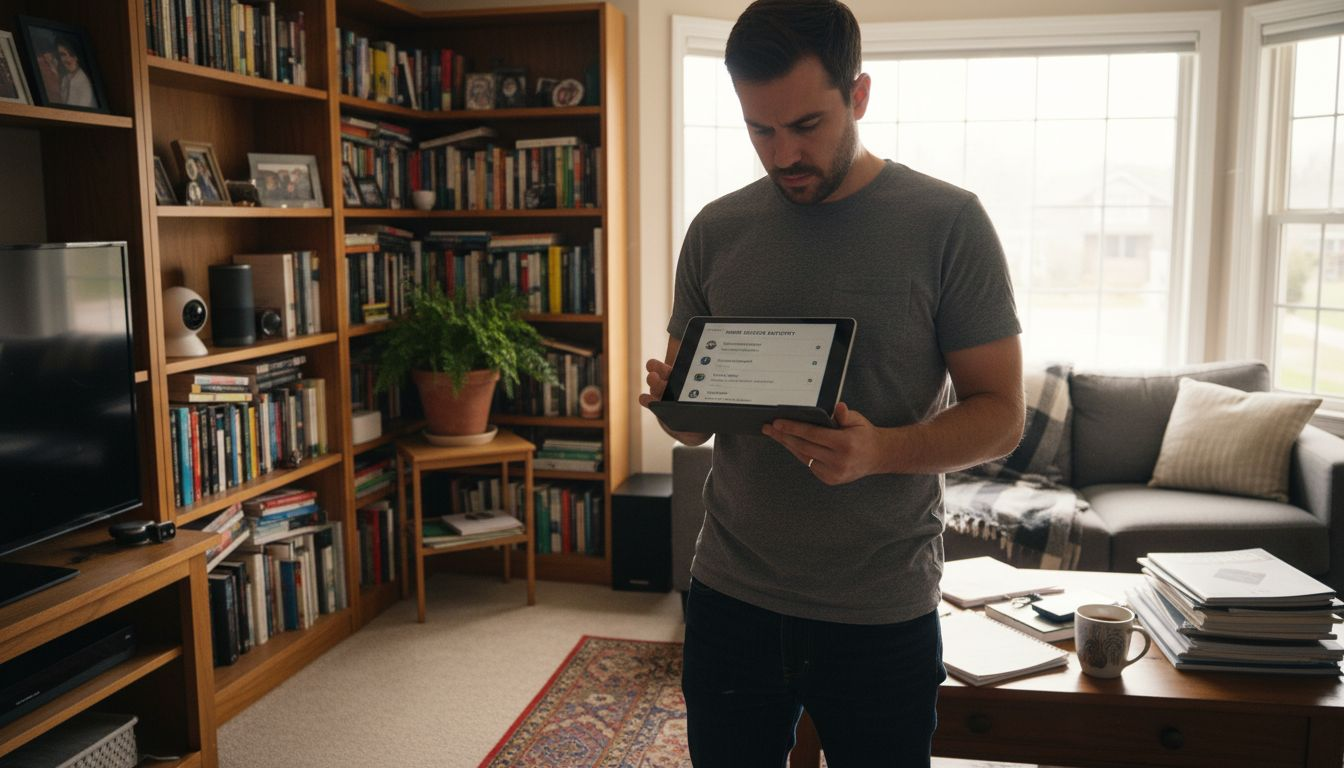
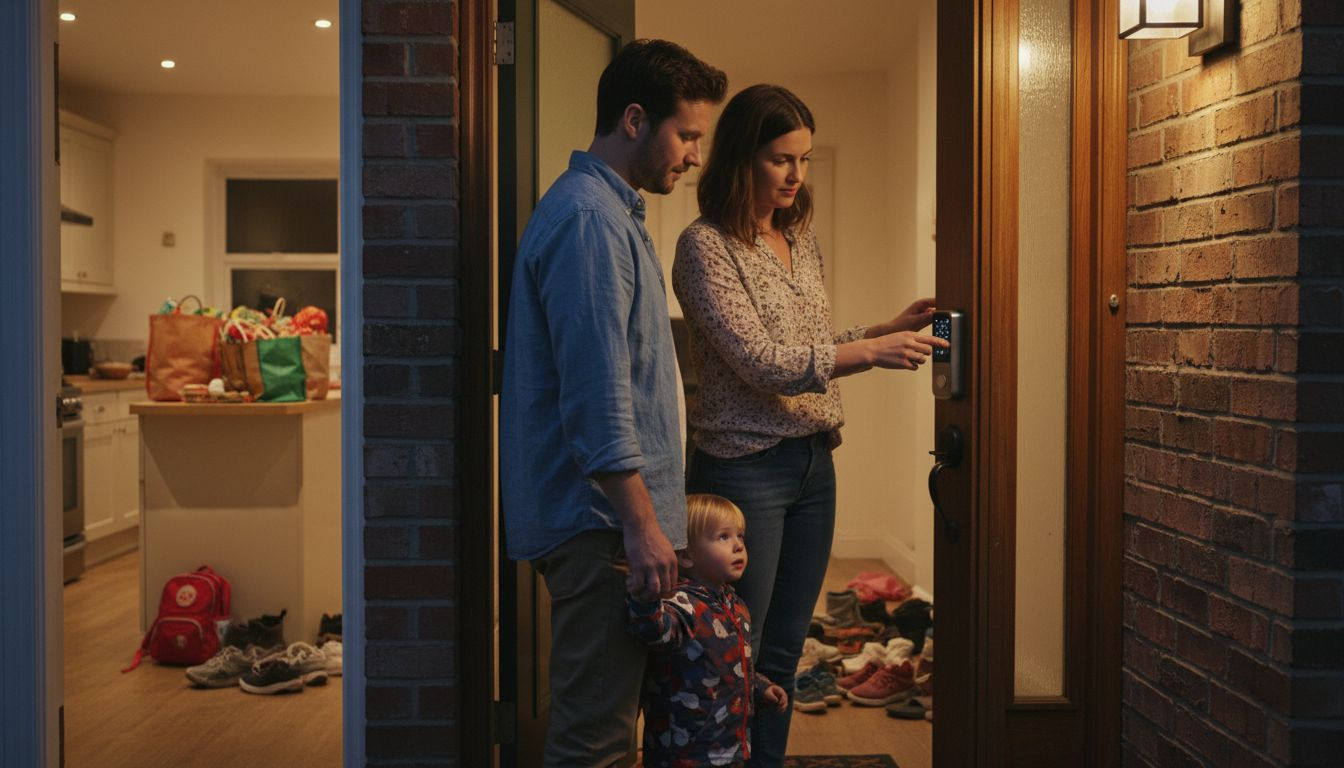
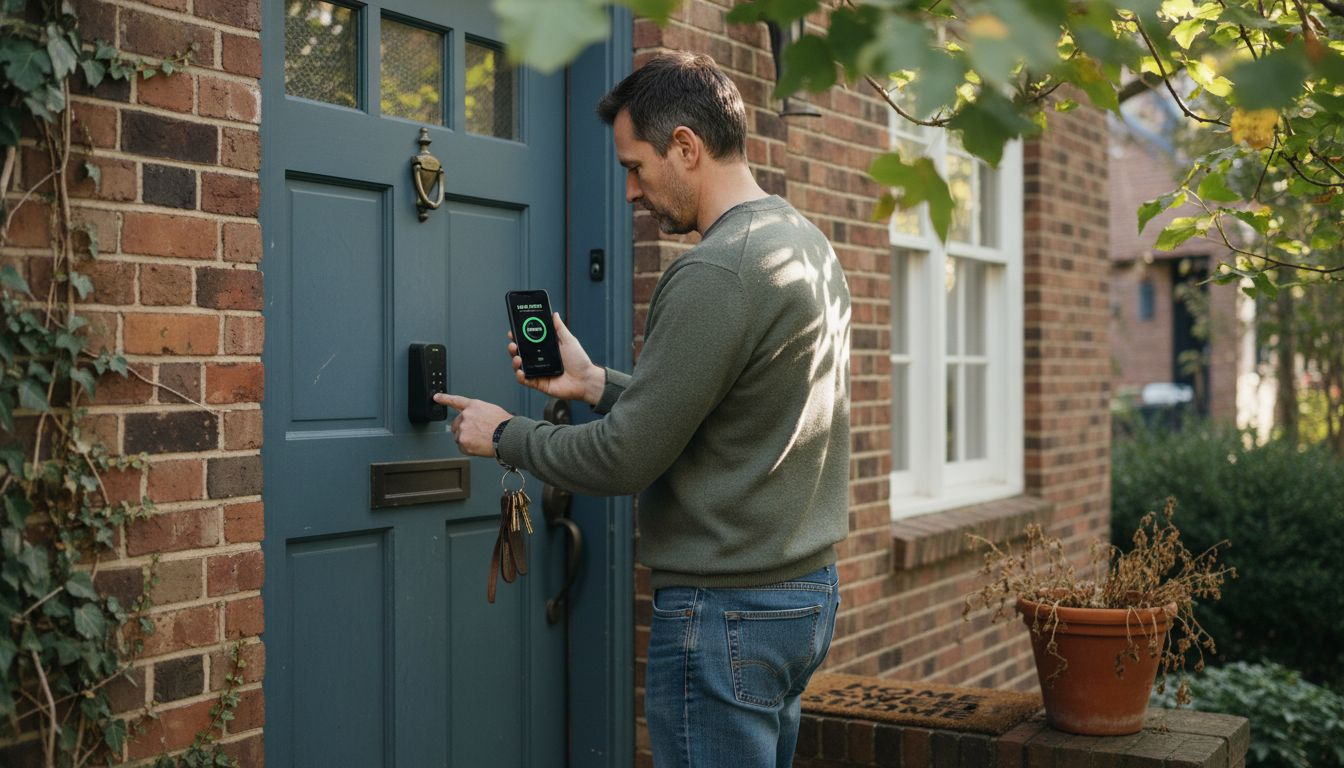
Integration enables powerful automation scenarios. Your camera detects motion at the front door, triggering your smart lights to turn on and your smart lock to verify its status. You receive a notification with live video, all coordinated through a single platform. Voice commands let you check camera feeds hands-free: just ask Alexa or Google to show your front door camera on your smart display.
| Platform | Voice Control | Automation | Setup Difficulty | Best For |
|---|---|---|---|---|
| Amazon Alexa | Excellent | Very Good | Easy | Budget conscious, wide device selection |
| Google Home | Excellent | Excellent | Easy | Android users, AI-driven routines |
| Apple HomeKit | Good | Good | Moderate | Privacy focused, iOS ecosystem |
| Samsung SmartThings | Good | Excellent | Moderate | Advanced automation, device flexibility |
Benefits of unified control include:
- Single app interface for all security and smart home devices
- Coordinated responses across multiple device types
- Simplified guest access and temporary permissions
- Centralized notification management
- Scene creation that combines security with comfort automation
Before purchasing any surveillance device, verify platform compatibility. Check manufacturer specifications and read reviews from users with your specific smart home ecosystem. This simple verification prevents frustrating integration issues later. You can find detailed compatibility information in best security camera reviews that test real-world integration scenarios.
Pro Tip: Start with cameras from manufacturers that officially support your platform rather than relying on third-party integrations. Official support ensures better performance, faster updates, and reliable automation.
Cost-Benefit Analysis and Common Misconceptions
Why Invest in Smart Surveillance
Smart surveillance has become surprisingly affordable. Entry-level systems with genuine AI capabilities now start below $200, making professional-grade security accessible to most homeowners. A typical starter package includes two cameras, cloud storage, and mobile app access for comprehensive coverage of main entry points.
Insurance companies recognize the value of smart surveillance. Many providers offer discounts ranging from 5% to 20% on homeowners insurance premiums when you install and maintain a verified smart security system. These savings can offset your initial investment within two to three years, making smart surveillance essentially free over its typical five to seven year lifespan.
Common misconceptions debunked:
- Myth: Smart cameras are prohibitively expensive. Reality: Quality systems start under $200 with no monthly fees for basic features.
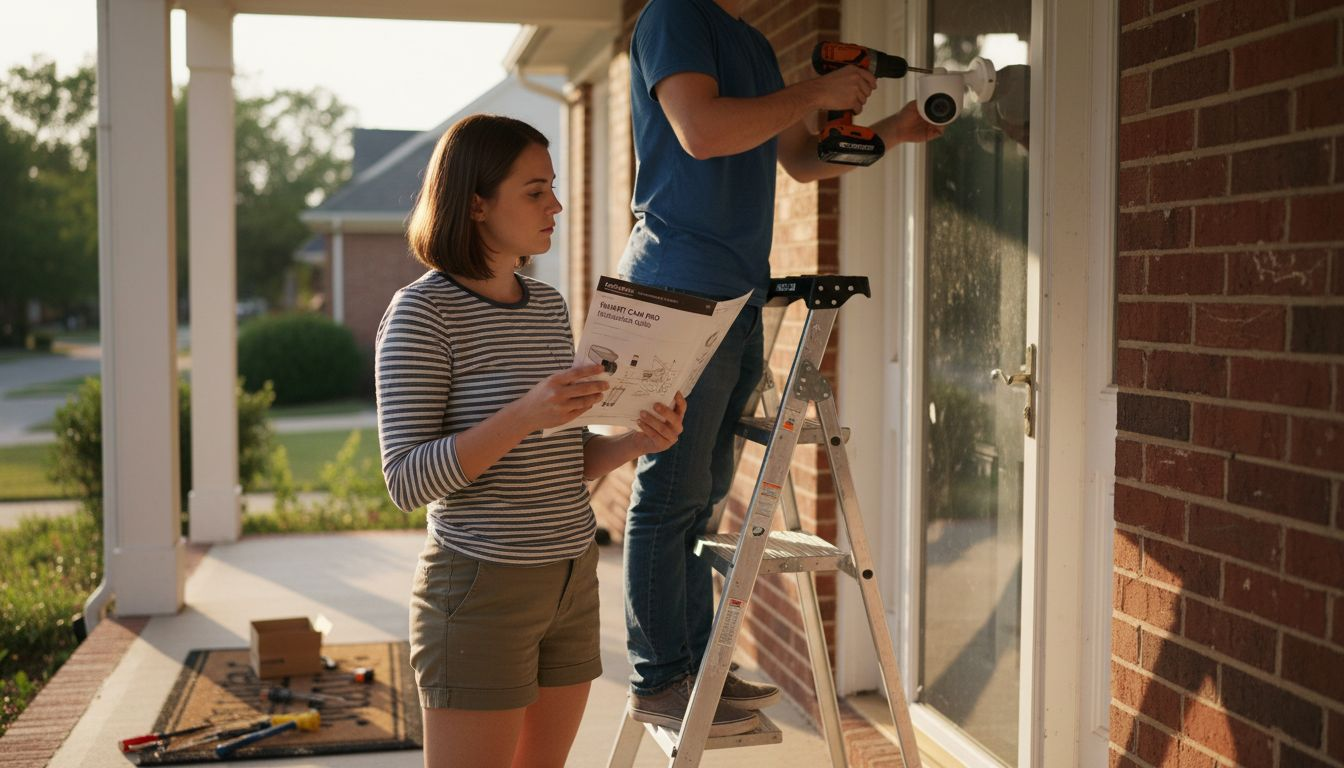
- Myth: Installation requires professional help. Reality: Most systems use wireless connectivity and mount with simple brackets.
- Myth: Smart surveillance invades privacy. Reality: Customizable privacy zones and local storage options give you complete control.
- Myth: Cloud storage is mandatory and expensive. Reality: Many systems offer free cloud storage tiers or local SD card options.
| System Tier | Price Range | AI Features | Privacy Controls | Best Use Case |
|---|---|---|---|---|
| Entry Level | $150-$300 | Basic person detection | Privacy zones, encryption | Apartment, condo |
| Mid Range | $300-$600 | Advanced AI, facial recognition | All features plus local storage | Single family home |
| Premium | $600+ | Full AI suite, 4K video | Enterprise-grade encryption | Large property, high-value assets |
The real value extends beyond monetary savings. Peace of mind, reduced anxiety when traveling, and the ability to check on family members remotely provide benefits that don’t appear on balance sheets. Use a comprehensive home security checklist to evaluate your specific needs and calculate your personal return on investment.
Case Studies Illustrating Impact of Smart Surveillance
Why Invest in Smart Surveillance
Real-world examples demonstrate smart surveillance’s tangible benefits. In 2025, a Portland family avoided a potential $15,000 burglary loss thanks to their AI-enabled camera system. The system detected suspicious behavior when an individual repeatedly approached their front door while checking nearby windows. Immediate police dispatch prevented the burglary within minutes of the alert, resulting in an arrest before any entry occurred.
Neighborhood-level data shows even broader impact. A Seattle suburb with high smart surveillance adoption rates experienced a 42% reduction in property crimes between 2024 and 2025. Police attributed the decrease directly to faster response times enabled by homeowner alerts and the deterrent effect of visible smart cameras.
Homeowner testimonials reinforce these statistics:
- A Chicago couple credits their system with identifying package thieves within their first week of installation
- A Denver retiree uses two-way audio to remotely greet grandchildren arriving after school
- A Miami homeowner received insurance claim approval within 48 hours using clear video evidence
“The AI alert came through at 2 AM while we were sleeping. By the time I checked my phone, the system had already recorded everything. Police arrived within six minutes because I could confirm it was an actual break-in attempt, not a false alarm. That immediate response made all the difference.”
These examples illustrate what statistics alone cannot capture. Smart surveillance provides both measurable crime reduction and immeasurable peace of mind. Read more home security reviews to see how different systems perform in various real-world scenarios and climates.
Practical Tips for Choosing and Implementing Smart Surveillance
Selecting the right smart surveillance system starts with assessing your home’s specific vulnerabilities. Walk your property perimeter and identify entry points, blind spots, and high-value areas requiring coverage. Ensure any system you consider integrates with your current smart home platform to avoid creating separate, disconnected security islands.
Prioritize these essential features:
- AI-powered person and vehicle detection to minimize false alerts
- Night vision with at least 30-foot range for overnight protection
- Weather resistance rated IP65 or higher for outdoor cameras
- Cloud or local storage with at least seven days of retention
- Two-way audio for direct communication capability
- Customizable privacy zones to exclude sensitive areas
Balance system complexity against consistent use. The most sophisticated system provides no value if you find it too complicated to configure properly or too annoying to use daily. Start with core features and expand as you become comfortable. Many homeowners find that two well-placed cameras provide better security than four poorly positioned ones.
Configuration best practices ensure maximum protection:
- Enable motion detection zones focusing on entry points and pathways
- Set privacy zones to exclude neighbors’ properties and public sidewalks
- Activate encryption for all video streams and stored footage
- Use strong, unique passwords and enable two-factor authentication
- Secure your WiFi network with WPA3 encryption and a strong password
Find detailed setup guidance in our comprehensive security camera buying guide that walks through installation step by step. Learn more about securing your WiFi network to prevent unauthorized access to your surveillance feeds.
Pro Tip: Schedule monthly system checks to verify camera angles, clean lenses, and test notifications. Regular maintenance takes five minutes but ensures your system works perfectly when you need it most.
Summary and Next Steps for Homeowners
Why Invest in Smart Surveillance
Smart surveillance delivers layered protection through AI detection, real-time alerts, and seamless smart home integration. You’ve learned how these systems reduce burglary attempts significantly, integrate with platforms you already use, and cost less than you probably expected. The technology continues improving yearly, making 2026 an excellent time to upgrade your home security.
Your integration readiness checklist:
- Verify smart home platform compatibility before purchasing
- Assess coverage needs by walking your property perimeter
- Calculate insurance discount eligibility with your provider
- Plan camera placement focusing on entry points and blind spots
- Prepare your WiFi network with strong security settings
- Download manufacturer apps and create accounts in advance
Start with a two-camera system covering your main entry and most vulnerable secondary access point. This foundation provides immediate protection while you learn the technology. Expand coverage as budget allows and experience grows. Use the comprehensive home security checklist to ensure you address all critical security elements beyond just cameras.
The peace of mind from knowing your home stays protected while you work, travel, or sleep proves invaluable. Take the first step today by researching systems compatible with your smart home platform and property layout.
Enhance Your Home Security with Smart Home HQ
Ready to implement smart surveillance? Smart Home HQ offers carefully curated selections of security devices compatible with major smart home platforms. Our detailed product comparisons help you identify systems matching your specific needs, budget, and technical comfort level.

Explore our comprehensive smart surveillance product comparison table featuring side-by-side analysis of top-rated systems. Read in-depth reviews of the best smart home security cameras tested in real homes under actual conditions. Download our free home security checklist to guide your entire security upgrade process from assessment through installation.
Start securing your home today with trusted solutions backed by thorough testing and honest reviews. Every product recommendation comes from hands-on experience, ensuring you invest in systems that actually work as advertised.
Frequently Asked Questions
Why Invest in Smart Surveillance
What features are essential in smart surveillance for home use?
Prioritize AI-powered person detection to reduce false alerts, night vision with at least 30-foot range, weather resistance for outdoor cameras, and compatibility with your existing smart home platform. Two-way audio and customizable privacy zones add valuable functionality without significantly increasing cost.
Can these systems really reduce insurance costs for homeowners?
Yes, many insurance providers offer discounts ranging from 5% to 20% when you install verified smart surveillance systems. Contact your insurance agent to confirm eligibility requirements and documentation needed. These savings often offset your initial investment within two to three years.
How do privacy controls in smart surveillance work?
Modern systems let you define privacy zones that exclude specific areas from recording, such as neighbors’ windows or public sidewalks. End-to-end encryption protects video streams and stored footage from unauthorized access. Local storage options eliminate cloud concerns entirely if you prefer keeping all data on-site.
What smart home platforms integrate best with surveillance devices?
Amazon Alexa, Google Home, and Apple HomeKit all offer excellent surveillance integration. Alexa provides the widest device compatibility and easiest setup. Google Home excels at AI-driven automation. HomeKit prioritizes privacy with local processing. Choose based on your existing ecosystem for seamless integration.
Is AI completely autonomous or does it require human oversight?
AI assists but doesn’t replace human judgment. The technology identifies potential threats and alerts you, but you verify the situation and decide appropriate responses. This human-in-the-loop approach balances automation benefits with responsible oversight, ensuring you maintain control over your home security decisions.
Why Invest in Smart Surveillance
Recommended
- Smart Security Systems 2026: Review The Top Options
- Why Prioritize Smart Home Security Now
- Smart Home Security Audit 7-Step Smart Home Security Checklist
- Network Security for Enterprises in 2026
- Outdoor Safety for Pets in 2026: 69M US Homes Protect Dogs