Your First Steps Towards a Smart Home
Smart Technology for Seniors is all about using today’s easy, affordable smart devices to make everyday life safer, simpler, and more comfortable for older adults. From voice-controlled speakers to smart lights and locks, these tools can quietly support independence at home without adding technical stress or taking away control.
AI Smart Tech Seniors
Embarking on your smart home journey doesn’t have to be overwhelming! The best way to start is by taking small, manageable steps.
Where to Begin:
Recommendation: Start small! Don’t feel pressured to automate your entire home overnight. Pick one area of concern that resonates with you. Maybe by enhancing security, making daily routines easier, or just exploring something new that excites you.
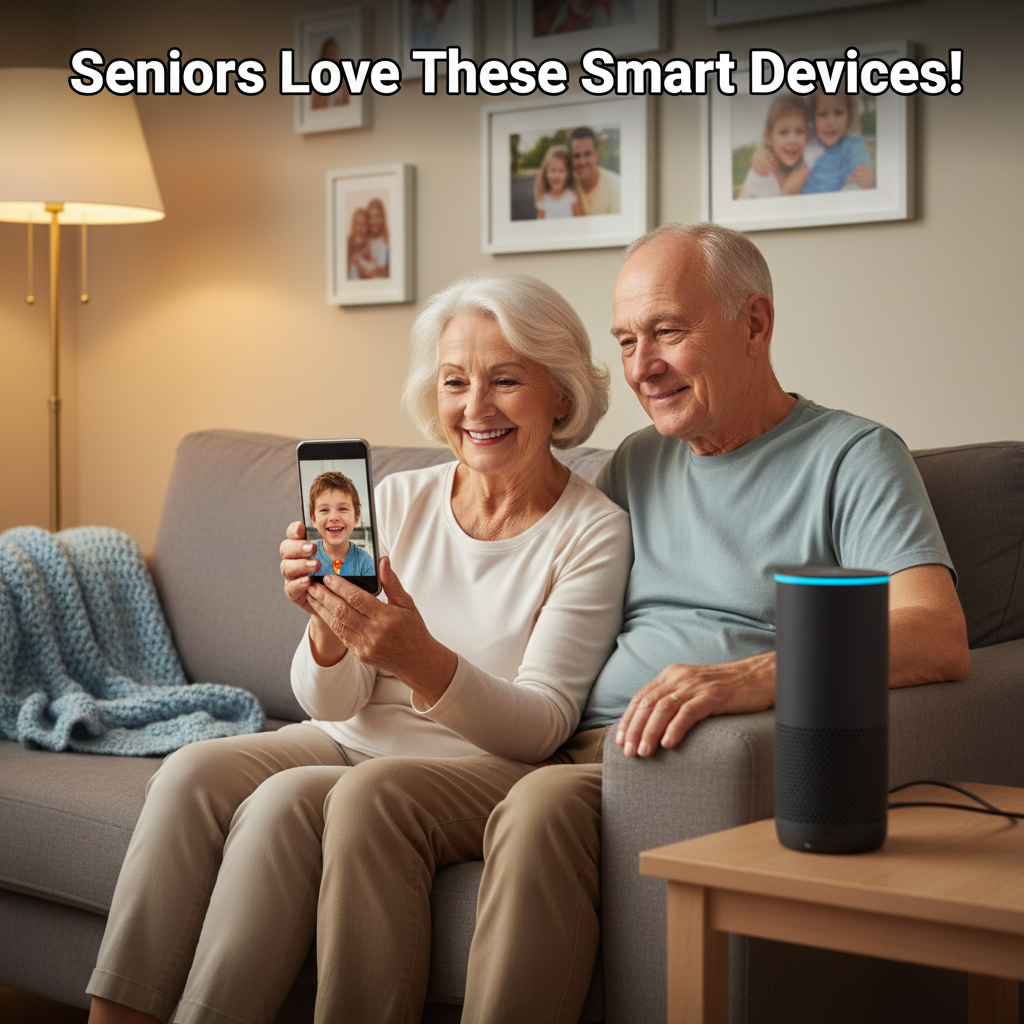
Suggestion: Voice assistants like an Echo Dot or Google Nest Mini are fantastic starting points. 🗣️ They are incredibly versatile, relatively inexpensive., and allow you to try out voice control for music, news, setting timers. Additionally, you can ask a variety of questions, all with simple commands.
Key Considerations: Before purchasing any smart device, keep these important points in mind to ensure a positive experience:
Ease of Use: Prioritize devices with simple, intuitive interfaces or, even better, those that can be controlled primarily by voice. Look for clear instructions and straightforward app designs.
Reliability: Stick with reputable brands known for quality and good performance. Researching reviews from other seniors can be particularly helpful.
Privacy: Understand how your personal data might be used by smart devices. Most reputable brands offer transparent privacy policies.
Support: Ensure that the company offers accessible customer service, whether it’s via phone, email, or online resources. Just in case you have questions or need assistance.
Installation & Setup:
The thought of setting up new technology can feel daunting, but you might be surprised!
Many smart devices are designed to be “plug and play” – simply plug them in, download a user-friendly app. Then just follow a few on-screen steps.
If you prefer a hands-off approach, professional installation services are often available for more complex systems. Thereby, offering complete peace of mind.
Don’t hesitate to ask! Your tech-savvy family members or friends would likely be thrilled to help you set up new gadgets and show you how they work. It can even be a fun activity to do together!
The Future is Here: Remember, smart technology is continuously evolving and becoming even more user-friendly. What might seem complex today is often simplified tomorrow. Embracing these innovations now means you’re stepping into a future designed to enhance your comfort, safety, and connection. Welcome to your smarter home! ✨
Common Questions About Smart Home Technology for Seniors
Smart home technology uses connected devices like smart lights, thermostats, speakers, and sensors that you can control automatically or with your voice instead of walking around to flip switches and dials. For seniors, the goal is a safer and more convenient home that quietly helps with everyday tasks.
Smart home devices can turn lights on automatically, adjust the temperature, lock doors, and even alert family if something seems wrong. Thus reducing fall risk and everyday strain. This extra layer of support helps many older adults stay in their own homes longer with more confidence and less reliance on in‑person help.
Most seniors can learn simple smart devices quickly.
Especially ones that use clear buttons, big screens, or voice control instead of complicated menus. Having someone set things up, keep the number of devices small, and provide step‑by‑step instructions makes day‑to‑day use much easier.
You can use a smartphone or tablet if you like. However, many seniors mostly use their voice—talking to a smart speaker or smart display—to turn lights on, adjust the thermostat, or make calls. Simple wall switches, buttons, and remotes can also be added so you still have familiar physical controls when you want them.
More Questions – AI Smart Technology Seniors
Smart devices are meant to support—not replace—caregivers and family. They can handle routine tasks and send alerts when something seems off. They can give everyone more peace of mind and free up time for caregivers to focus on personal visits and meaningful conversations instead of constant checking.
Family or caregivers can help choose simple devices and set them up securely. Also teach and practice a few core commands you can use every day. Regular check‑ins to adjust settings, add new reminders, or fix issues make the technology feel like a dependable partner instead of a source of frustration.
Voice assistants let you use natural speech to set reminders, make calls, get the weather, control lights, and play music without needing to see small screens or press tiny buttons. This hands‑free control is especially helpful for seniors with arthritis, vision challenges, or balance issues, because they can stay seated and still manage the home.
Additional Questions – AI Smart Technology Seniors
Yes—smart lights can reduce falls at night, smart locks can confirm doors are locked, and sensors or emergency devices can send alerts if there’s a fall or a possible problem. Together, these tools create a quiet safety net that supports you without feeling like a hospital or taking away your independence.
Many seniors worry about cameras and constant monitoring, so it’s important to choose only the devices you’re comfortable with and turn off features you don’t want. You can often disable cameras, limit what’s recorded, and review privacy settings with a family member so you stay in control of what data is shared.
No device is 100% risk‑free, but using strong passwords, enabling automatic updates, and turning on extra security options (like two‑step verification) greatly reduces the risk. Having a trusted family member or caregiver help with setup and regularly checking settings is one of the best protections for seniors.
Costs vary, but you can start small with one or two devices. For example, a smart speaker and a couple of smart bulbs—and add more only if they’re useful. Many families see these devices as an investment in safety and peace of mind, similar to grab bars or medical alert systems.