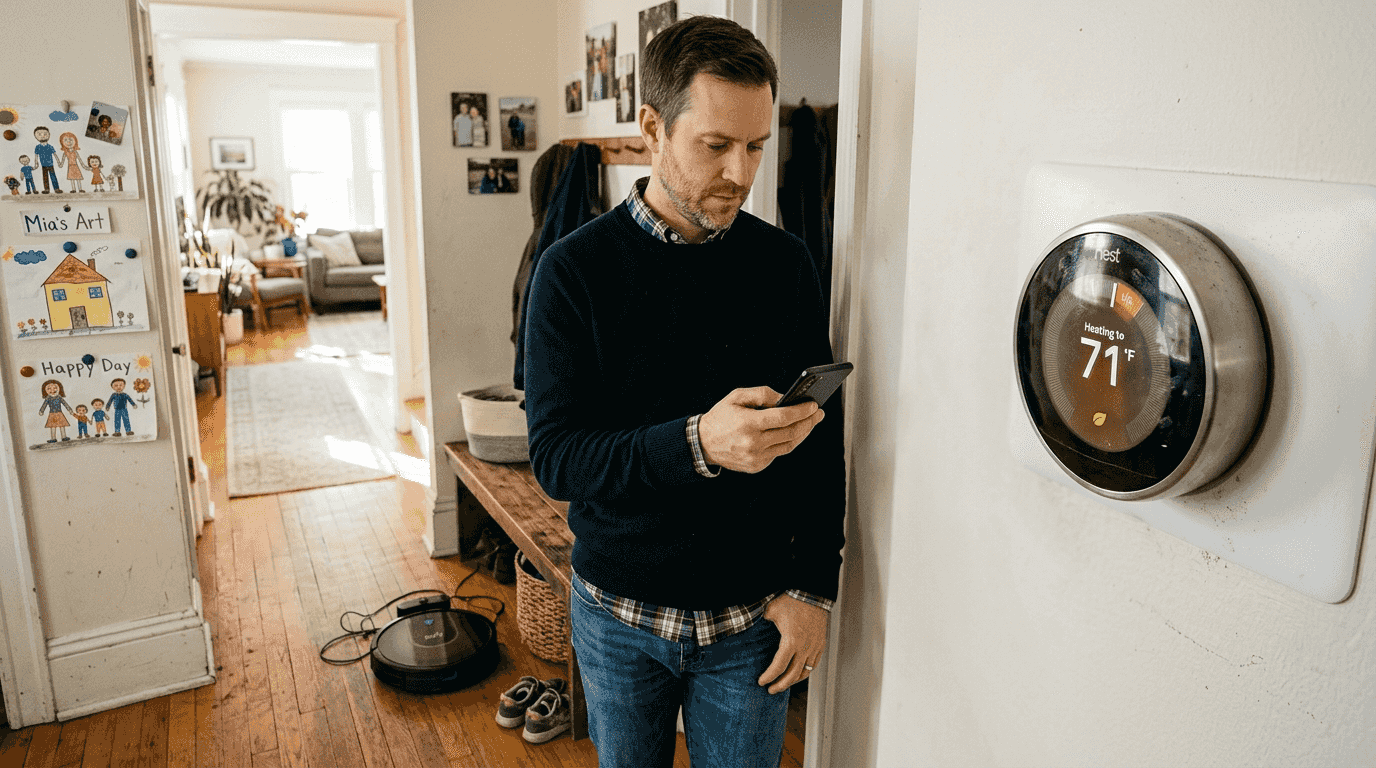
A critical vulnerability discovered in early 2025 exposed millions of smart home devices to complete takeover by attackers on local networks. This ESPHome flaw allowed hackers to bypass authentication entirely and install malicious firmware without any credentials. The incident underscores why regular firmware updates are not optional maintenance tasks but essential security measures. This guide explains how firmware updates protect your devices from threats, enhance performance and compatibility, and unlock new features that extend your smart home’s capabilities.
Table of Contents
- Understanding Firmware Vulnerabilities And Security Risks
- How Firmware Updates Improve Performance And Compatibility
- Technical Aspects Of Firmware Updates: Ota Reliability And Best Practices
- Practical Tips For Updating Your Smart Home Firmware Safely And Efficiently
- Enhance Your Smart Home With The Latest Devices And Expert Advice
- Frequently Asked Questions
Key takeaways
| Point | Details |
|---|---|
| Security protection | Firmware updates patch critical vulnerabilities that could allow unauthorized device access and control. |
| Performance boost | Updates improve device responsiveness by 10-20% and fix stability issues affecting daily operations. |
| New features | Manufacturers add enhanced capabilities like improved voice controls and energy-saving modes through updates. |
| Safe updating | Backing up settings and ensuring stable power and connectivity prevent update failures and data loss. |
| OTA reliability | Dual-bank architectures and staged update processes protect devices from bricking during installations. |
Understanding firmware vulnerabilities and security risks
Outdated firmware creates severe security gaps that attackers actively exploit. ESPHome vulnerability allows attackers to bypass authentication and install their firmware on vulnerable controllers across millions of home automation setups. This specific flaw demonstrates how firmware weaknesses can completely compromise device security.
The technical details reveal the severity of such vulnerabilities. CVE-2025-57808 undermines Basic Authentication by accepting empty or partially correct Authorization headers, effectively granting attackers full device control over local networks. Once exploited, these vulnerabilities allow unauthorized users to monitor your home, manipulate devices, or use compromised systems as entry points for broader network attacks.
Security experts consistently identify firmware vulnerabilities as primary attack vectors:
- Weak authentication mechanisms allow bypassing login requirements entirely
- Unpatched buffer overflows enable remote code execution on devices
- Outdated encryption protocols expose communication channels to interception
- Default credentials remain active when firmware lacks proper security hardening
Immediate firmware updates close these security gaps by implementing manufacturer patches specifically designed to eliminate known vulnerabilities. The window between vulnerability disclosure and widespread exploitation grows shorter each year, making prompt updating more critical than ever. Taking smart home security improvement steps starts with maintaining current firmware across all connected devices.
Pro Tip: Subscribe to security bulletins from your device manufacturers to receive immediate alerts about critical firmware updates requiring urgent installation.
Many homeowners assume their networks’ perimeter security provides sufficient protection. However, vulnerabilities in device firmware create internal weaknesses that bypass network defenses entirely. Prioritizing smart home security requires recognizing that device-level protections are as important as network-level safeguards.
How firmware updates improve performance and compatibility
Beyond security patches, firmware updates deliver tangible performance improvements that enhance daily device interactions. Performance improvements range from 10-20% in speed and responsiveness after installing manufacturer updates. These gains accumulate across your entire smart home ecosystem, creating noticeably smoother automation sequences and faster response times to voice commands.

Stability enhancements address common frustrations like connection drops and unresponsive devices. Updates optimize memory management, refine wireless protocols, and eliminate bugs causing intermittent failures. You experience fewer instances where lights fail to respond, thermostats lose connectivity, or security cameras require manual restarts.
Compatibility updates ensure devices work seamlessly with evolving smart home standards and companion apps. As platforms like Matter gain adoption and hub software receives updates, your devices need corresponding firmware to maintain integration. Firmware updates improve device compatibility with other smart home components, preventing the fragmentation that occurs when different system elements operate on incompatible software versions.
Manufacturers frequently add valuable features through firmware releases:
- Enhanced voice assistant integration with improved natural language processing
- Energy-saving modes that reduce power consumption during off-peak hours
- Expanded automation triggers based on additional sensor inputs or time conditions
- Refined user interfaces that simplify device configuration and control
- Extended support for third-party integrations and ecosystem partnerships
Pro Tip: Review manufacturer release notes before updating to identify which new features and improvements apply to your specific usage patterns and device models.
Regular updates prevent the gradual performance degradation that occurs as devices age. Just as smartphone operating systems require updates to maintain optimal function, smart home devices need firmware refreshes to combat accumulated inefficiencies. Understanding smart living compatibility helps you appreciate how current firmware maintains interoperability across your entire connected home.
Technical aspects of firmware updates: OTA reliability and best practices
Over-the-air (OTA) updates enable convenient firmware installation without physical device access, but technical challenges affect success rates. OTA updates often fail due to network issues or power availability, not bugs in update code itself. Understanding these technical realities helps you create conditions that maximize update reliability.
Effective OTA architectures use staged processes that protect device integrity throughout installation:
| Stage | Purpose | Failure Protection |
|---|---|---|
| Download | Retrieve new firmware from manufacturer servers | Resumable downloads handle connection interruptions |
| Verify | Check firmware integrity using cryptographic signatures | Invalid files are rejected before installation |
| Activate | Switch device operation to new firmware version | Dual-bank storage preserves working firmware copy |
| Validate | Confirm new firmware operates correctly | Automatic rollback occurs if validation fails |
| Rollback | Restore previous firmware if issues detected | Device remains functional despite update problems |
Dual-bank flash architecture minimizes bricking risk during OTA updates by maintaining two firmware copies. The device boots from one bank (active firmware) while updating the other (inactive bank). Only after successfully verifying the new firmware does the system switch banks, ensuring a working version always remains available.
Incremental integrity checks throughout the download process prevent corrupted firmware installation. Modern update systems verify checksums on individual data chunks rather than waiting until complete download, allowing earlier detection of transmission errors. This approach reduces wasted bandwidth and speeds recovery from interrupted updates.
Homeowners can maximize update success by following these practices:
- Ensure stable Wi-Fi connectivity by updating during off-peak hours when network traffic is minimal
- Back up device settings and configurations before initiating firmware installations
- Keep devices powered throughout updates by connecting to AC power sources rather than batteries
- Update one device at a time to isolate problems and maintain partial system functionality
- Avoid using devices during active firmware installations to prevent conflicts or corruption
Pro Tip: Position devices within strong Wi-Fi range before updating, and temporarily disable network bandwidth-intensive activities like streaming or large downloads to ensure stable connections.
Manufacturers implement additional safeguards like signed firmware that prevents unauthorized code installation. Cryptographic signatures verify that updates originate from legitimate sources, protecting against man-in-the-middle attacks where malicious actors attempt to push compromised firmware. Following your smart home upgrade workflow guide ensures systematic update management across all devices.

Practical tips for updating your smart home firmware safely and efficiently
Proper preparation prevents update complications and protects your existing configurations. Always back up device settings before firmware updates to prevent data loss or configuration issues. Most smart home apps include backup features that save current settings to cloud storage or local files, enabling quick restoration if updates reset preferences.
Reviewing release notes before updating reveals whether changes affect your specific use cases. Manufacturers detail bug fixes, new features, and known issues in update documentation. This information helps you decide whether to update immediately or wait for subsequent releases addressing reported problems.
Automatic updates offer convenience but require thoughtful configuration:
- Enable auto-updates for security-critical devices like cameras and door locks
- Disable auto-updates for devices integrated into complex automation routines until testing confirms compatibility
- Schedule automatic updates during hours when device unavailability causes minimal disruption
- Review automation settings quarterly to ensure preferences align with current needs
Timing updates strategically reduces disruption and failure risks. Update when your home network experiences low activity and devices have stable power supplies. Morning hours often provide optimal conditions with minimal competing network traffic and full device batteries after overnight charging.
Staggering updates across device categories helps identify systemic issues before affecting your entire smart home. Update one device type completely, verify normal operation for 24 hours, then proceed to the next category. This methodical approach prevents situations where simultaneous update failures leave multiple device types non-functional.
Pro Tip: After updating, systematically test device functionality including automation triggers, voice commands, and app controls before assuming everything works correctly.
If updates introduce unexpected behavior, manufacturers typically release hotfixes quickly. Monitor device operation for several days post-update, noting any anomalies like increased latency, failed automations, or connectivity problems. Report issues through official support channels with specific details about your device model, firmware version, and observed problems.
Consider creating a firmware update log tracking which devices updated when and noting any issues encountered. This record proves valuable when troubleshooting problems or determining whether issues correlate with specific firmware versions. Your smart home security workflow guide can incorporate update tracking as part of comprehensive device management.
Enhance your smart home with the latest devices and expert advice
Maintaining current firmware represents just one aspect of optimizing your connected home. Exploring latest smart home devices 2026 reveals how newer products incorporate improved security architectures and more reliable update mechanisms from the ground up. Modern devices feature enhanced processors that handle firmware updates more efficiently and dual-bank storage that virtually eliminates bricking risks.

Upgrading older devices that lack robust update support improves your entire system’s security posture and performance consistency. Our smart home upgrade workflow guide walks you through systematically evaluating which devices warrant replacement versus continued maintenance. Understanding types of smart home devices helps you build a cohesive ecosystem where all components receive manufacturer support and regular firmware updates.
Frequently asked questions
What happens if I don’t update my smart home firmware regularly?
Outdated firmware exposes devices to security vulnerabilities allowing unauthorized access and potential compromise of your entire network. Performance degrades over time as bugs accumulate and compatibility issues prevent integration with updated apps and platforms.
How can I know when a firmware update is available for my smart home devices?
Most smart home apps send automatic notifications when manufacturers release updates for your registered devices. You can also manually check manufacturer websites or device settings menus for available firmware versions and release announcements.
What should I do if a firmware update fails?
Ensure stable power and strong Wi-Fi connectivity before retrying the update installation. Consult your device manual or manufacturer support site for specific recovery procedures including factory reset instructions. If problems persist, contact manufacturer support before attempting additional fixes to avoid permanent device damage or visiting the smart home security workflow guide for systematic troubleshooting steps.
Can firmware updates cause my smart home devices to stop working?
Properly implemented updates rarely cause device failures due to dual-bank architectures and rollback mechanisms protecting against installation problems. Issues typically arise from interrupted updates or incompatible configurations rather than the firmware itself. Following manufacturer instructions and maintaining stable update conditions minimizes risks significantly.
Recommended
- How to Improve Smart Home Security Step by Step
- Smart Security Systems 2026: Review The Top Options
- Why Prioritize Smart Home Security Now
- Smart Home Technology for a Connected Lifestyle
- 6 πρακτικές συμβουλές για smart home σε κάθε σπίτι – Asknik