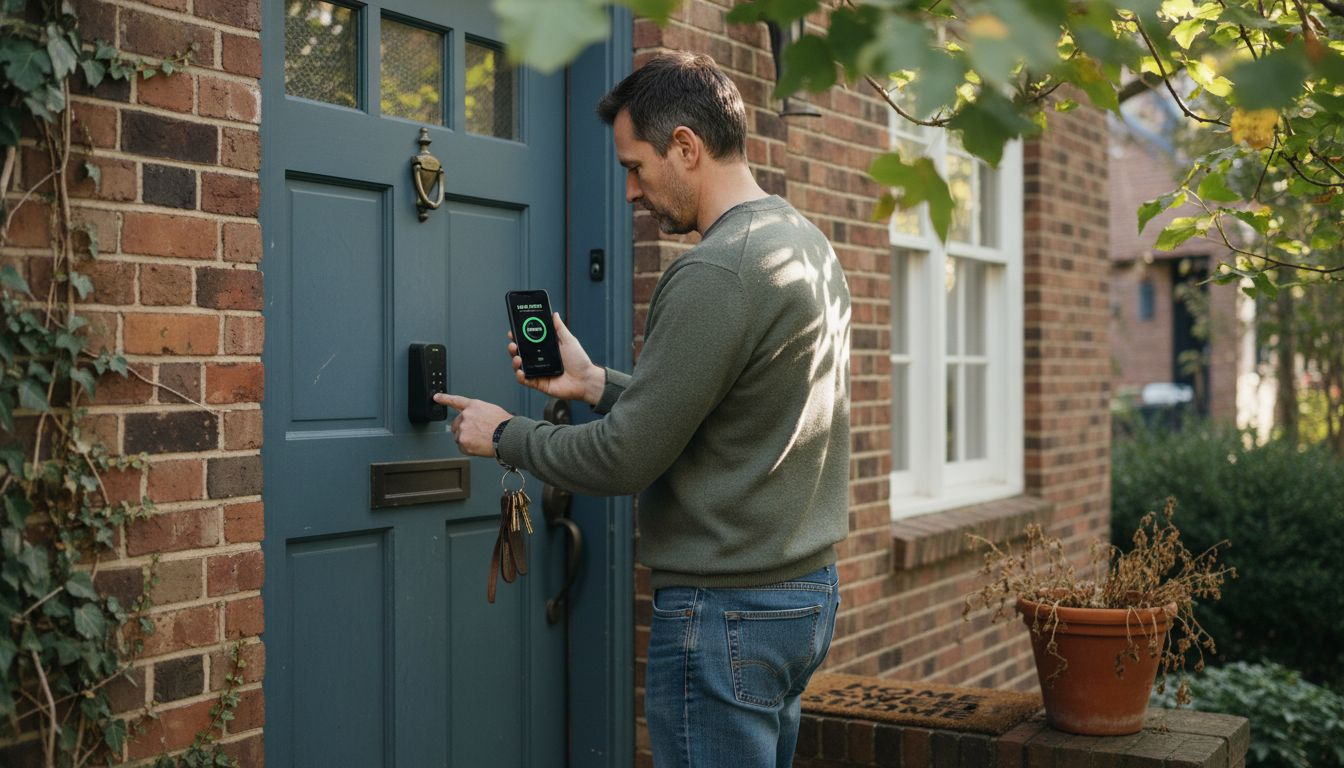
Over 40 percent of American homeowners now consider smart locks one of the top investments for modern home security. Urban living brings unique challenges, If you’re wondering why upgrade to smart locks, the answer lies in the advanced features and convenience they offer.and selecting the right lock can make all the difference in safety and convenience. This guide uncovers how smart lock technology works, breaks down key features, and compares popular options to help you make a confident first step into a safer, connected home.
Table of Contents
- Understanding Smart Locks And How They Work
- Types Of Smart Locks And Key Differences
- Core Features Improving Home Security
- Integration With Home Devices And Apps
- Risks, Costs, And Common Mistakes To Avoid
Key Takeaways
| Point | Details |
|---|---|
| Why Upgrade to Smart Locks | Smart locks provide advanced features like real-time monitoring and multiple authentication methods, revolutionizing home security. |
| Diverse Smart Lock Types | Homeowners can choose from various smart lock types, including Bluetooth, Wi-Fi, and biometric models, each offering distinct advantages. |
| Integration with Smart Home Ecosystems | Smart locks integrate with mobile apps and voice assistants, enabling seamless home management and enhanced security features. |
| Awareness of Risks and Maintenance | Understanding potential risks and maintaining regular updates and battery checks is crucial for ensuring the effectiveness of smart locks. |
Understanding Smart Locks and How They Work
Smart locks represent a significant leap in home security technology, transforming traditional mechanical locks into intelligent, connected devices. These advanced systems replace physical keys with digital authentication methods, offering homeowners unprecedented control and flexibility in managing property access.
How Smart Locks Function
At their core, smart locks function by integrating wireless communication technologies like Bluetooth, Wi-Fi, and Z-Wave into a motorized locking mechanism. This allows users to unlock doors using smartphones, biometric scanning, PIN codes, or even voice commands. Unlike traditional locks, these devices provide real-time monitoring, enabling homeowners to track who enters and exits their property and grant temporary access to guests or service providers without duplicating physical keys.
Technical Components and Architecture
The technical architecture of smart locks involves several critical components. A microcontroller serves as the brain, processing authentication signals from user devices. Wireless communication modules receive and interpret entry requests, while a battery-powered motorized mechanism physically engages or disengages the lock. Most smart locks also include a mechanical override system for emergencies, ensuring that users are never completely locked out if electronic systems fail.
Pro Tip: When selecting a smart lock, prioritize models with backup power options and multiple authentication methods to ensure consistent home security and access flexibility.
Types of Smart Locks and Key Differences
Smart locks have evolved into diverse technological solutions, offering homeowners multiple options for enhancing home security. Door lock security systems now encompass a range of sophisticated technologies, moving far beyond traditional mechanical mechanisms. These innovative devices can be categorized into several primary types, each with unique features and communication capabilities designed to meet different residential security needs.
The primary types of smart locks include Bluetooth-enabled, Wi-Fi, biometric, keypad, and hybrid systems. Bluetooth locks operate within short-range proximity, perfect for users who want localized control without internet dependency. Wi-Fi locks provide broader remote access capabilities, allowing homeowners to manage entry points from anywhere with an internet connection. Biometric locks represent the cutting edge of access control, utilizing fingerprint recognition or facial scanning for ultra-secure entry. Keypad locks offer a balance between traditional and high-tech approaches, enabling entry through numeric codes that can be easily changed or temporarily shared.
Each smart lock type presents distinct advantages and potential limitations. Bluetooth locks typically consume less power and offer enhanced privacy, while Wi-Fi models provide more extensive monitoring and control features. Biometric locks deliver the highest security level but may have higher initial costs and potential technological complexity. Keypad locks offer flexibility for families with multiple users, allowing different access codes for various individuals. Homeowners should carefully evaluate their specific security requirements, home ecosystem compatibility, and budget when selecting the most appropriate smart lock technology. Understanding why upgrade to smart locks means recognizing which type best matches your specific needs and lifestyle.
Here’s a concise comparison of the main smart lock types and their best-use scenarios:
| Smart Lock Type | Key Benefit | Best Use Case |
|---|---|---|
| Bluetooth | Low power consumption | Local access, privacy |
| Wi-Fi | Remote management | Vacation homes, rentals |
| Biometric | Highest security | Main entry, valuables |
| Keypad | Easy code sharing | Families, frequent guests |
| Hybrid | Multiple backup options | Tech-savvy or busy homes |
Pro Tip: When choosing a smart lock, consider purchasing a model with multiple entry methods to ensure consistent access during power outages or technology failures.
Core Features Improving Home Security
Smart locks represent a revolutionary approach to home security, offering far more than traditional mechanical locking systems. Modern smart locks employ robust encryption protocols to create comprehensive security ecosystems that protect homes through advanced technological features. These intelligent devices transform home access management by integrating multiple layers of protection beyond simple key mechanisms.

The core security features of smart locks include real-time monitoring, activity logging, and sophisticated authentication methods. Biometric recognition stands out as a particularly powerful security enhancement, allowing homeowners to control access using unique physical characteristics like fingerprints or facial recognition. Temporary access codes provide flexible security options, enabling residents to grant limited-time entry permissions to guests, service providers, or family members without compromising overall home security. Remote monitoring capabilities allow homeowners to track entry and exit events in real time, receiving instant notifications about any unauthorized access attempts.

Advanced Security Features
Additional advanced features significantly enhance home security and convenience. Voice assistant integration enables hands-free locking and unlocking, while automatic locking mechanisms ensure doors are secured even if residents forget. Encrypted wireless communication prevents potential cyber intrusions, protecting against unauthorized digital access. Most smart locks also include backup entry methods like mechanical keys or keypad entries, ensuring consistent access during power outages or technological failures. These comprehensive security features transform smart locks from simple entry points into intelligent home protection systems that adapt to residents’ changing security needs.
Pro Tip: Always update your smart lock’s firmware regularly and use strong, unique passwords to maximize your device’s security capabilities.
Integration With Home Devices and Apps
Smart locks have transformed from standalone security devices into sophisticated components of interconnected home ecosystems. Understanding why upgrade to smart locks becomes clear when you see how they seamlessly connect with your existing smart home devices.Mobile applications now enable comprehensive door locking control, allowing homeowners unprecedented remote management of their property access. These advanced integrations connect smart locks with smartphones, voice assistants, security systems, and other smart home technologies, creating a seamless and intelligent home environment.
How Smart Locks Connect With Your Devices
The primary integration methods include smartphone apps, voice assistant compatibility, and comprehensive smart home platforms. Smartphone applications provide the most direct control, allowing users to lock and unlock doors remotely, generate temporary access codes, and receive real-time notifications about entry and exit events. Voice assistant integrations with platforms like Amazon Alexa and Google Home enable hands-free control, letting homeowners secure their homes through simple voice commands. More advanced smart home ecosystems can synchronize smart locks with security cameras, alarm systems, and home automation routines, creating dynamic security protocols that respond automatically to specific triggers.
Smart Home Automation Capabilities
These integrations extend beyond simple access control, transforming smart locks into intelligent home management tools. For instance, a smart lock can automatically disarm a home security system when an authorized user enters, adjust smart thermostats to preferred temperatures, and turn on specific lighting configurations. Some advanced systems can even distinguish between different users, customizing home environments based on individual preferences. The ability to grant temporary, revocable access to service providers or guests without physical key exchanges represents a significant leap in home security and convenience.
Pro Tip: Choose smart lock systems compatible with multiple platforms to ensure maximum flexibility and future-proofing of your home security setup.
Risks, Costs, and Common Mistakes to Avoid
Homeowners considering smart locks must understand the potential risks and challenges associated with these advanced security technologies. Cybersecurity vulnerabilities present significant potential issues that can compromise home security if not carefully managed. Understanding these risks is crucial for making informed decisions about smart lock implementation and maintaining robust home protection.
Key Risk Categories to Consider
The primary risks fall into three critical categories: technological vulnerabilities, financial considerations, and potential user errors. Technological risks include weak encryption protocols, susceptibility to hacking through Bluetooth or Wi-Fi connections, and potential software vulnerabilities that could allow unauthorized access. Financial considerations extend beyond the initial purchase price, encompassing ongoing maintenance costs, potential professional installation fees, and the need for periodic software updates. User-related risks involve improper configuration, neglecting security updates, and failing to establish comprehensive access management protocols.
Common Implementation Mistakes
Common mistakes that homeowners frequently make with smart locks include using default passwords, failing to regularly update firmware, and inadequately managing user permissions. Some users mistakenly believe that smart locks are completely foolproof, overlooking the importance of comprehensive security strategies. Power dependency represents another significant concern, as electronic locks can become inoperable during electrical outages. Battery management becomes critical, with users often forgetting to replace batteries or failing to maintain backup entry methods. Understanding these potential pitfalls allows homeowners to implement more robust and reliable smart lock systems that truly enhance home security.
Below is a summary of common smart lock risks, with tips for mitigation:
| Risk Area | Example Issue | Prevention Tip |
|---|---|---|
| Tech Vulnerabilities | Weak encryption or hacking | Use strong passwords, update firmware |
| Power Dependency | Dead batteries | Check battery levels monthly |
| User Error | Default/weak permissions | Change defaults, review permissions |
| Maintenance | Neglected updates | Schedule periodic audits |
Pro Tip: Conduct a comprehensive security audit of your smart lock system every six months, including firmware updates, permission reviews, and battery checks to maintain optimal protection.
Secure Your Home Smarter With the Best Smart Locks
Choosing the right smart lock can be overwhelming with concerns about technology vulnerabilities, battery life, and integration with your existing devices. This article highlights key challenges like weak encryption, power dependency, and user errors that can sabotage your home security system. At Smart Home HQ, we understand these pain points and offer trusted, thoroughly tested smart lock reviews and installation guides to help you pick the perfect solution. We focus on products that combine robust encryption, multiple authentication methods, and seamless integration with popular voice assistants for unmatched convenience and peace of mind.

Ready to upgrade your home security but still wondering why upgrade to smart locks? Take control now by exploring our expert insights and step-by-step advice at Smart Home HQ
Frequently Asked Questions
Why upgrade to smart locks for your home?
Smart locks enhance home security by allowing digital authentication methods, real-time monitoring, and the ability to grant temporary access, all without the need for physical keys.
How do smart locks work compared to traditional locks?
Smart locks use wireless technologies like Bluetooth and Wi-Fi, allowing users to unlock doors via smartphones, PIN codes, or biometric methods, rather than relying solely on mechanical keys.
What should I consider when choosing a smart lock?
Consider factors such as the type of communication (Bluetooth, Wi-Fi), backup power options, multiple authentication methods, and compatibility with your existing home automation system to ensure security and convenience.
Are smart locks secure against hacking?
While smart locks have improved encryption methods, they can still be susceptible to hacking if not properly managed. Regular firmware updates and strong, unique passwords are crucial for maintaining security.
Recommended
- Smart Lock Archives – Smart Home HQ
- Smart Home Locks
- August Wi-Fi Smart Lock | Retrofit Your Deadbolt in 10 Minutes
- Schlage Archives – Smart Home HQ
- Complete Guide to Home Security Basics