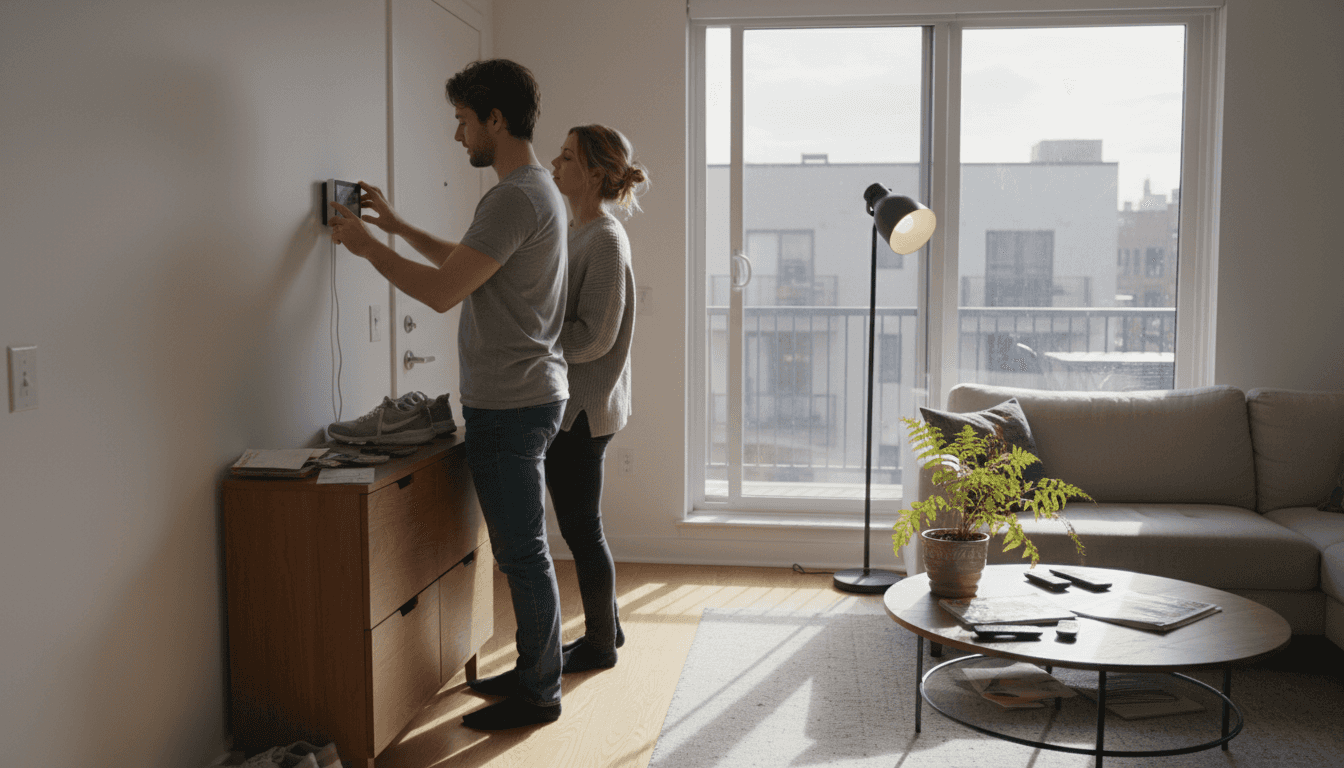
Moving into a new home brings excitement, but choosing the right smart devices can feel overwhelming when 85% of new homeowners prioritize ease of installation and compatibility. You want security, convenience, and lower energy bills without complex setups or compatibility headaches. This guide cuts through the confusion with five beginner-friendly smart home upgrades that deliver real results: improved security, automated convenience, and energy savings up to 15%.
Table of Contents
- How To Choose Beginner-Friendly Smart Home Devices
- Top Beginner Smart Home Upgrades For Security, Convenience, And Energy Efficiency
- Price And Accessibility Comparison Of Beginner Smart Devices
- Situational Recommendations: Picking The Right Upgrade For Your Needs
- Explore Beginner-Friendly Smart Home Devices At Smart Home HQ
- FAQ
Key Takeaways – Beginner Smart Home Upgrades
| Point | Details |
|---|---|
| Selection criteria matter | Focus on ease of installation, ecosystem compatibility, and clear functionality to avoid buyer’s remorse. |
| Smart locks boost security | Keyless entry reduces unauthorized access by 25% with under 1 hour installation time. |
| Thermostats cut energy costs | Learning algorithms deliver up to 15% savings on heating and cooling bills automatically. |
| Smart plugs offer budget entry | At $20 each with 5 minute setup, they provide instant automation for existing appliances. |
| Match upgrades to priorities | Security-focused homeowners need different devices than energy savers or convenience seekers. |
How to Choose Beginner-Friendly Smart Home Devices
Picking your first smart home devices feels like learning a new language, but focusing on four core criteria simplifies everything. You’ll make confident choices that work together seamlessly.
Start with ecosystem compatibility. Your devices must connect to your preferred voice assistant whether that’s Alexa, Google Assistant, or Apple HomeKit. Mixing incompatible devices creates frustration, not convenience. Before buying anything, check the compatibility list on the product page. Most manufacturers clearly label which ecosystems their devices support.
Installation ease separates beginner devices from advanced projects. Look for plug-and-play options or those requiring only basic tools like a screwdriver. Setup time matters too: devices taking over an hour to configure add stress to your smart home journey. The best beginner devices connect to your Wi-Fi and smartphone app in minutes, not hours.
Functionality determines real-world value.
Each device should solve a specific problem: boosting security, increasing convenience, or reducing energy waste. Avoid gadgets that seem cool but serve no clear purpose in your daily routine. Consider which improvements matter most for your household, whether that’s protecting entry points with enhanced security measures or implementing energy-saving strategies.
Pro tip: Start with one or two devices in a single ecosystem, then expand gradually. This approach lets you learn the system without overwhelming yourself or your budget.
Price versus features requires balancing immediate costs against long-term benefits. A $250 smart thermostat seems expensive until you calculate annual energy savings. Meanwhile, a $20 smart plug delivers instant automation without breaking the bank. Plan for future expansions by choosing devices that integrate easily, avoiding the need to replace everything later.
Basic requirements stay simple: reliable Wi-Fi coverage in device locations and a smartphone for initial setup. Most devices need a 2.4GHz Wi-Fi network, which older routers provide reliably. You don’t need a tech degree or special equipment to get started.
Top Beginner Smart Home Upgrades for Security, Convenience, and Energy Efficiency
Five device categories stand out for new homeowners seeking immediate impact with minimal complexity. Each offers distinct benefits that transform daily routines.
Smart locks revolutionize home security by eliminating keys entirely. They reduce unauthorized entry attempts by 25% compared to traditional deadbolts through features like temporary access codes and activity logs. Installation typically takes under an hour using just a screwdriver to replace your existing deadbolt. You’ll grant access to family members, service providers, or guests remotely without copying keys or hiding spares under doormats.
Pro tip: Choose smart locks with built-in alarms that sound when someone tries forcing entry, adding an extra security layer.
Smart thermostats deliver the most significant energy savings among beginner devices.
Learning algorithms study your schedule and preferences, automatically adjusting temperatures to save up to 15% annually on heating and cooling costs. They work with most HVAC systems and include geofencing features that detect when you leave home, switching to energy-saving mode automatically. Remote control through smartphone apps means you can adjust temperatures from anywhere, preventing wasted energy when plans change.

Smart lighting transforms ambiance while cutting electricity consumption by 20%
Voice control and scheduling eliminate stumbling through dark rooms or leaving lights burning all day. Installation couldn’t be simpler: screw in smart bulbs like regular bulbs, download the app, and start controlling lights from your phone. Create scenes for different moods or times of day, dimming lights for movie nights or brightening them for morning routines. These smart lighting examples show how versatile this upgrade becomes.
Smart security cameras provide 24/7 property monitoring with motion alerts sent directly to your phone. Installation takes just 20 to 30 minutes for wireless models requiring only wall mounting and Wi-Fi connection. Quality options cost under $100 while delivering HD video, night vision, and cloud storage for recorded clips. Position cameras at entry points, driveways, or backyards to monitor deliveries, detect intruders, or check on pets remotely.
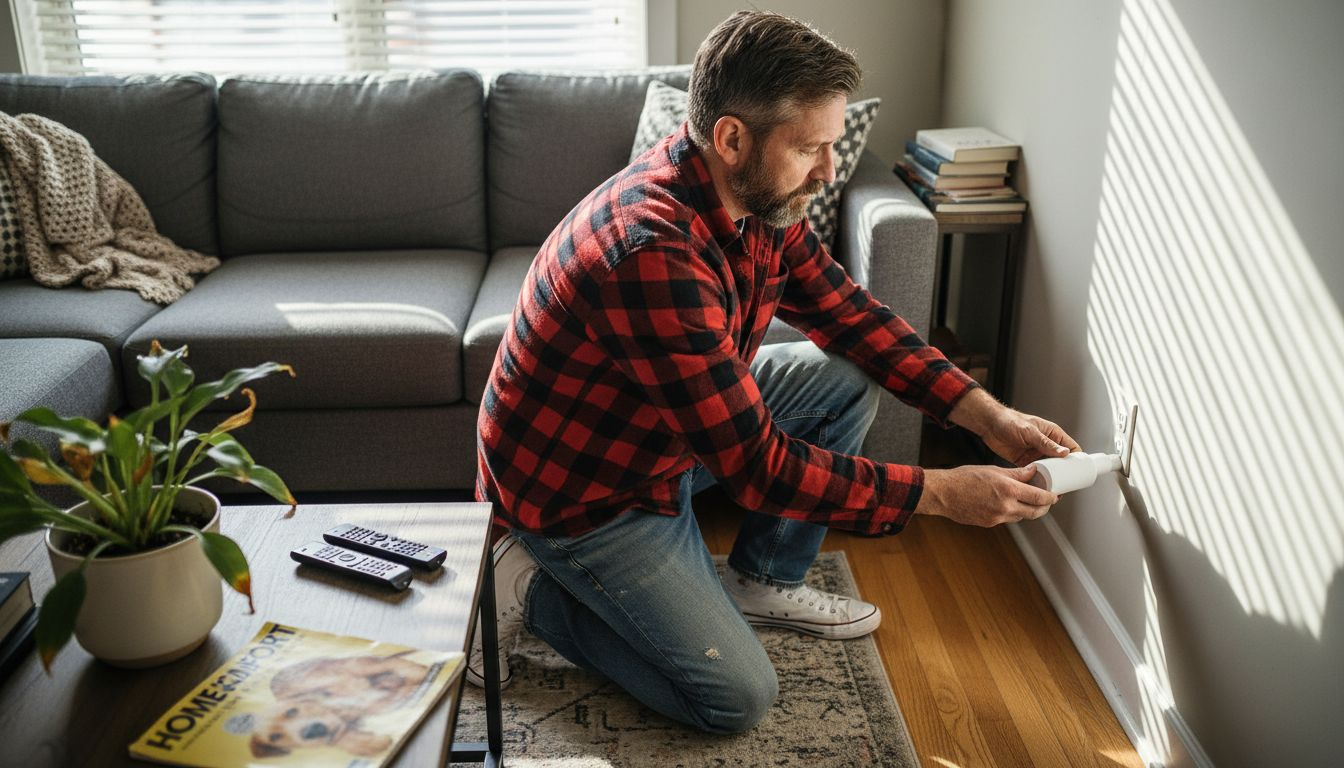
Smart plugs offer the fastest, cheapest entry into home automation. These $20 devices install in 5 minutes by plugging into existing outlets, then you plug appliances into them. Suddenly any device gains remote control, scheduling, and energy monitoring capabilities. Control lamps, fans, coffee makers, or space heaters from your phone or voice commands. Monitor energy consumption to identify power-hungry appliances driving up utility bills.
| Device Type | Key Benefit | Installation Time | Typical Price Range |
|---|---|---|---|
| Smart Lock | Enhanced security, keyless entry | 30-60 minutes | $150-$250 |
| Smart Thermostat | 15% energy savings | 30-45 minutes | $120-$250 |
| Smart Lighting | 20% lighting energy reduction | 5 minutes per bulb | $15-$50 per bulb |
| Security Camera | 24/7 monitoring, motion alerts | 20-30 minutes | $50-$150 |
| Smart Plug | Instant automation | 5 minutes | $15-$25 |
Implementing these upgrades following your security checklist ensures comprehensive protection while maintaining convenience. Budget-conscious homeowners can explore affordable smart devices delivering similar benefits at lower price points.
Price and Accessibility Comparison – Beginner Smart Home Upgrades
Understanding cost structures and time investments helps you prioritize upgrades matching your budget and schedule. The data reveals surprising value across different price points.
| Device Category | Price Range | Installation Time | Ecosystem Compatibility | Availability |
|---|---|---|---|---|
| Smart Plugs | $15-$25 | 5 minutes | Alexa, Google, HomeKit | Amazon, Target, Best Buy |
| Smart Bulbs | $15-$50 | 5 minutes | Alexa, Google, HomeKit | Amazon, Home Depot, Walmart |
| Security Cameras | $50-$150 | 20-30 minutes | Alexa, Google (limited HomeKit) | Amazon, Best Buy, B&H Photo |
| Smart Locks | $150-$250 | 30-60 minutes | Alexa, Google, HomeKit | Amazon, Home Depot, Lowe’s |
| Smart Thermostats | $120-$250 | 30-45 minutes | Alexa, Google, HomeKit | Amazon, HVAC suppliers, Home Depot |
Price ranges reflect quality differences and feature sets within each category. Smart plugs and bulbs represent the most accessible entry points, requiring minimal investment while delivering immediate automation benefits. Their universal compatibility across ecosystems means you won’t face replacement costs if you switch voice assistants later.
Smart lighting transforms ambiance while cutting electricity consumption by 20%.
Installation time differences matter more than most beginners expect. Devices requiring 5 minutes setup let you complete multiple installations in one evening, building momentum and confidence. Those needing 30 to 60 minutes demand dedicated time blocks and potentially helper hands, especially for smart locks and thermostats involving existing hardware replacement.
Compatibility affects long-term cost effectiveness beyond initial purchase prices. Devices working with multiple ecosystems protect your investment if you later prefer a different voice assistant. Limited compatibility locks you into one ecosystem, potentially forcing expensive replacements during future expansions.
Common availability through major retailers simplifies purchasing and returns if needed. Online ordering offers broader selection and competitive pricing, while local stores provide immediate acquisition and easier returns for defective units. Most affordable smart device options appear across multiple channels, ensuring competitive pricing.
Balancing cost with ease and benefits remains essential for beginners. A $20 smart plug delivering instant automation and energy monitoring provides better immediate value than a $200 device sitting unused because setup felt too complex. Start small, build confidence, then tackle pricier upgrades requiring more installation effort.
Situational Recommendations: Picking the Right Upgrade for Your Needs
Your priorities determine which devices deliver the most value for your specific situation. Matching upgrades to goals ensures satisfaction and actual usage rather than abandoned gadgets.
Security-Focused Homeowners
- Start with smart locks at all entry points, creating keyless access with activity logs tracking who enters and when.
- Add security cameras covering driveways, front porches, and backyards for complete property visibility.
- Integrate both systems for coordinated alerts when locks are accessed or cameras detect motion.
- Follow the security workflow guide for optimal device placement and configuration.
Energy-Conscious Households
- Install a smart thermostat first for maximum energy savings potential, up to 15% on heating and cooling costs.
- Replace high-use lighting with smart bulbs in living rooms, kitchens, and bedrooms where lights run longest.
- Add smart plugs to energy-hungry appliances like space heaters, window AC units, or entertainment centers.
- Monitor energy consumption through device apps, identifying further savings opportunities over time.
Budget and Convenience Seekers
- Begin with smart plugs for existing lamps, fans, and small appliances, gaining automation for minimal cost.
- Add voice-controlled smart bulbs to frequently used rooms for hands-free lighting control.
- Expand gradually as budget allows, adding one device monthly rather than overwhelming yourself initially.
- Focus on devices solving daily annoyances like fumbling for light switches or wondering if you left appliances running.
Pro tip: Document your smart home journey with notes on what works and what doesn’t. This personal guide helps troubleshoot issues and informs future purchases.
Integration-ready devices facilitate seamless expansions as your smart home grows. Choosing products following essential integration tips prevents compatibility headaches later. Stick with one ecosystem initially, ensuring all devices communicate effectively through a single app and voice assistant.
Your living situation influences device selection too. Renters benefit most from non-permanent installations like smart plugs and bulbs that move easily. Homeowners can invest in permanent fixtures like smart locks and thermostats that increase property value. Consider how long you plan staying in your current home before committing to expensive, installation-intensive upgrades.
Explore Beginner-Friendly Smart Home Devices at Smart Home HQ
Ready to transform your house into a smarter home? Smart Home HQ curates beginner-friendly smart devices tested for ease of use, reliability, and value. Our experts evaluate hundreds of products annually, recommending only devices that truly deliver on their promises for new smart home users.

Browse our latest smart home devices featuring cutting-edge locks, thermostats, and security cameras with detailed specifications and real-world testing results. Each product listing includes compatibility charts, installation difficulty ratings, and honest pros and cons helping you make informed decisions. Access unbiased device reviews comparing features, prices, and performance across brands, ensuring you get the best device for your needs and budget.
FAQ – Beginner Smart Home Upgrades
What are the easiest smart home devices for beginners to install?
Smart plugs top the list with under 5 minutes setup requiring only plugging into outlets and connecting to Wi-Fi. Smart bulbs follow closely, installing like regular bulbs with quick app pairing. Security cameras typically need 20 to 30 minutes for mounting and configuration, while smart locks take under an hour with basic tools.
Can smart thermostats really reduce my energy bills?
Yes, properly configured smart thermostats reduce heating and cooling costs by up to 15% annually through learning algorithms that optimize temperature settings. They automatically adjust based on your schedule, preventing wasted energy heating or cooling empty homes. Remote control capabilities let you make changes from anywhere, maximizing efficiency when plans change unexpectedly.
Which smart home upgrade is best for renters on a budget?
Smart plugs offer ideal solutions for renters, costing around $20 with zero installation requirements beyond plugging into existing outlets. They enable remote control and scheduling for any appliance without permanent modifications to the rental property. When moving, simply unplug them and take them to your next home, making them the most portable and budget-friendly smart home entry point.
How do I ensure my smart home devices are compatible with each other?
Check device compatibility with your chosen ecosystem (Alexa, Google Assistant, or Apple HomeKit) before purchasing by reviewing product specifications and compatibility lists. Stick with one ecosystem initially to ensure seamless communication between devices through a unified app and voice control. Consult smart home integration tips and manufacturer setup guides for smooth configuration and troubleshooting assistance.
Recommended
- Best Home Energy Monitor: Real Savings Guide & Reviews
- Energy-Saving Smart Home Guide for Maximum Efficiency
- Why Upgrade Thermostats: Transform Energy Bills Now
- Smart Thermostats: Complete 2026 Guide