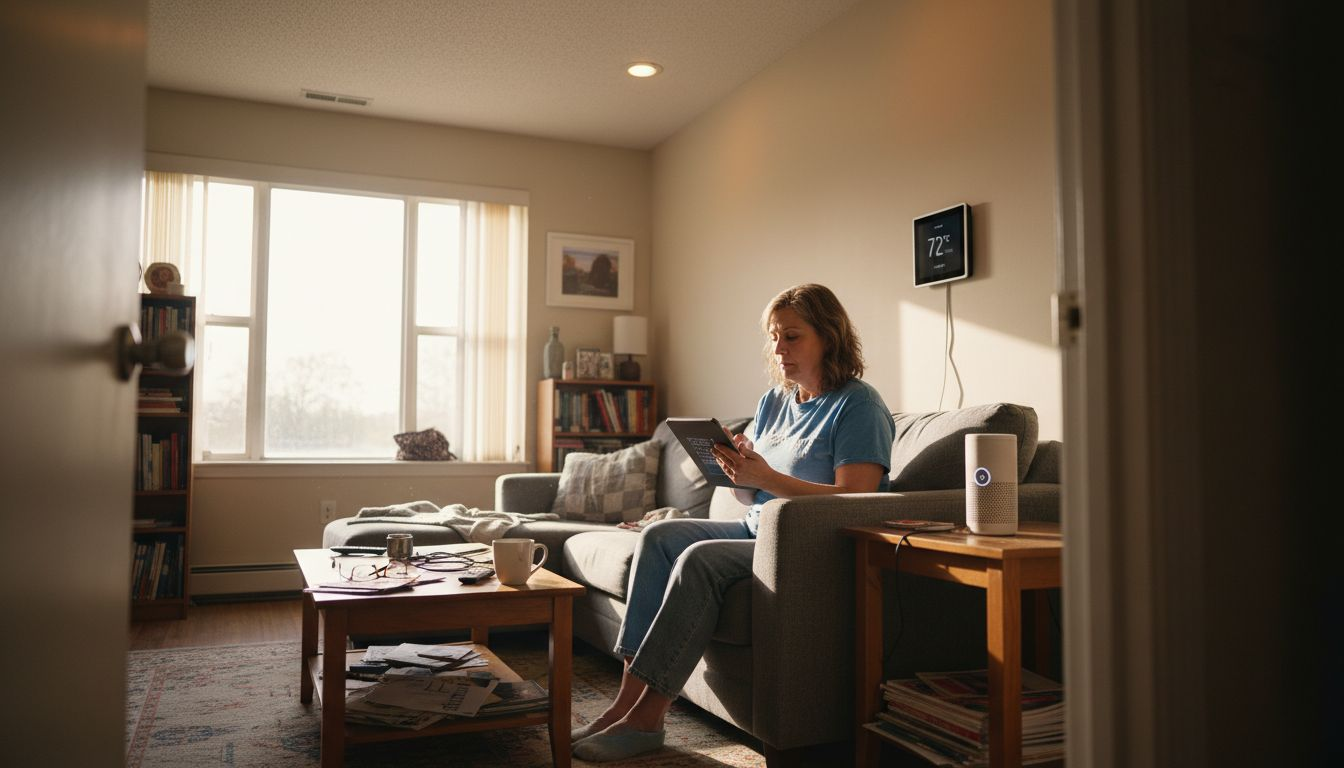
A DIY smart home integration guide helps you go beyond a few isolated gadgets and turn your house into a cohesive, automated system that actually works together. It walks you through choosing compatible devices, planning your network and hub, and building automations so lights, locks, sensors, and voice assistants all operate in sync instead of feeling like separate systems.
Finding smart devices that actually work together can be more challenging than expected, especially when every product claims to be compatible. Upgrading your home with connected technology matters because it promises greater security and convenience, but only if each device fits your unique environment. By focusing on smart home compatibility standards and careful planning, you can avoid costly mistakes and create a connected home that truly works for you.
Table of Contents
- Step 1: Assess Your Home and Choose Compatible Devices
- Step 2: Set Up Smart Hubs and Network Essentials
- Step 3: Install and Configure Smart Devices
- Step 4: Automate Workflows and Personalize Settings
- Step 5: Test Integration and Troubleshoot Issues
DIY smart home integration guide – Quick Summary
| Key Point | Explanation |
|---|---|
| 1. Assess Your Home’s Devices | Evaluate your current electronic systems to identify compatible smart devices that enhance your living space. |
| 2. Choose the Right Smart Hub | Select a smart hub that supports multiple protocols and integrates effectively with all devices in your network. |
| 3. Configure the Network Properly | Establish a dedicated network for smart devices using a dual-band router to ensure reliable connectivity. |
| 4. Automate for Efficiency | Create automated workflows that simplify daily tasks and enhance the overall functionality of your smart home. |
| 5. Test and Troubleshoot System | Regularly check device performance and connectivity to identify issues and optimize your smart home ecosystem. |
Step 1: Assess Your Home and Choose Compatible Devices
Building a smart home begins with understanding your space and selecting devices that work seamlessly together. This crucial first step involves carefully evaluating your home’s technological infrastructure and identifying which smart devices will enhance your living experience.
Start by creating a comprehensive inventory of your current electronic systems and network capabilities. Map out key areas like internet connectivity, electrical outlets, and potential device placement. Consider these critical aspects:
- Current WiFi coverage and signal strength
- Number and location of electrical outlets
- Home layout and potential wireless signal interference
- Existing smart home hub or central control system
When selecting devices, prioritize smart home compatibility standards that ensure smooth integration. Look for devices supporting common protocols like Zigbee, Z-Wave, or Matter, which enable cross-platform communication.

DIY smart home integration guide – Here’s a quick comparison of popular smart home communication protocols and their strengths:
| Protocol | Strengths | Common Use Cases | Ideal For |
|---|---|---|---|
| Zigbee | Low power, wide network | Sensors, bulbs, locks | Large device networks |
| Z-Wave | Reliable mesh networking | Security, climate control | Extending device coverage |
| Matter | Cross-brand interoperability | Future-proofing homes | Future upgrades, flexibility |
| Bluetooth | Easy pairing, local control | Smart speakers, tags | Short-range connectivity |
Choose devices that speak the same technological language to create a harmonious smart home ecosystem.
Focus on selecting devices from manufacturers that offer robust ecosystem support. Apple HomeKit, for instance, provides stringent compatibility guidelines that help consumers select appliances fitting well into interconnected home environments.
Pro tip: Before purchasing any smart device, verify its compatibility with your existing systems and check manufacturer specifications carefully to avoid potential integration headaches.
Step 2: Set Up Smart Hubs and Network Essentials
Establishing a robust network foundation is critical for creating a seamless smart home experience. This step involves selecting the right smart hub and configuring your home network to ensure reliable connectivity across all your smart devices.
Start by understanding the central role of smart hubs in your home automation ecosystem. IoT home automation protocols demonstrate how these devices act as crucial control points, connecting various smart appliances through wireless technologies like Zigbee, Z-Wave, and Bluetooth. When choosing a hub, consider these key factors:
- Compatibility with multiple wireless protocols
- Number of devices the hub can support
- Integration capabilities with your existing smart home ecosystem
- Security features and firmware update frequency
Network Configuration is equally important. You’ll want to create a dedicated network segment for your smart devices to maximize performance and security. Consider using a dual-band router that supports both 2.4 GHz and 5 GHz frequencies to accommodate different device requirements.
A well-designed smart home network is like a symphony – every device must communicate harmoniously.
Advanced users might explore mesh networking technologies that provide extensive coverage and seamless device integration. These networks use border routers and extenders to eliminate dead zones and ensure consistent connectivity throughout your home.

Pro tip: Invest in a smart hub with robust firmware update policies and broad protocol support to future-proof your smart home infrastructure.
Step 3: Install and Configure Smart Devices
With your network infrastructure prepared, you’re ready to bring your smart home to life by installing and configuring individual devices. This critical phase transforms your technological groundwork into a functional, interconnected ecosystem.
Smart device configuration techniques emphasize the importance of systematic installation and precise network integration. Most smart devices follow a similar setup process, but attention to detail is key. Begin by gathering these essential items:
- Device installation manual
- Smartphone with manufacturer’s app
- Strong WiFi or hub connection
- Stable power source or batteries
- Device-specific mounting hardware
Wireless Configuration requires careful approach. Each device typically needs individual registration through its dedicated smartphone application. Ensure you’re connected to the correct 2.4 GHz or 5 GHz network depending on the device’s specifications.
Every smart device is a potential gateway – secure it like you would your front door.
Advanced users might explore network profile configuration strategies to optimize device performance and security. This involves creating dedicated network segments and implementing robust authentication protocols.
Pro tip: Always update device firmware immediately after installation and use strong, unique passwords for each smart home component.
Step 4: Automate Workflows and Personalize Settings
Your smart home is more than just connected devices – it’s about creating an intelligent ecosystem that anticipates and responds to your lifestyle. This step transforms individual smart devices into a cohesive, responsive system tailored precisely to your needs.
Virtual smart home automation workflows enable you to design complex interactions between your devices. Start by identifying repetitive tasks or scenarios where automation can simplify your daily routine. Consider these potential automation opportunities:
- Morning wake-up sequences (lights, thermostat, coffee maker)
- Security protocols when leaving home
- Energy management based on occupancy
- Conditional notifications and alerts
- Synchronized device responses
Workflow Design requires strategic thinking. Most smart home platforms offer visual programming interfaces that allow drag-and-drop configuration of complex automation rules. These tools enable you to create conditional triggers without advanced coding knowledge.
Automation is about creating intelligent conversations between your devices, not just connecting them.
Advanced users can explore cloud-based workflow management techniques to link multiple applications and devices seamlessly. This approach allows for sophisticated, multi-step automations that respond dynamically to changing home conditions.
Pro tip: Start with simple automations and gradually increase complexity as you become more comfortable with your smart home ecosystem.
Step 5: Test Integration and Troubleshoot Issues
After configuring your smart home system, comprehensive testing becomes crucial to ensuring seamless device interactions and identifying potential performance bottlenecks. This final step involves systematically verifying your entire smart home ecosystem’s functionality and resolving any unexpected issues.
Smart home integration testing strategies help you methodically validate device connections and workflows. Break down your testing process into these structured phases:
- Test individual device functionality
- Verify cross-device communication
- Check automation sequence reliability
- Validate network connectivity
- Assess overall system performance
Network Performance requires special attention. Smart home WiFi troubleshooting involves managing bandwidth, reducing signal interference, and ensuring consistent device connectivity. Use WiFi analyzer apps to identify potential signal disruption zones in your home.
Systematic testing prevents future headaches – validate everything before declaring your smart home complete.
Pay close attention to device response times, communication delays, and unexpected disconnections. Document any issues you encounter, which will help you pinpoint specific areas requiring reconfiguration or additional troubleshooting.
Below is a summary of smart home integration testing challenges and effective solutions:
| Challenge | Potential Issue | Recommended Solution |
|---|---|---|
| Device response delays | Slow automation or lag | Optimize network, reboot devices |
| Communication failures | Devices not syncing | Reconfigure or update firmware |
| Connectivity drops | Unreliable performance | Improve WiFi, use mesh system |
| Unexpected disconnections | Unstable connections | Relocate hubs, check interference |
Pro tip: Create a spreadsheet to track device performance, noting any recurring issues and their potential solutions for future reference.
Master Your Smart Home Integration with Expert Guidance
Struggling to connect all your smart devices smoothly and securely? This DIY Smart Home Integration Guide breaks down the challenges of choosing compatible devices, setting up efficient smart hubs, and creating seamless automation workflows. If you want to avoid tech confusion, reduce troubleshooting headaches, and build a smart home that truly works for you, expert help is just a click away.

Explore The Complete Smart Home Automation Master Guide Archives – Smart Home HQ for step-by-step instructions, trusted product reviews, and insider tips to tailor your setup. Prioritize home security and flawless device communication by visiting our Smart Home Safety Archives – Smart Home HQ. Begin your journey today at Smart Home HQ and turn your smart home vision into reality with confidence and ease.
DIY smart home integration guide – Frequently Asked Questions
How do I assess my home for smart device compatibility?
Start by inventorying your current electronic systems and evaluating your internet connectivity, electrical outlets, and home layout. Map areas with possible wireless signal interference and ensure you have a central control system that can integrate various devices.
What should I consider when choosing a smart hub?
Look for a smart hub that supports multiple wireless protocols, can handle a significant number of devices, and integrates well with your existing smart home ecosystem. Check for security features and firmware update policies to ensure long-term usability and safety.
How can I optimize my WiFi network for smart home devices?
Create a dedicated network segment for your smart devices using a dual-band router that supports both 2.4 GHz and 5 GHz frequencies. This setup can help minimize interference and improve connectivity across your home, enhancing the performance of your smart gadgets.
What steps should I take to automate workflows in my smart home?
Identify repetitive tasks and use visual programming interfaces provided by smart home platforms to create automation rules. Start with simple settings like a morning routine, then progressively integrate more complex automations as you become comfortable with the technology.
How do I troubleshoot issues with my smart home devices?
Begin by testing individual device functionalities and their interactions with one another. If you experience connection problems or delays, consider optimizing your network setup and checking for firmware updates to resolve any issues.
What should I do if my smart home devices are not communicating?
If devices are not syncing, first verify their network configurations and reboot them if necessary. Pay attention to potential signal obstructions in your home, and consider relocating your smart hub to improve connectivity.
Recommended
- Why Integrate Smart Devices: Transforming Home Life
- Smart Living Compatibility – Why Device Integration Matters
- What is smart home technology: Transforming Everyday Living
- How to Set Up Smart Home for Beginners: Easy Steps