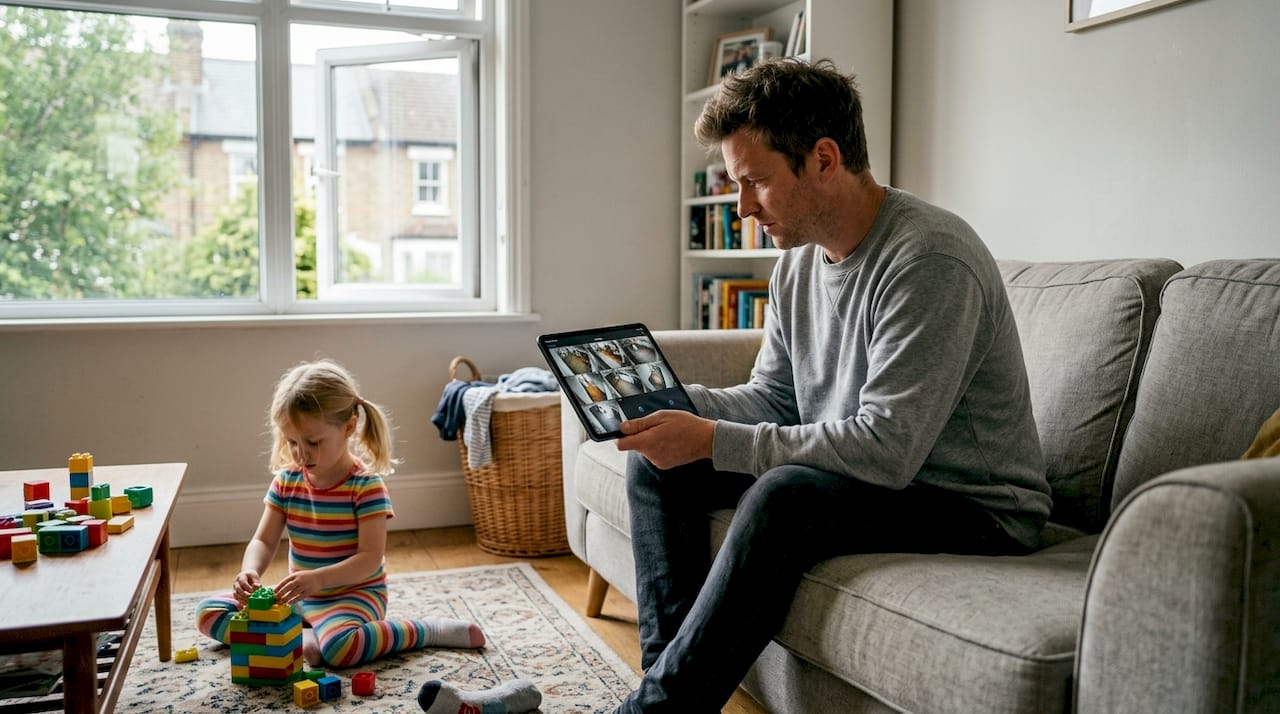
Remote home monitoring gets a bad reputation as something only tech-savvy homeowners with sprawling smart home setups can pull off. The truth is, modern systems are more accessible, affordable, and privacy-conscious than most people realize. Whether you want to check in on an aging parent, catch a package thief, or get a water leak alert before it becomes a flood, today’s monitoring tools fit a wide range of needs. Non-camera sensors preferred for eldercare show just how far the technology has come in respecting both safety and dignity at the same time.
Table of Contents
- What is remote home monitoring?
- Types of remote home monitoring systems
- How does remote home monitoring work?
- Top use cases for remote home monitoring
- Privacy, data security, and common concerns
- Our take: Why humane, privacy-first monitoring will win in smart homes
- Explore smart monitoring solutions for your home
- Frequently asked questions
Key Takeaways
| Point | Details |
|---|---|
| Definition clarified | Remote home monitoring allows you to watch and secure your home from anywhere with smart devices. |
| Privacy options exist | Non-camera and local sensor solutions now offer privacy-focused monitoring for any family or owner. |
| Real-world benefits | You can prevent theft, care for relatives, and protect your property with tailored solutions. |
| Multiple system types | Choose between DIY and professional setups, camera-based or purely sensor-based, for your needs. |
| Easy integration | New smart systems integrate smoothly with existing home tech for security and convenience. |
What is remote home monitoring?
At its core, remote home monitoring lets you observe and respond to events in your home from anywhere using internet-connected devices. You don’t need to be sitting in front of a security panel or waiting for a call from a monitoring company. Your smartphone becomes your control center.
The main components of a typical system include:
- Motion sensors that detect movement in rooms or hallways
- Door and window sensors that trigger alerts when opened unexpectedly
- Sound sensors that pick up glass breaking, alarms, or unusual noise
- Smart cameras for visual confirmation of events
- Water and smoke detectors for environmental hazards
- A smart hub or app that ties everything together
What sets remote monitoring apart from older security systems is real-time awareness and flexibility. Traditional alarm systems were reactive and limited. They rang a siren and called a monitoring center. Modern systems give you instant push notifications, live video, two-way audio, and the ability to trigger automations like turning on lights or locking a door, all from your phone.
“Remote monitoring can cover everything from doors and windows to water leaks and elderly safety, making it a genuinely multi-purpose tool for modern homes.”
You also get flexibility in focus. Some homeowners prioritize security. Others want elderly safety monitoring for a parent living alone. Others simply want to know if the basement is flooding while they’re on vacation. One system can serve all those goals.
Pro Tip: Start with the use case that matters most to you, then expand your system over time. You don’t have to buy everything at once.
Types of remote home monitoring systems
Not all monitoring systems are built the same, and understanding the differences helps you pick the right fit without overspending or overcomplicating things.
The biggest divide is camera-based vs. sensor-based monitoring. Camera systems give you visual evidence and live feeds, but they raise privacy concerns, especially in shared or sensitive spaces. Non-camera sensors are increasingly preferred for privacy, particularly in eldercare settings where constant video surveillance can feel undignified.

| Feature | Camera-based | Sensor-based |
|---|---|---|
| Privacy level | Lower | Higher |
| Visual evidence | Yes | No |
| Cost | Higher | Lower |
| Ease of setup | Moderate | Easy |
| Best for | Security, deterrence | Eldercare, discreet monitoring |
The second key distinction is DIY vs. professionally installed. DIY kits (like those from Ring, SimpliSafe, or Arlo) are beginner-friendly and cost-effective. Professional installations offer more reliability and custom configurations but come with higher upfront and monthly costs.
You’ll also want to think about standalone vs. integrated systems. A standalone system works independently. An integrated system connects with your broader smart home setup, allowing non-intrusive monitoring to trigger lights, locks, or thermostats automatically. For a full picture of how these fit together, reviewing security workflow steps can help you plan your setup logically.
- Standalone systems: simpler, faster to set up, less flexible
- Integrated systems: more powerful, require compatible device integration options, but deliver far more automation
Pro Tip: If you rent your home, look for DIY sensor-based kits that don’t require drilling or permanent installation. Many peel-and-stick options work just as well.
How does remote home monitoring work?
Once your sensors and cameras are in place, the system runs quietly in the background until something triggers it. Here’s a practical breakdown of the process:
- Event detected: A sensor picks up motion, a door opens, smoke is detected, or a sound threshold is crossed.
- Signal sent to hub: The sensor communicates with your smart hub or directly with the cloud via Wi-Fi or Zigbee (a low-power wireless protocol).
- Alert generated: You receive a push notification, text, or email within seconds.
- You respond: Open the app to view a live feed, trigger a light, lock a door, or call for help.
- Automation activates (optional): Pre-set rules can trigger other devices automatically, like turning on exterior lights when motion is detected at 2 a.m.
One of the most interesting advances is local AI processing. Perceptual AI extracts metadata locally, so video footage doesn’t have to be stored or sent to the cloud to generate a useful alert. This keeps your data private and reduces latency.

| Processing type | Cloud-based | Local AI |
|---|---|---|
| Privacy | Lower | Higher |
| Speed | Moderate | Fast |
| Internet dependency | High | Low |
| Storage needed | Yes | Minimal |
For practical integration tips, pairing your monitoring system with smart lights or locks adds a powerful layer of automation. If you’re new to this, a step-by-step guide to connect smart devices makes the process much less intimidating.
Statistic callout: Systems using local AI processing can generate alerts in under one second, compared to 3 to 5 seconds for cloud-dependent alternatives.
Top use cases for remote home monitoring
With the technology demystified, let’s look at how homeowners are actually using remote monitoring for real-world benefits.
Remote monitoring is genuinely versatile. Here are the most common and impactful applications:
- Deterring break-ins and package theft: Motion-triggered lights and instant alerts let you respond before a situation escalates. Many thieves abandon attempts when they notice active monitoring.
- Checking on elderly relatives: Sensor-based systems can detect unusual inactivity or nighttime falls without invading privacy. This pairs naturally with resources on age-friendly housing to support independent living.
- Detecting water leaks and smoke early: A $20 water sensor in the basement can save thousands in damage. Smoke and CO detectors tied to your phone mean you get alerted even when you’re not home.
- Energy management: Occupancy sensors can trigger your thermostat to lower when rooms are empty, saving on heating and cooling costs automatically.
- Vacation and unoccupied homes: Whether it’s a cabin or a second property, remote monitoring gives you eyes and ears without requiring a house sitter.
“Home monitoring isn’t just about burglary—it’s security, safety, energy management, and family well-being all rolled into one practical system.”
The flexibility of modern systems means you can prioritize what matters most. A young family might focus on security and smoke detection. An adult child caring for an aging parent might prioritize fall detection and activity monitoring. Both needs are valid, and both are well-served by today’s technology.
Privacy, data security, and common concerns
A common hesitation with remote monitoring is privacy. People worry about footage being hacked, data being sold, or creating a surveillance atmosphere in their own homes. These are fair concerns, and modern systems have responded directly to them.
Here’s how to protect yourself:
- Use non-camera sensors where possible: Sound and motion sensors provide safety alerts without capturing images or video. This is especially important in bedrooms or care settings.
- Enable two-factor authentication (2FA): This adds a second verification step so that even if your password is compromised, your account stays protected.
- Set strong, unique passwords: Avoid reusing passwords across devices or apps.
- Review app permissions regularly: Many apps request more access than they need. Check and limit permissions to what’s essential.
- Choose local processing options: Perceptual AI lets you receive alerts with no video storage, keeping sensitive data off external servers.
For families and eldercare situations, the balance between safety and dignity is especially important. A system that feels like surveillance can erode trust. Sensor-based monitoring, combined with thoughtful placement and clear communication with all household members, strikes the right balance.
Pro Tip: Tell everyone in your home what’s being monitored and why. Transparency builds trust and reduces discomfort with the technology.
For a broader look at how to safely integrate smart home devices without creating security gaps, reviewing your full device ecosystem is a smart move.
Our take: Why humane, privacy-first monitoring will win in smart homes
Here’s a perspective you won’t often hear from smart tech vendors: the camera is overrated.
The industry has spent years pushing high-resolution video as the gold standard of home monitoring. But most homeowners don’t want 24/7 surveillance footage of their own living rooms. And families caring for elderly relatives certainly don’t want their loved ones filmed around the clock. It feels clinical, not caring.
Non-camera sensors and local AI metadata extraction are leading the real innovation in this space. A sound sensor that detects a fall and sends an alert is more useful and far less invasive than a camera recording hours of empty hallway footage.
We believe the future belongs to systems that are smart enough to know when something is wrong without needing to watch everything. Sensor fusion (combining data from multiple sensor types) combined with on-device AI will make monitoring both more accurate and more respectful. Families will choose solutions that preserve independence and dignity, not just ones that offer the most pixels. For practical guidance on non-intrusive care setups, the shift is already underway.
Explore smart monitoring solutions for your home
If you’re ready to move from understanding to action, Smart Home HQ has you covered with tested, practical resources.

Browse our curated list of top security systems that prioritize both privacy and performance, with options for every budget. If you’re still figuring out which devices belong in your setup, our smart devices guide breaks down every category clearly. And once you’re ready to install, our setup best practices walk you through the process step by step so you get it right the first time.
Frequently asked questions
What devices are needed for remote home monitoring?
Most setups start with sensors or cameras, a smart hub or app, and Wi-Fi or cellular connectivity to send alerts. Sound and motion sensors are practical starting points that don’t require cameras at all.
How is privacy protected with remote home monitoring?
Modern systems use local AI processing and non-camera sensors, so sensitive footage often isn’t stored or transmitted. Perceptual AI extracts metadata locally, avoiding the need for cloud video storage entirely.
Can I monitor my home from my phone?
Yes, most systems have mobile apps that provide real-time alerts, live camera feeds, and remote control features so you can respond to events from anywhere.
Is remote home monitoring expensive to set up?
Costs range from affordable DIY sensor kits to higher-end professional systems. Both DIY and professional options exist, with many scalable choices that fit any budget.
Is remote home monitoring only for security?
No, it also covers energy management, elder care, and vacation home monitoring. Home monitoring covers safety, energy, and family well-being well beyond basic burglary prevention.
Recommended
- Why Prioritize Smart Home Security Now
- How to Improve Smart Home Security Step by Step
- Security systems in smart homes 2026: The complete guide
- Smart Security Systems 2026: Review The Top Options