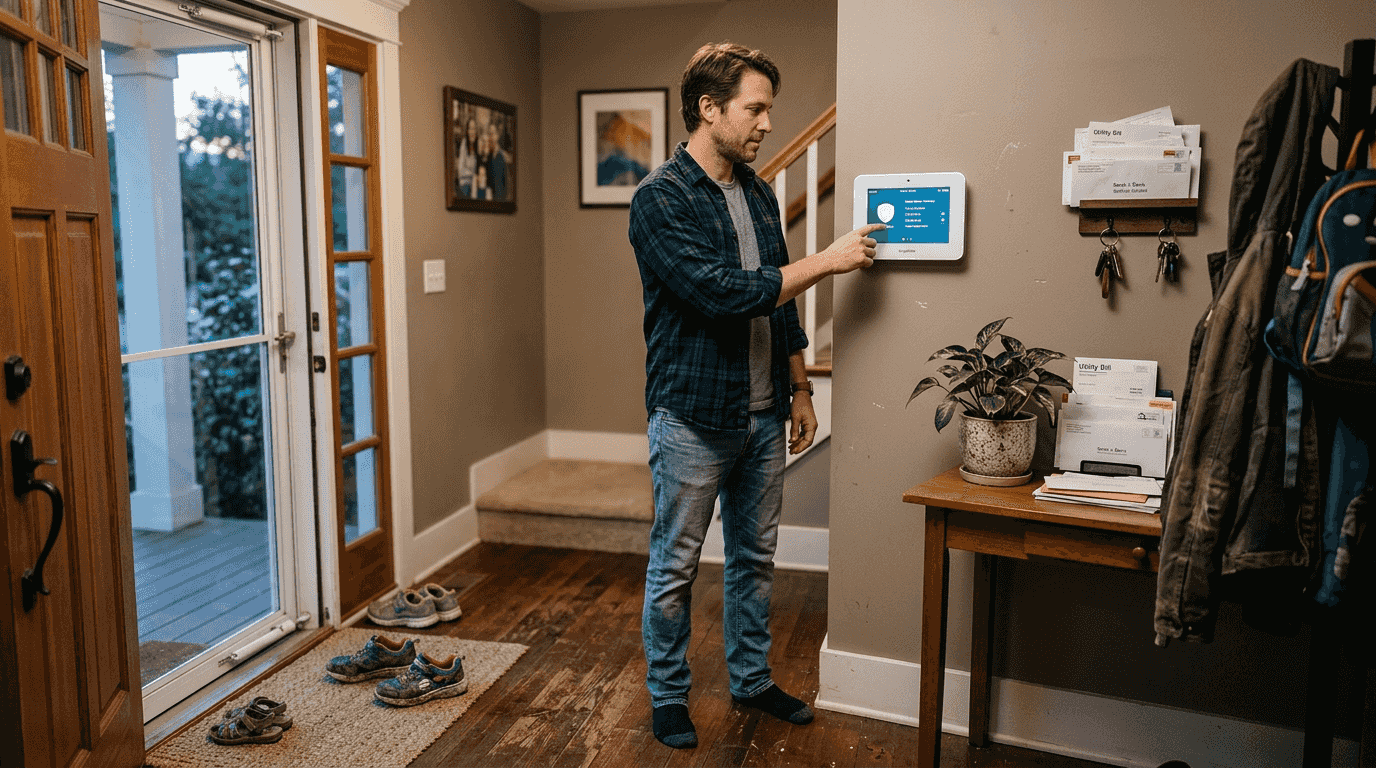
Most homeowners believe a visible camera is enough to keep intruders at bay, but modern security systems do far more than deter break-ins. Smart security technology integrates IoT devices, AI-powered monitoring, and remote automation to protect your home from both physical threats and cyber vulnerabilities. This guide explores how these systems work, the cybersecurity measures you need, common device failures to avoid, and practical ways to maximize safety and convenience in your connected home.
Table of Contents
- The Evolving Role Of Security Systems In Smart Homes
- Protecting Your Smart Home: Cybersecurity Challenges And Solutions
- Reliability And Maintenance: Avoiding Common Smart Security Device Issues
- Maximizing Safety And Convenience: Practical Applications Of Smart Security Systems
- Explore Smart Security Solutions At Smart Home HQ
- Frequently Asked Questions
Key takeaways
| Point | Details |
|---|---|
| Smart security integrates IoT and AI | Modern systems combine physical protection with intelligent automation and remote control capabilities. |
| Cybersecurity is essential | Rising vulnerabilities require multi-factor authentication, encryption, and advanced threat detection to protect your devices. |
| Maintenance prevents failures | Regular inspection and calibration of smart locks and sensors extend lifespan and avoid mechanical issues. |
| Visible deterrents work | 83% of burglars check for security systems before attempting entry, making visibility a powerful defense. |
| Automation enhances convenience | Scheduled locks, lights, and alarms improve safety while reducing energy costs and simplifying daily routines. |
The evolving role of security systems in smart homes
Smart security systems have transformed from simple alarm boxes into sophisticated networks that combine physical protection with information security and home automation. Integration of IoT devices enables homeowners to remotely control locks, cameras, and sensors from their smartphones, creating a seamless connection between safety and convenience. This shift represents a fundamental change in how we think about home protection.
AI-powered features now drive many of the most effective security capabilities. Facial recognition technology can distinguish between family members and strangers, while smart zone detection focuses monitoring on specific areas like driveways or entry points. These advances reduce false alarms and provide more actionable alerts when genuine threats appear. The technology learns your household patterns over time, adapting to your routines and flagging unusual activity automatically.
Market adoption reflects growing confidence in these systems. Smart home security installations rose 40% over five years as homeowners recognized the value of connected protection. Modern sensors are smaller and more aesthetically integrated than older models, fitting naturally into home architecture without the bulky appearance of traditional security equipment. This design evolution makes it easier to secure your property without compromising visual appeal.
The convergence of smart home devices types creates a unified ecosystem where security components communicate with lighting, thermostats, and entertainment systems. A single trigger, like unlocking your front door, can activate multiple responses: lights turn on, the thermostat adjusts, and cameras begin recording. This interconnected approach delivers protection that adapts to your lifestyle rather than forcing you to adapt to rigid security protocols.
Pro Tip: Start with a hub-based system that supports multiple device brands. This flexibility lets you expand your security setup gradually without locking into a single manufacturer’s ecosystem, giving you more options as latest smart home devices 2026 enter the market.
Protecting your smart home: Cybersecurity challenges and solutions
Smart homes face rising cyber threats that target the very devices meant to protect them. Weak encryption and default passwords create entry points for attackers who can disable cameras, unlock doors, or access your home network. Multi-factor authentication significantly enhances account and device security by requiring a second verification step beyond passwords, making unauthorized access exponentially harder even if credentials are compromised.
AI models provide powerful defense mechanisms against distributed denial of service attacks that overwhelm smart home networks. The k-NN model achieved 97.13% accuracy detecting DDoS attacks in residential environments, outperforming traditional artificial neural networks in both speed and precision. This high detection rate means your system can identify and block malicious traffic before it disrupts your security devices or exposes your data.
Comparing detection methods reveals important performance differences:
| Model Type | Accuracy Rate | Processing Speed | False Positive Rate |
|---|---|---|---|
| k-NN | 97.13% | Fast | 2.1% |
| ANN | 94.8% | Moderate | 4.3% |
| Random Forest | 95.6% | Slow | 3.7% |
| SVM | 93.2% | Fast | 5.1% |
Implementation challenges center on balancing robust security with user convenience. Homeowners want protection that works invisibly in the background, not systems requiring constant authentication or technical intervention. Modern solutions address this through adaptive security that increases verification requirements only when suspicious activity appears, maintaining seamless operation during normal use while tightening defenses when threats emerge.
Network segmentation provides an additional protective layer by isolating smart security devices on a separate network from computers and phones. If an attacker compromises one device, they cannot easily pivot to other systems. This approach limits damage and contains breaches before they spread throughout your connected home. Regular firmware updates patch known vulnerabilities, closing security gaps that hackers actively exploit.
Pro Tip: Enable automatic updates for all security devices and create a dedicated guest network for IoT gadgets. This setup keeps your primary devices separate from potentially vulnerable smart home equipment while ensuring your network security smart homes remains strong. Check improve smart home security for detailed configuration steps.
Reliability and maintenance: Avoiding common smart security device issues
Smart lock motors wear out faster under frequent use cycles common in commercial settings, but residential installations face similar issues when multiple family members enter and exit throughout the day. Motor wear from high-frequency use and mechanical jamming from doorframe problems represent the most common failure modes. Understanding these vulnerabilities helps you prevent lockouts and maintain consistent security.

Mechanical issues like latch and deadbolt jamming often result from door frame warping or thermal expansion. Temperature changes cause wood and metal to expand at different rates, creating misalignments that prevent smooth operation. Humidity compounds this problem by swelling wooden frames, increasing friction on moving parts. Regular inspection catches these issues before they escalate into complete failures that leave you locked out or unable to secure your home.
Precise installation reduces failure risks significantly. Even small misalignments during initial setup create stress points that accelerate wear on gears and motors. Professional installers use specialized tools to ensure perfect alignment, but DIY installations can achieve similar results with careful measurement and patience. The extra time spent during installation pays dividends through years of reliable operation.
Common smart lock and sensor issues include:
- Gear wear from continuous motor operation under load
- Overcurrent burnout when motors strain against misaligned components
- Moisture corrosion in outdoor sensors and exposed electronics
- Frame misalignments from settling foundations or seasonal temperature shifts
- Battery drain from frequent wireless communication or extreme temperatures
- Sensor drift requiring recalibration for accurate motion detection
Preventive maintenance extends device lifespan and maintains security effectiveness. Cleaning moving parts removes accumulated dust and debris that increases friction. Lubricating hinges and latches reduces wear on motors by decreasing the force required for operation. Battery replacement schedules prevent unexpected failures, while periodic calibration ensures sensors maintain accurate detection zones.
Pro Tip: Schedule maintenance checks every six months, coinciding with daylight saving time changes. This simple reminder system ensures you inspect alignment, clean components, and test backup power sources regularly. Document any adjustments you make to track patterns and identify recurring issues before they cause failures. Review upgrade to smart locks for device selection tips and smart home security checklist for comprehensive maintenance guidance.
Maximizing safety and convenience: Practical applications of smart security systems
Visible security systems deter the majority of burglars before they attempt entry. 83% of burglars check for visible security systems, making cameras, signs, and sensor lights powerful deterrents that stop crimes before they start. This psychological barrier works even when devices are not actively monitored, though functional systems provide backup protection if deterrence fails.
Remote access transforms how you monitor and control your home from any location. Smartphone apps let you check camera feeds, lock doors you forgot to secure, and receive instant alerts about unusual activity. This capability proves invaluable during vacations or business trips when you cannot physically check your property. Real-time notifications mean you can respond immediately to potential threats or verify that deliveries arrived safely.
Automation enhances both safety and energy efficiency through intelligent scheduling. Programmed routines can lock doors at bedtime, activate outdoor lights at sunset, and arm alarm systems when everyone leaves for work. These automated sequences eliminate the human error that creates security gaps, ensuring consistent protection without requiring constant attention or manual intervention.
Setting up basic automation scenes:
- Create a departure routine that locks all doors, arms sensors, and adjusts the thermostat when the last person leaves.
- Program a bedtime sequence that secures entry points, dims lights gradually, and activates interior motion sensors.
- Set up a vacation mode that randomizes light patterns to simulate occupancy and increases camera recording sensitivity.
- Configure arrival automations that unlock doors, disarm alarms, and turn on entry lights when you approach.
- Establish emergency protocols that trigger all lights, sound alarms, and send notifications to designated contacts.
Comparing common security features reveals different strengths:
| Feature | Deterrent Effectiveness | Convenience Level | Average Cost |
|---|---|---|---|
| Smart cameras | High | High | $150-400 |
| Smart locks | Medium | Very High | $200-350 |
| Motion sensors | Medium | High | $30-80 |
| Door/window sensors | Low | Medium | $20-50 |
| Smart lighting | Medium | Very High | $15-60 per bulb |
| Professional monitoring | Very High | Medium | $20-60/month |
Layering multiple security elements creates comprehensive protection that addresses different threat scenarios. Cameras provide visual evidence and remote monitoring, while sensors detect entry attempts that occur outside camera view. Smart locks eliminate key vulnerabilities and enable temporary access for guests or service providers without compromising long-term security. The combination delivers protection that adapts to various situations.

Integration with other smart home systems amplifies security benefits. Lights that turn on automatically when sensors detect motion discourage prowlers while helping you navigate safely at night. Thermostats that adjust when you arm the system save energy during absences. Voice assistants that control security functions through simple commands make protection accessible to all family members regardless of technical skill.
Explore smart home automation examples for creative ways to combine security with daily convenience, and review home automation scenes benefits to understand how strategic programming maximizes both safety and cost savings.
Explore smart security solutions at Smart Home HQ
Ready to upgrade your home protection with smart technology? Smart Home HQ offers comprehensive reviews of the top smart security systems available in 2026, helping you choose devices that match your specific needs and budget. Our detailed testing reveals real-world performance, installation challenges, and long-term reliability you need to know before investing.

Step-by-step guides walk you through improving your home’s security effectively, from initial device selection to advanced automation programming. Whether you’re starting fresh or expanding an existing setup, our smart security systems 2026 reviews and improve smart home security step by step tutorials provide the knowledge you need. Discover best practices smart home setup 2026 to ensure optimal safety and convenience from day one.
Frequently asked questions
What are the most effective components of a smart security system?
The most effective components include smart locks, cameras with AI detection, motion sensors, and door/window sensors working together in an integrated system. Mobile app integration enables remote monitoring and control from anywhere, while multi-factor authentication and encryption protect system integrity from cyber threats. Layering multiple device types creates comprehensive coverage that addresses different security scenarios and eliminates single points of failure. Learn more about smart home security explained to understand how components work together.
How can I protect my smart home security system from cyber attacks?
Use strong, unique passwords for each device and enable multi-factor authentication on all accounts to prevent unauthorized access. Keep devices and software updated regularly to patch known vulnerabilities that hackers actively exploit. Monitor network traffic for unusual patterns and use encrypted connections for all remote access. Segment your network by placing IoT devices on a separate subnet from computers and phones, limiting damage if one device is compromised. Review network security smart homes for detailed protection strategies.
What maintenance does a smart lock require to ensure reliability?
Regularly check alignment of door frames and latch components, as settling foundations and seasonal temperature changes cause misalignment over time. Clean and lubricate moving parts every six months to prevent corrosion and reduce friction that strains motors. Replace batteries promptly based on manufacturer recommendations to avoid unexpected lockouts, and test backup power sources to ensure they function when needed. Calibrate sensors periodically to maintain accurate detection and smooth operation. Consider upgrade to smart locks for guidance on selecting low-maintenance models.
Can smart security systems work during power outages?
Most quality smart security systems include battery backup that maintains operation during power outages, though functionality may be limited to essential features. Cameras typically continue recording to local storage, while sensors and alarms remain active for several hours. Smart locks use standard batteries independent of home power, ensuring you can still enter and secure your property. Cellular backup connections maintain monitoring service communication when internet goes down, sending alerts through mobile networks instead of broadband.
How do I choose between professional monitoring and self-monitoring?
Professional monitoring provides 24/7 oversight by trained operators who contact emergency services on your behalf, ideal for frequent travelers or those wanting comprehensive protection. Self-monitoring gives you direct control through smartphone alerts, eliminating monthly fees but requiring you to respond personally to all notifications. Consider your lifestyle, budget, and comfort level with technology when deciding. Many systems offer both options, letting you switch based on changing needs or test self-monitoring before committing to professional services.
Recommended
- Smart Security Systems 2026: Review The Top Options
- Smart Home Alarm Systems Guide: Reviews, Costs & Installation
- Smart Home Trends 2026: How AI Reshapes Urban Living
- 7 Floor Restoration Benefits for Homeowners in 2025
- Innovative tech strategies for business leaders 2026
Leave a Reply