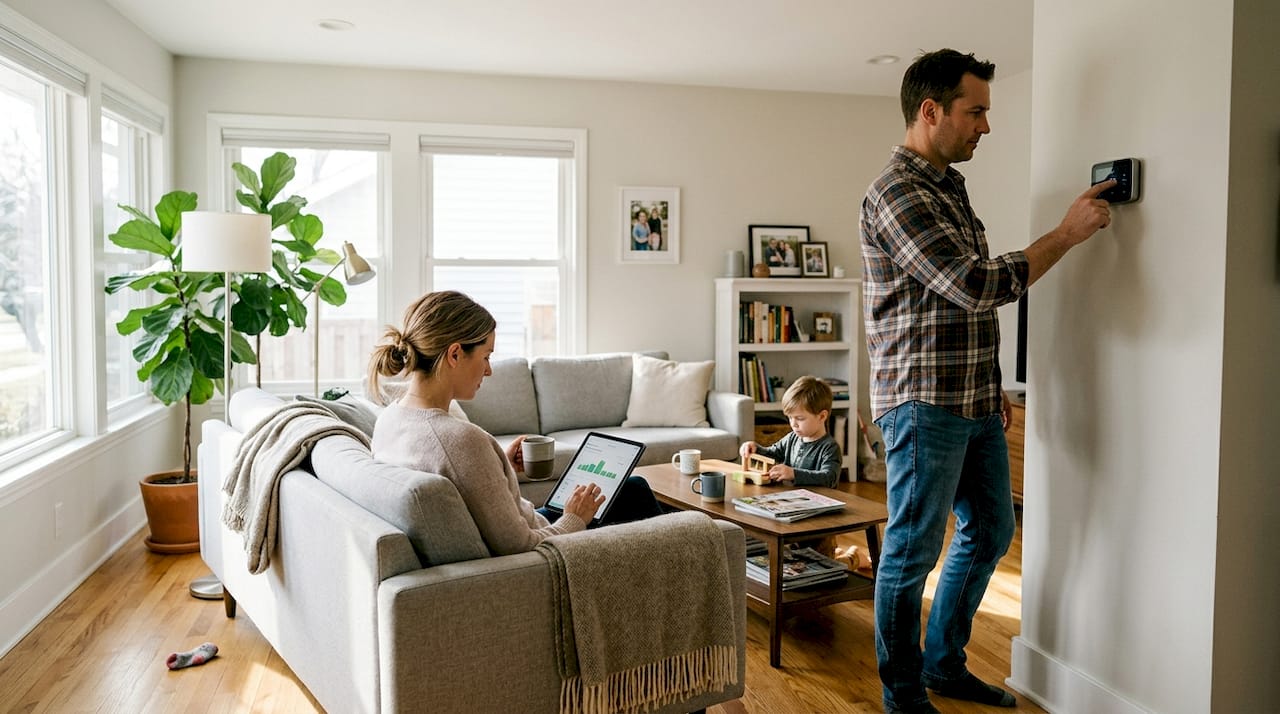
You invested in smart home devices expecting lower utility bills, but the savings haven’t quite materialized the way you hoped. You’re not alone. Many homeowners discover that owning smart gadgets is only half the equation. The other half is how you configure, automate, and use them. Empirical data shows Nest thermostats save an average of $131 to $145 annually, but only when set up correctly. This guide walks you through the key criteria for real savings, practical tips for each device category, and a side-by-side comparison to help you decide where to focus first.
Table of Contents
- How to evaluate smart home energy savings
- Tip 1: Use smart thermostats for climate control
- Tip 2: Automate lighting for efficiency
- Tip 3: Smart plugs and appliance controls
- Tip 4: HVAC zoning and advanced automation
- Comparison: Smart home energy-saving methods at a glance
- Next steps for maximizing smart home savings
- Discover more smart home energy solutions
- Frequently asked questions
Key Takeaways
| Point | Details |
|---|---|
| Smart thermostats lead | Smart thermostats offer the highest energy savings and fastest ROI for most homes. |
| Automation must be smart | Poorly set automations can waste energy, so program your devices with care. |
| Evaluate your home’s needs | Savings depend on your home’s age, climate, and your unique device habits. |
| Regular audits boost savings | Check device reports and bills regularly to maximize efficiency and spot issues. |
How to evaluate smart home energy savings
Before you start tweaking settings or buying new devices, it helps to understand what actually drives energy savings in a smart home. Not every upgrade delivers the same return, and some changes work far better in certain homes than others.
Here are the four main factors that determine how much you save:
- Device selection: Choosing the right device for the right job matters enormously. A smart thermostat controls your HVAC far more effectively than a smart plug ever could.
- Automation logic: Poorly designed automations can actually increase your usage. Schedules and triggers need to match your real daily patterns.
- Household habits: Even the best automation can be undermined by manual overrides or inconsistent routines.
- Climate and home type: Older homes with poor insulation often see bigger gains from zoning and scheduling. Newer, well-sealed homes may have less room for improvement.
Savings are real and measurable, but they require proper setup. Our energy-saving smart home guide is a great starting point for building a solid foundation before adding more devices.
Pro Tip: Log into your device’s app and check the energy usage reports section. Most smart thermostats and plugs track consumption over time, and those numbers tell you exactly where your money is going.
Tip 1: Use smart thermostats for climate control
Once you understand the big-picture factors, the first and most impactful upgrade for energy savings is your thermostat. Heating and cooling typically account for 40 to 50 percent of a home’s total energy use, which makes this the highest-leverage category.
Smart thermostats like the Nest Learning Thermostat and Ecobee SmartThermostat do more than just follow a schedule. They learn your patterns, detect occupancy, and adjust automatically. Key features to look for include:
- Occupancy sensing: Reduces heating or cooling when no one is home
- Learning algorithms: Builds a schedule based on your actual behavior over time
- Remote access: Lets you adjust settings from anywhere via a smartphone app
- Energy reports: Shows you daily and monthly usage so you can spot waste
“Smart thermostats can cut HVAC energy use by 10 to 20 percent depending on household and region.”
Studies show consistent 10 to 20 percent HVAC savings with smart thermostats, though results vary by region and user habits. Our smart thermostat guide covers the top models in detail, and if you want to understand the full value proposition, the benefits of smart thermostats page breaks it down clearly.

Pro Tip: Enable geofencing in your thermostat app. This feature uses your phone’s location to automatically switch to an energy-saving mode when you leave and restore comfort settings before you arrive home.
Tip 2: Automate lighting for efficiency
With temperature optimized, let’s target another common energy drain: lighting. Lighting accounts for roughly 15 percent of a home’s electricity use, and a surprising amount of that comes from lights left on in empty rooms.
Smart bulbs and switches give you precise control through scheduling, dimming, and occupancy-based automation. Here’s how to get the most out of them:
- Motion sensors: Automatically turn lights on when someone enters a room and off after a set idle period
- Schedules: Program lights to turn off at a specific time each night, even if you forget
- Dimming: Reduce brightness during daytime hours or for ambient use to cut consumption
- Scenes: Group multiple lights into a single command for easy control
One important pitfall to avoid is the rebound effect. This happens when automation causes lights to run longer than they would have manually, for example, a motion sensor that keeps a hallway light on for 30 minutes after each trigger. Improper automation can increase energy bills due to rebound effects, so always review your trigger durations and schedules carefully.
For a full walkthrough on setup, check out our guide on home lighting automation and our smart lighting buyer’s guide for product recommendations.
Pro Tip: Create a “goodnight” scene that turns off every non-essential light in your home with a single tap or voice command. It takes five minutes to set up and saves you from the nightly room-by-room check.
Tip 3: Smart plugs and appliance controls
Now that the main power hogs are covered, let’s look at how smaller devices and appliances can be managed for better savings. Smart plugs are affordable and easy to install, but they work best in specific situations.
The best use cases for smart plugs include:
- Entertainment systems: TVs, gaming consoles, and soundbars draw standby power even when off. A smart plug cuts that completely.
- Small kitchen appliances: Coffee makers, toasters, and similar devices can be scheduled to power down after use.
- Home office equipment: Printers, monitors, and desk lamps can be automated to shut off after work hours.
- Chargers and power strips: Prevent overnight overcharging or idle draw from multiple devices at once.
What smart plugs are not good for is high-wattage systems. Avoid using smart plugs for high-power HVAC control; use dedicated thermostats instead. Plugging a window AC unit or space heater into a smart plug is a safety risk and won’t give you the precise control a thermostat provides.
For tracking overall consumption, our energy monitor guide covers whole-home monitors that give you a clearer picture than individual plug data alone.
Pro Tip: Schedule your printer and other office devices to cut power at 7 PM every weekday. Most people forget these devices stay on standby all night, and that idle draw adds up over a month.
Tip 4: HVAC zoning and advanced automation
For homes needing more sophisticated solutions or with diverse usage patterns, advanced zoning and automation techniques offer the next level of savings. This is especially relevant if you have a larger home, multiple floors, or rooms that are used at very different times.
Here’s how to approach zoning and advanced automation step by step:
- Identify your zones: Separate your home into areas with distinct usage patterns, such as bedrooms, living areas, and a home office.
- Install zone-compatible equipment: Smart vents or a multi-zone HVAC system lets you control temperature independently in each area.
- Set occupancy-based triggers: Use motion sensors or door sensors to activate heating or cooling only when a zone is occupied.
- Build seasonal scenes: Create separate automation profiles for summer and winter that adjust setpoints, fan speeds, and schedules automatically.
“Older homes often realize the biggest gains from zoning and smart scheduling.”
Older homes typically achieve higher savings from smart zoning strategies because their layouts and insulation levels create more temperature variation between rooms. Our HVAC automation guide walks through the full setup process with product recommendations.
Comparison: Smart home energy-saving methods at a glance
With all main saving methods explained, here’s how they compare for quick decision-making.
| Method | Ease of setup | Upfront cost | Avg. energy impact | Best for | Watch out for |
|---|---|---|---|---|---|
| Smart thermostat | Easy | $100 to $250 | 9 to 17% savings on HVAC | All homes | Skipping geofencing setup |
| Smart lighting | Easy to moderate | $15 to $50 per bulb | 10 to 15% on lighting | Homes with many lights | Rebound effect from long timers |
| Smart plugs | Very easy | $10 to $30 each | 5 to 10% on standby loads | Entertainment and office gear | Using on high-wattage appliances |
| HVAC zoning | Moderate to complex | $200 to $1,000+ | 15 to 25% on HVAC | Larger or older homes | Incorrect zone configuration |
For a deeper look at thermostat ROI, we’ve broken down the numbers by home size and climate zone so you can estimate your specific savings before buying.
Next steps for maximizing smart home savings
With the comparisons in hand, here’s how to put these insights into action for your smart home. The key is to treat energy savings as an ongoing process, not a one-time setup.
Here’s a practical action checklist:
- Audit your device settings twice a year: Schedules that worked in winter may waste energy in summer. Review and adjust seasonally.
- Track your utility bills monthly: Compare your bills before and after each change. Real numbers confirm what’s working and what isn’t.
- Update firmware regularly: Smart device manufacturers frequently release updates that improve automation accuracy and energy reporting.
- Expand gradually: Start with a thermostat, then add lighting, then plugs. Layering changes makes it easier to measure the impact of each one.
- Revisit your automations: As your household routine changes, your automations should too. A schedule built for a 9-to-5 job won’t work well during remote work weeks.
Our energy savings guide goes deeper on each of these steps with device-specific instructions and real-world examples.
Discover more smart home energy solutions
Ready to put these ideas into practice? Smart Home HQ has done the research so you don’t have to. We test devices in real homes, compare performance data, and publish honest recommendations you can trust.

Browse our energy-saving devices table to find the top-rated products across every category covered in this article. If you’re building or upgrading your setup from scratch, our smart home setup best practices guide gives you a clear roadmap. And for the newest devices hitting the market, our latest smart home devices page is updated regularly with fresh picks and hands-on reviews.
Frequently asked questions
How much can I really save on my energy bills with smart home tech?
Most homeowners save between 9% and 17% on heating and cooling costs with a smart thermostat, which translates to average annual savings of $131 to $145. Actual results depend on your home size, climate, and how well the device is configured.
Are smart plugs effective for big appliances like HVAC units?
No. Smart plugs are unsuitable for HVAC systems because they can’t provide the precise temperature-based control that a dedicated thermostat offers, and using them on high-wattage equipment creates safety risks.
Does smart lighting automation ever increase my energy bills?
Yes, it can. Improper automation or poorly set motion sensor durations can cause lights to run longer than they would manually, which is called the rebound effect and it directly raises your bill.
What’s the most impactful first step for better energy savings?
Start with a smart thermostat. Studies show consistent 10 to 20 percent HVAC savings, making it the single highest-return upgrade before moving on to lighting and appliance scheduling.
Recommended
- Energy-Saving Smart Home Guide for Maximum Efficiency
- Best Home Energy Monitor: Real Savings Guide & Reviews
- Smart Thermostats: Complete 2026 Guide