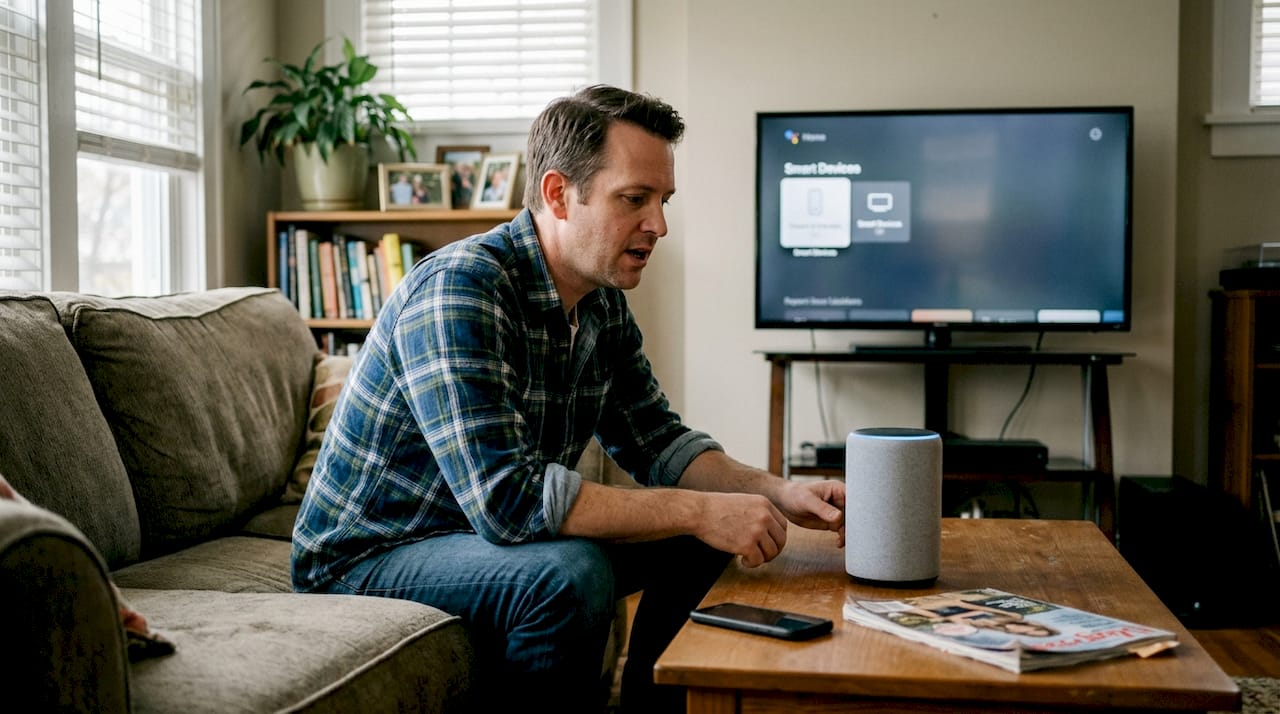
Voice assistants have quietly moved from novelty gadgets to the operational core of modern smart homes. Most people still think of them as glorified timers or music players, but 74% of smart home tasks can now be automated through voice commands alone. That shift changes everything about how you interact with your home. This guide covers how voice assistants actually work, what they can realistically do for your setup, where they fall short, and the best practices that separate a frustrating experience from a genuinely smart home.
Table of Contents
- What are voice assistants? Foundations and evolution
- How voice assistants power smart home automation
- Benefits of integrating voice assistants with your smart home
- Limitations and challenges: What most guides leave out
- Best practices: How to set up voice assistants for maximum reliability
- Take your smart home further with Smart Home HQ
- Frequently asked questions
Key Takeaways
| Point | Details |
|---|---|
| Automation impact | Voice assistants automate 74% of smart home tasks and boost convenience. |
| Reliability strategies | Simple routines and dedicated networks are essential for smooth operation. |
| Energy and satisfaction gains | Homes see energy savings and 82% user satisfaction with proper voice integration. |
| Know the pitfalls | Network congestion and complex routines are top causes of failure you should avoid. |
What are voice assistants? Foundations and evolution
A voice assistant, in the smart home context, is software that listens for spoken commands, interprets them, and triggers actions across connected devices. Think of it as the translator between your words and your home’s hardware. Early versions could barely handle “turn off the lights” without a misfire. Today, they manage multi-step routines, respond to context, and coordinate dozens of devices simultaneously.
The leap in capability comes from a layered technology stack. Core mechanics involve automatic speech recognition (ASR), which converts your voice to text; natural language understanding (NLU), which figures out what you actually mean; dialogue management, which handles back-and-forth exchanges; natural language generation (NLG), which crafts a response; and text-to-speech (TTS), which speaks it back to you. These layers work in under a second. They also connect to your devices through IoT protocols like Z-Wave, Zigbee, and Matter, which act as the common languages smart devices use to talk to each other.
Understanding what a smart speaker actually is helps clarify where the voice assistant lives inside your home. The assistant is the brain; the speaker is just the mouth and ears. The three dominant players right now are Amazon Alexa, Google Assistant, and Apple Siri, each with its own strengths across the voice assistant ecosystem.
Here is a quick look at what each major assistant brings to the table:
- Amazon Alexa: Widest device compatibility, strong third-party skill library, excellent for complex routines
- Google Assistant: Best natural language comprehension, tight integration with Google services and Android devices
- Apple Siri: Deep iOS and HomeKit integration, strong privacy focus, best for Apple-heavy households
- Samsung Bixby: Optimized for Samsung SmartThings ecosystem, useful if your appliances are Samsung
- Matter protocol support: All major assistants now support Matter, meaning cross-brand device control is more reliable than ever
How voice assistants power smart home automation
Knowing the technology is one thing. Seeing it work in your home is another. Voice assistants handle automation by linking triggers (your voice, a schedule, a sensor reading) to actions (dimming lights, adjusting the thermostat, locking the front door). The more devices you connect, the more powerful those combinations become.
The numbers back this up. Task automation reaches 74% in well-configured smart homes, with user satisfaction hitting 82% and measurable energy reductions through contextual climate control. Contextual understanding is the key phrase here. A basic setup turns lights on when you ask. A contextual setup turns lights on, adjusts the thermostat, and locks the back door because it knows you just said “good night.” That is the difference between a voice-controlled home and a truly automated one. The role of AI in smart homes is what makes that contextual layer possible.

| Automation type | Example command | Devices involved |
|---|---|---|
| Lighting control | “Turn off all lights” | Smart bulbs, switches |
| Climate management | “Set the house to 70 degrees” | Smart thermostat |
| Morning routine | “Good morning” | Lights, coffee maker, blinds |
| Security check | “Is the front door locked?” | Smart lock, camera |
| Entertainment | “Movie time” | TV, soundbar, lights |
| Energy saving | “I’m leaving” | Thermostat, plugs, lights |
The benefits of smart speakers extend well beyond convenience once you start stacking these automations together. A single “leaving home” command can cut standby power draw across your whole house in seconds.
Pro Tip: Start with one room and one routine before expanding. Getting your bedroom lights and thermostat working perfectly builds confidence and reveals any network or compatibility issues before they multiply across your whole home.
Benefits of integrating voice assistants with your smart home
The practical payoff of voice integration goes deeper than skipping the light switch. Here is what actually changes when you build a properly integrated setup.

Hands-free convenience is the most obvious win, but it compounds quickly. You are not just avoiding one button press. You are replacing a chain of actions, like walking to the thermostat, checking the locks, and dimming three separate light switches, with a single phrase. That matters most when your hands are full, you are in bed, or someone in your household has mobility limitations.
Energy savings are real and measurable. Contextual climate control reduces energy use by adjusting heating and cooling based on occupancy and routine patterns rather than fixed schedules. A thermostat that knows you leave at 8am and return at 6pm wastes far less energy than one set to a static program.
Accessibility is an underrated benefit. Voice control gives elderly users, people with disabilities, and anyone recovering from an injury full control of their home environment without needing to physically interact with switches or apps.
| Feature | Basic smart home (app only) | Voice-integrated smart home |
|---|---|---|
| Control method | Manual app taps | Spoken commands + automation |
| Routine setup | Individual device control | Multi-device grouped routines |
| Energy management | Manual scheduling | Contextual, occupancy-based |
| Accessibility | Requires smartphone | Fully hands-free |
| Response speed | 2-5 seconds (app load) | Under 1 second |
| Learning curve | Moderate | Low after initial setup |
The top smart speakers for automation reviewed on Smart Home HQ consistently show that user satisfaction reaches 82% once users move beyond basic commands into full routine automation. The gap between a voice-controlled home and an app-only setup is significant once you experience it.
Key benefits at a glance:
- Centralized control of all devices through one voice interface
- Automated routines that run without any manual trigger
- Energy savings through smarter climate and lighting schedules
- Accessibility for all household members regardless of ability
- Faster response than any app-based alternative
- Scalable: add more devices without rebuilding your setup from scratch
Limitations and challenges: What most guides leave out
Most smart home guides stop at the benefits. We think you deserve the full picture before you invest time and money into a setup.
The biggest technical culprit is your Wi-Fi network. Network congestion on 2.4GHz causes 41% of automation failures in typical home setups. Most smart home devices default to the 2.4GHz band because it has better range, but that band gets crowded fast. When it does, commands time out, routines stall, and devices go unresponsive.
Complex routines are another common failure point. If your “good night” routine involves 12 devices and one smart plug fails to respond, the whole routine can freeze. That single point of failure is frustrating enough to make people abandon automation entirely. Accents, background noise, and open floor plans also reduce voice recognition accuracy in ways that are hard to predict until you live with the setup.
Here are the four most common challenges in order of frequency:
- Network congestion: Too many devices on 2.4GHz causing dropped commands and failed automations
- Routine brittleness: Complex multi-device routines failing when one device is unresponsive
- Voice recognition errors: Accents, noise, and room acoustics reducing command accuracy
- Smart home rot: Gradual reliability decay as firmware updates, app changes, and device replacements break existing integrations
“Smart home rot is real. Without regular maintenance, even a well-built setup degrades over months as devices update, APIs change, and routines break silently in the background.”
Pro Tip: Put your smart home devices on a dedicated network separate from your phones and laptops. A VLAN (virtual local area network) or a separate guest network for IoT devices dramatically reduces congestion and improves reliability. You can find practical steps for this in our guide to fixing smart home annoyances and our full smart home troubleshooting guide.
Best practices: How to set up voice assistants for maximum reliability
Now that you know what can go wrong, here is how to build a setup that holds up over time.
The most reliable smart homes are built on simplicity first. Triple-condition routines are a smart design approach: instead of triggering an action on a single condition, you require two or three conditions to be true simultaneously. For example, “turn on the porch light” only when it is after sunset AND motion is detected AND the front door is locked. This prevents false triggers and makes your automations feel genuinely intelligent rather than random.
Follow these steps to build a reliable foundation:
- Start with core devices: Lights, locks, and thermostats are the highest-value, most reliable starting points
- Separate your IoT network: Create a dedicated VLAN or guest network for all smart home devices
- Design simple routines first: Master single-device automations before building multi-step routines
- Use triple-condition logic: Add time, sensor, and state conditions to prevent false triggers
- Schedule monthly maintenance: Check for firmware updates, test key routines, and remove devices that are no longer in use
- Train all household members: A voice assistant only works well if everyone in the home knows how to use it correctly
For specific routine ideas, our Alexa goodnight routine guide walks through a complete bedroom automation setup. If you are building out a kitchen, our AI smart kitchen setup with Matter covers how to use the Matter protocol for cross-brand reliability.
Additional habits that protect your setup long-term:
- Review and simplify routines every few months
- Replace devices that frequently drop off the network
- Keep your router firmware updated alongside your smart devices
- Use named device groups to make voice commands more intuitive for everyone
- Document your setup so you can rebuild it quickly after a router reset
Take your smart home further with Smart Home HQ
Building a voice-integrated smart home is one of the most rewarding upgrades you can make to your living space, but the details matter. The difference between a setup that impresses and one that frustrates usually comes down to device selection, network configuration, and routine design.

At Smart Home HQ, we test devices in real homes, not just spec sheets. Our voice assistant ecosystem guide maps out exactly which devices work best together, and our smart speakers for automation reviews give you honest comparisons based on actual performance. Whether you are starting from scratch or upgrading an existing setup, our step-by-step guides and expert recommendations are built to save you time, money, and the headache of trial and error.
Frequently asked questions
What is the main role of a voice assistant in a smart home?
Voice assistants act as the central control layer for smart devices, enabling hands-free commands and automated routines. Their core mechanics include ASR, NLU, and IoT protocol integration that connect your voice to every device in your home.
How reliable are voice assistants for home automation?
A well-configured setup achieves 74% task automation and 82% user satisfaction, but network congestion on 2.4GHz alone causes 41% of failures, so network setup is critical.
Can voice assistants control devices from different brands?
Yes. Most major voice assistants support cross-brand control through Z-Wave, Zigbee, and Matter protocols, with Matter being the newest and most universal standard.
What actions improve voice assistant reliability?
Keep routines simple, separate IoT networks from your main Wi-Fi, and perform monthly maintenance checks to catch firmware issues and broken automations before they compound.
Recommended
- Voice Assistant Ecosystem – Smart Home Automation
- Examples of Smart Home Automation for Owners – Practical Ideas
- Role of AI in Smart Homes – Real Impact and Innovation