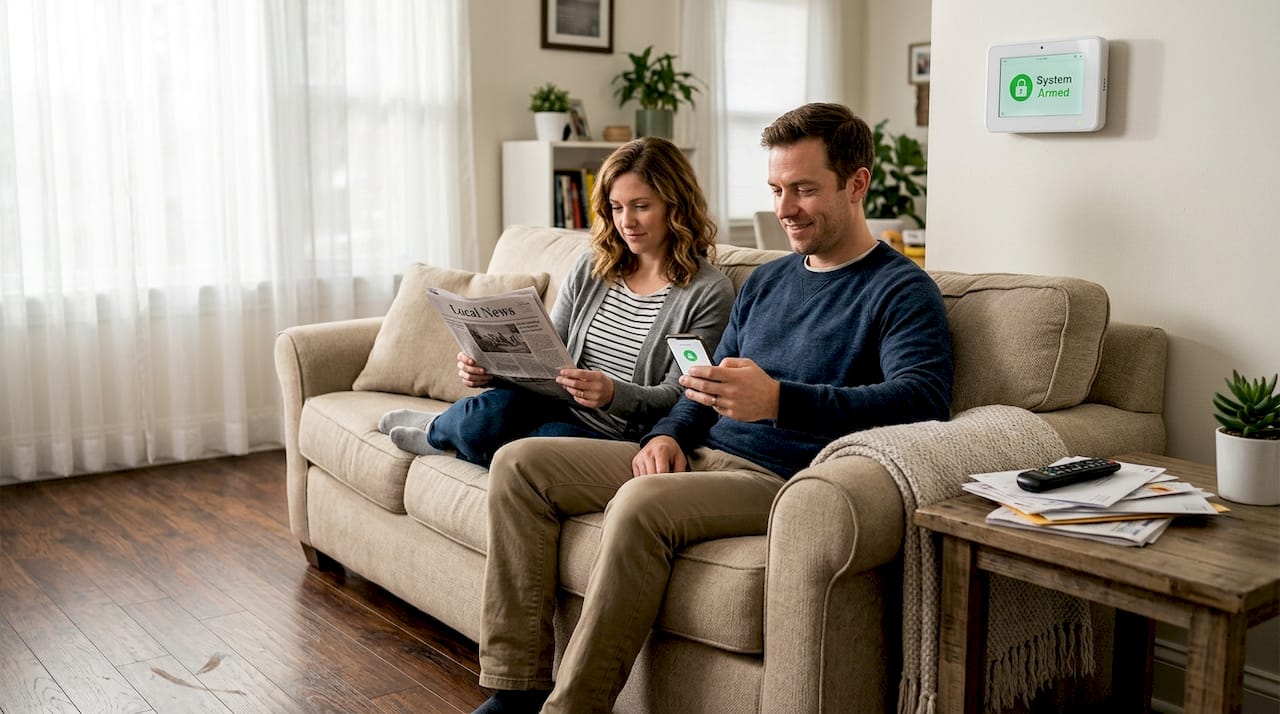
Most homeowners believe a traditional alarm system provides adequate protection, but this assumption leaves critical security gaps. Smart alarms revolutionize home safety by offering real-time monitoring, seamless integration with other devices, and intelligent threat detection that legacy systems simply cannot match. This guide explains why smart alarms are essential for modern home security, how they outperform traditional setups, and what features matter most when choosing a system. You will learn practical steps to integrate smart alarms into your home ecosystem and discover how to select the right solution for your specific needs in 2026.
Table of Contents
- Understanding Smart Alarms: What Sets Them Apart
- Comparing Smart Alarms To Traditional Security Systems
- Integrating Smart Alarms Into Your Smart Home Ecosystem
- Choosing The Right Smart Alarm For Your Home In 2026
- Explore Smart Alarm Solutions At Smart Home HQ
Key takeaways
| Point | Details |
|---|---|
| Real-time monitoring | Smart alarms send instant mobile alerts and allow remote control from anywhere |
| Superior integration | These systems connect with lights, locks, and cameras for comprehensive protection |
| Reduced false alarms | Intelligent sensors distinguish real threats from harmless activity |
| Customizable security | Systems adapt to your schedule and behavior patterns for personalized safety |
| Renter-friendly options | Wireless designs allow installation without property damage or permanent modifications |
Understanding smart alarms: what sets them apart
Smart alarms represent a fundamental shift in how we protect our homes. Unlike traditional systems that simply sound a siren when triggered, smart home alarm systems connect to your smartphone and other devices to create a responsive security network. The core difference lies in connectivity and intelligence. Traditional alarms operate in isolation, while smart systems communicate with your entire home ecosystem.
These advanced systems consist of several key components working together. Motion sensors detect movement and can distinguish between pets and intruders. Door and window sensors monitor entry points. High-definition cameras capture footage and stream it directly to your phone. The central hub processes all this information and coordinates responses. Everything connects through Wi-Fi or protocols like Zigbee, allowing seamless communication between devices.

What makes smart alarms truly powerful is their ability to learn and adapt. They recognize your daily routines and adjust sensitivity accordingly. If you typically arrive home at 6 PM, the system knows not to treat that as suspicious activity. Smart alarms provide real-time notifications and remote access not available with traditional alarms. You receive instant alerts when something unusual happens, whether you are at work or on vacation.

The mobile app serves as your command center. You can arm or disarm the system remotely, check camera feeds, and review activity logs. This level of control was impossible with older systems that required physical keypads. Integration extends beyond security devices too. Smart alarms can trigger your lights to turn on when motion is detected, lock doors automatically at bedtime, or adjust your thermostat when you leave home.
Pro Tip: Before purchasing any smart alarm system, verify it works with your existing smart home devices. Check for compatibility with platforms like Amazon Alexa, Google Home, or Apple HomeKit to ensure smooth integration and avoid frustrating setup issues.
Key advantages of smart alarms include:
- Instant notifications sent directly to your smartphone when sensors trigger
- Remote arming and disarming from anywhere with internet access
- Video verification to confirm threats before calling authorities
- Automation capabilities that coordinate multiple devices simultaneously
- Cloud storage for footage and activity logs accessible anytime
Comparing smart alarms to traditional security systems
The gap between smart and traditional alarm systems becomes clear when examining their core capabilities. Traditional systems rely on landline connections and basic sensors that cannot distinguish between genuine threats and false triggers. They sound a loud alarm and may contact a monitoring center, but offer no way for you to verify what triggered the system. This limitation leads to unnecessary emergency responses and wasted resources.
| Feature | Traditional Alarms | Smart Alarms |
|---|---|---|
| Alert method | Siren only | Mobile push, email, text, siren |
| Remote access | None | Full control via smartphone app |
| Video verification | Rarely included | Standard with most systems |
| Integration | Standalone system | Connects with entire smart home |
| False alarm rate | High | Significantly reduced |
| Professional monitoring | Often required | Optional with self-monitoring |
| Installation | Professional needed | DIY friendly options available |
Traditional systems create several frustrating problems for homeowners. Delayed alerts mean you might not know about a break-in until neighbors report it or you arrive home. The lack of video evidence makes it harder to identify intruders or recover stolen property. Limited customization forces you to accept generic settings that may not fit your lifestyle. Most critically, you cannot check your home status remotely, leaving you anxious during trips or long work days.
Smart sensors enhance home security by using advanced algorithms to reduce false alarms dramatically. They analyze multiple data points before triggering alerts. If a window sensor detects movement but cameras show your cat knocked over a plant, the system recognizes this as non-threatening. This intelligence prevents the alarm fatigue that causes people to ignore or disable traditional systems.
Modern smart alarms offer benefits that transform daily life:
- Verify alerts instantly through live camera feeds before taking action
- Receive detailed activity reports showing exactly when doors opened or motion occurred
- Create custom rules like automatically arming when everyone leaves home
- Share access with family members through individual user accounts
- Review historical data to identify patterns or security vulnerabilities
The improved emergency response time saves critical minutes. When you receive an alert, you can assess the situation immediately and contact authorities with specific information about the threat. This speeds up police response and increases the chance of catching intruders. Traditional systems waste time with monitoring centers calling to verify alarms, often allowing criminals to escape. Following a comprehensive home security checklist ensures you address all vulnerable areas when upgrading to smart technology.
Integrating smart alarms into your smart home ecosystem
Smart alarms deliver maximum value when connected to your broader home automation network. This integration creates a coordinated security response that adapts to threats automatically. When your alarm detects an intruder, connected lights can flood the property with brightness, smart locks can secure all entry points, and cameras can start recording from multiple angles simultaneously. This coordinated response happens in seconds without any action from you.
Successful smart home security depends on proper integration and setup of devices for comprehensive protection. The process requires careful planning but delivers substantial benefits. Start by mapping your current devices and identifying which protocols they use. Most modern equipment supports Wi-Fi, Zigbee, or Z-Wave. Choose a smart alarm hub compatible with these standards to avoid connectivity issues.
Follow these steps to integrate your smart alarm system:
- Install the alarm hub in a central location with strong Wi-Fi signal and connect it to your router
- Add sensors and cameras one at a time, testing each before moving to the next device
- Configure automation rules linking alarm triggers to lighting, locks, and other smart devices
- Set up user accounts for family members with appropriate access levels and permissions
- Create custom scenes for different scenarios like vacation mode or nighttime security
- Test the entire system thoroughly, including all automation sequences and alert notifications
- Document your setup and store backup codes in a secure location outside your home
Interoperability standards determine how well devices communicate. Look for systems certified by the Connectivity Standards Alliance or compatible with major platforms like Matter. These certifications ensure devices from different manufacturers work together reliably. Avoid proprietary systems that lock you into one brand, limiting future expansion options.
The convenience factor extends beyond security. Your alarm system can trigger morning routines, adjusting thermostats and opening blinds when you disarm it. Leaving home becomes simpler when one tap arms the alarm, locks doors, and adjusts climate settings. These automations save time and ensure you never forget critical security steps. Detailed guidance in the smart home security checklist helps you configure these features correctly.
Pro Tip: Schedule monthly system tests where you trigger each sensor and verify all connected devices respond correctly. This practice catches configuration errors or connectivity issues before they compromise your security during an actual emergency.
Integration also enables smarter notifications. Instead of generic alerts, you receive context-rich messages. Your system can report “front door opened while armed” or “motion detected in living room, camera shows unknown person.” This specificity helps you make better decisions about how to respond. The DIY smart home integration guide provides detailed instructions for connecting various device types and troubleshooting common problems.
Choosing the right smart alarm for your home in 2026
Selecting the ideal smart alarm system requires evaluating several critical factors against your specific needs. Start by assessing your property size and layout. Larger homes need more sensors and potentially multiple hubs to ensure reliable coverage. Consider how many entry points require monitoring and whether you need indoor cameras, outdoor cameras, or both. Your budget influences options, but remember that security is an investment in protecting everything you own.
| System Type | Key Features | Typical Price Range | Best For |
|---|---|---|---|
| Basic DIY | Door/window sensors, mobile app | $200-$400 | Apartments, renters |
| Mid-range | Cameras, motion sensors, smart integration | $400-$800 | Small to medium homes |
| Professional | Full coverage, monitoring service, installation | $800-$1,500+ | Large homes, high security needs |
| Specialized | Advanced AI, facial recognition, custom zones | $1,000-$2,000+ | Tech enthusiasts, complex properties |
Monitoring services add recurring costs but provide valuable backup. Professional monitoring means trained staff watch your system 24/7 and contact emergency services when needed. Self-monitoring saves money but requires you to respond to every alert personally. Many top smart security systems 2026 offer flexible plans letting you choose or switch monitoring options. Homeowners should consider features, ease of installation, compatibility, and customer reviews when choosing smart alarms.
Avoid these common purchasing mistakes:
- Choosing systems incompatible with your existing smart home devices and platforms
- Underestimating the number of sensors needed for complete property coverage
- Ignoring battery life specifications for wireless sensors requiring frequent replacement
- Selecting systems without adequate customer support or regular software updates
- Overlooking contract terms that lock you into expensive long-term monitoring agreements
- Focusing solely on price without considering reliability and user reviews
User interface quality matters more than many buyers realize. You will interact with the app daily, so it must be intuitive and responsive. Test the app before committing if possible. Check whether it offers features like activity timelines, easy rule creation, and quick access to live camera feeds. Poor app design turns sophisticated hardware into a frustrating experience.
After-sale support and software updates protect your investment long term. Security threats evolve constantly, requiring regular firmware updates to patch vulnerabilities. Companies that abandon products after a few years leave you exposed. Research the manufacturer’s track record for supporting older products and providing timely updates. Reading recent customer reviews reveals whether support quality meets expectations.
Renters face unique considerations since permanent modifications are usually prohibited. Prioritize wireless systems with adhesive mounting options rather than drilling requirements. Look for equipment you can easily remove and reinstall at a new location. Many modern systems cater specifically to renters with portable designs and damage-free installation methods. The home security checklist includes specific guidance for renters navigating these constraints.
Explore smart alarm solutions at Smart Home HQ
Ready to upgrade your home security with cutting-edge smart alarm technology? Smart Home HQ offers comprehensive reviews and comparisons of the latest systems available in 2026. Our expert team tests each product thoroughly, providing honest assessments based on real-world performance rather than manufacturer claims. We understand that choosing the right security system feels overwhelming, which is why we break down complex features into clear recommendations.

Browse our detailed smart alarm product table comparing specifications, prices, and user ratings across dozens of systems. Discover which top smart security systems 2026 earned our highest marks for reliability, ease of use, and value. Our guides walk you through every step, from initial setup to advanced automation. Learn best practices for smart home setup that maximize your system’s effectiveness while avoiding common configuration mistakes. Take control of your home security today with expert guidance and trusted product recommendations.
FAQ
What are the benefits of a smart alarm over a traditional alarm?
Smart alarms deliver instant mobile notifications the moment sensors trigger, allowing you to verify threats through live video before taking action. They integrate seamlessly with lighting, locks, and cameras to create coordinated security responses. Advanced sensors significantly reduce false alarms by distinguishing between pets, family members, and genuine intruders. Remote control capabilities let you arm, disarm, and monitor your system from anywhere with internet access.
Can renters install smart alarm systems without damaging property?
Yes, many smart alarm systems are specifically designed for renters with wireless sensors and adhesive mounting options that require no drilling or permanent modifications. These portable systems can be easily removed and reinstalled at your next residence without leaving damage. Look for products marketed as renter-friendly or DIY installation that emphasize damage-free setup. The home security checklist for renters provides specific product recommendations and installation tips for temporary living situations.
How do smart alarms integrate with other smart home devices?
Smart alarms connect through Wi-Fi or protocols like Zigbee and Z-Wave to communicate with lighting, door locks, thermostats, and cameras throughout your home. When the alarm triggers, it can automatically turn on all lights, lock doors, start recording on cameras, and send alerts to your phone simultaneously. This integration enables sophisticated automation like arming the system when you leave home or adjusting climate settings based on security status. Following a comprehensive smart home integration guide ensures all devices work together reliably.
How much does professional monitoring cost for smart alarm systems?
Professional monitoring typically costs between $15 and $60 per month depending on the service level and features included. Basic plans cover 24/7 monitoring with emergency dispatch, while premium tiers add video storage, cellular backup, and priority response times. Many companies offer flexible contracts allowing monthly cancellation rather than requiring long-term commitments. Self-monitoring remains free with most systems, though you sacrifice the backup of trained professionals watching your home continuously.
Do smart alarms work during power outages or internet failures?
Quality smart alarm systems include battery backup that keeps sensors and the hub operational for 24 to 48 hours during power outages. Cellular backup connections maintain communication with monitoring services and your phone even when internet fails. However, features requiring internet like live video streaming and remote control become unavailable until connectivity restores. Choose systems with both battery and cellular backup for maximum reliability during emergencies and natural disasters.
Recommended
- Why Prioritize Smart Home Security Now
- Smart Home Alarm Systems Guide: Reviews, Costs & Installation
- Smart Security Systems 2026: Review The Top Options
- Security systems in smart homes 2026: The complete guide